I posted before on Port Lonsdale pier here. I have a lightweight version of Photoshop (Essentials) and wasn’t able to export the RAW to jpg again. That first time was kind of an accident! Now I have a bit of software available from Sony for my camera that allows me to open a RAW file, fiddle a bit, and export to jpg. Well, I still don’t have a lot of control, but I kind of like these anyway.
On this one I specified a gray point, whatever that means, but I shifted the color a bit. Took out some blues.
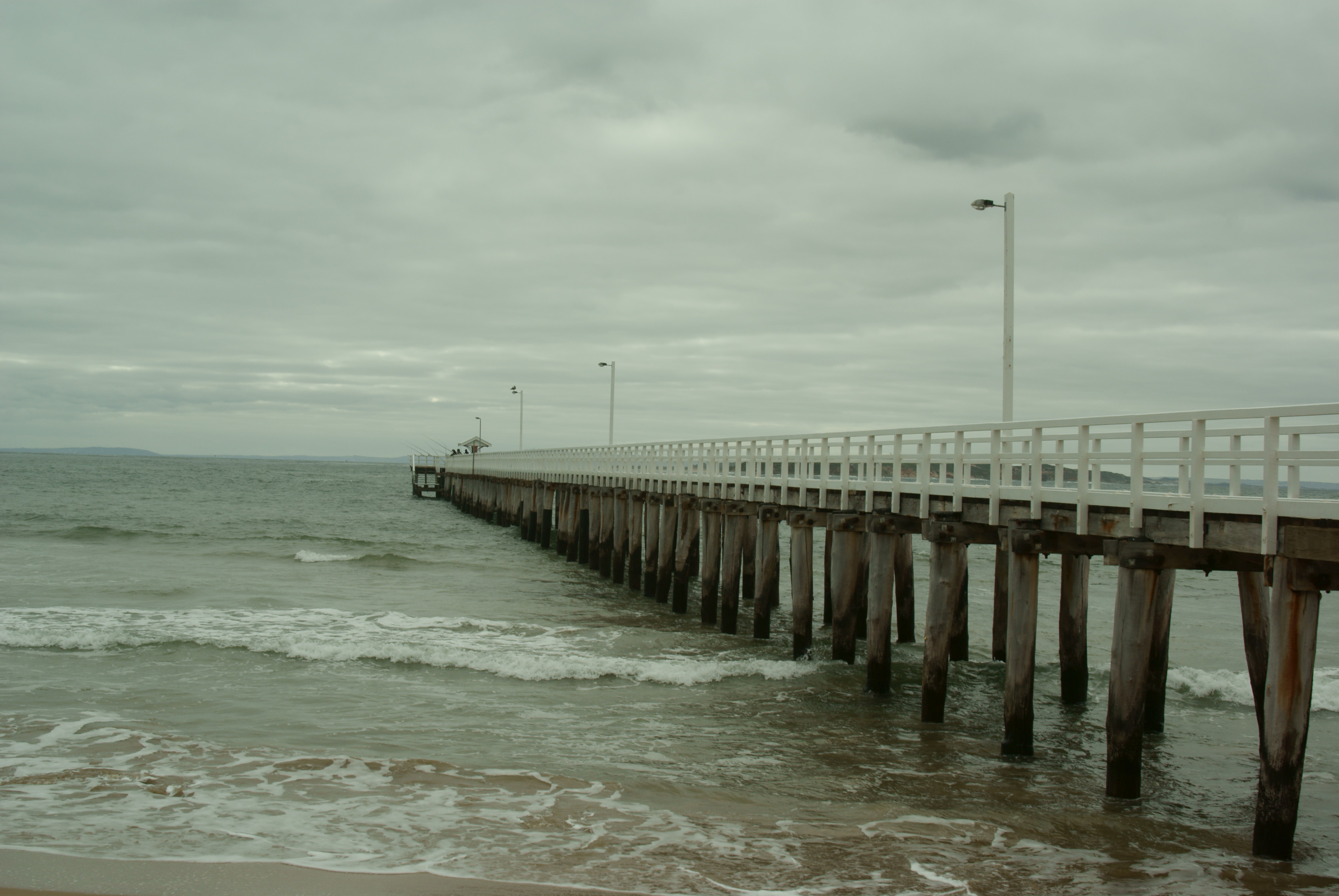
This one is a different angle on the pier. I warmed it slightly. Then I applied a “creative effect” called landscape. Then I quickly typed here what I was doing so I wouldn’t forget. Then I adjusted something called a D-range Optimizer where I added +17 to the Amount of highlighting. (Shrugs.) Then I lowered the highlighting a lot and raised the shadows a little, managing to reduce some of the white foam in the waves. Well, then I switched from landscape to nightview in the Creative Style, applied some noise reduction and voila.

Then again, here’s the original:
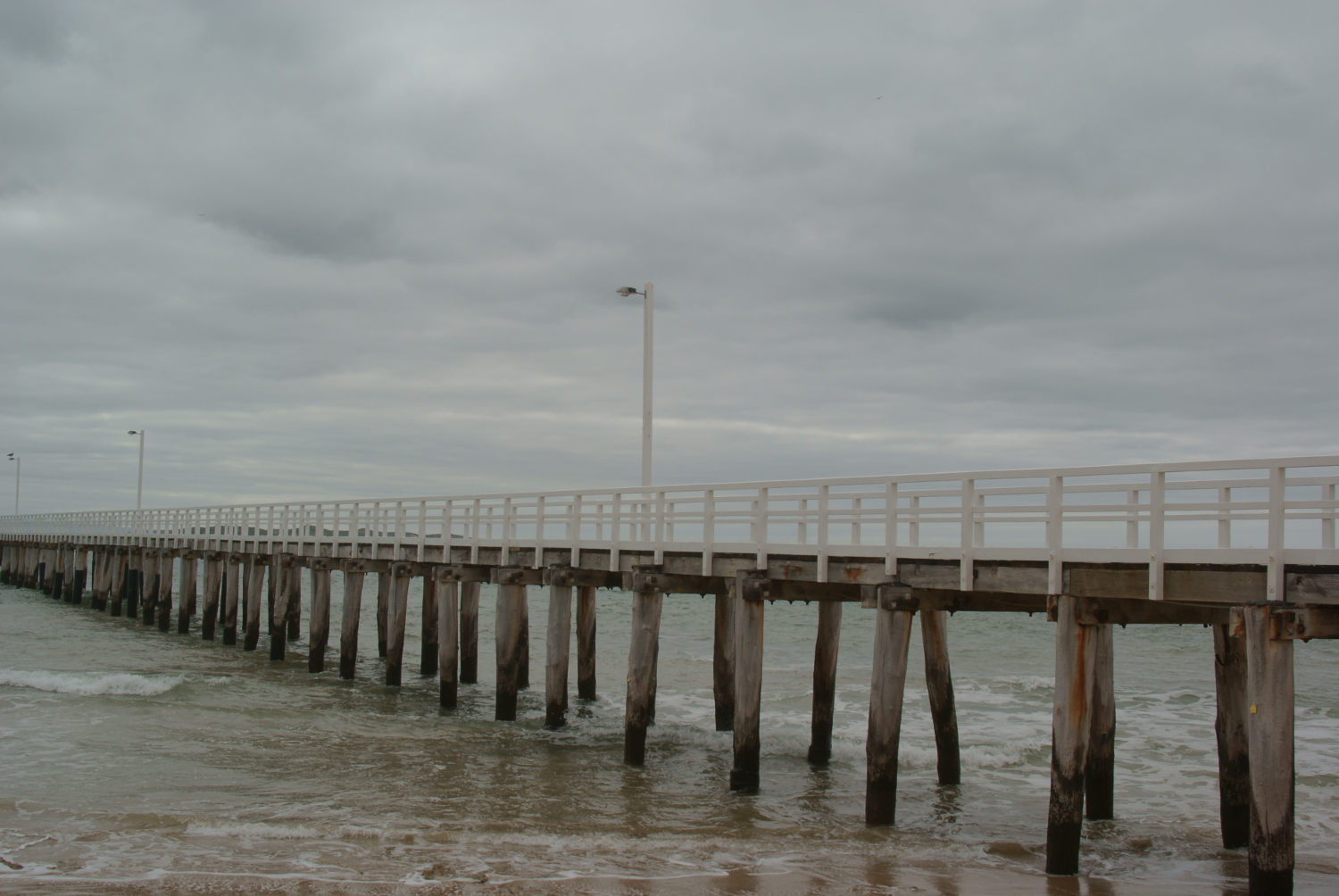 Is the fiddled-with one better?… Looking at WordPress Preview…
Looks about the same, ha ha!
I might need to take a class.
 Nicci Carrera