
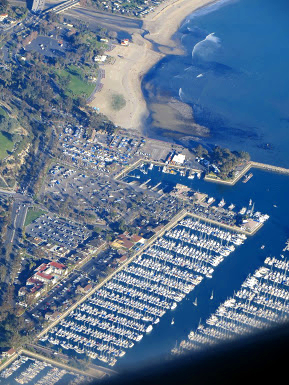
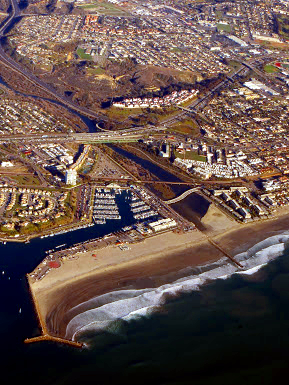

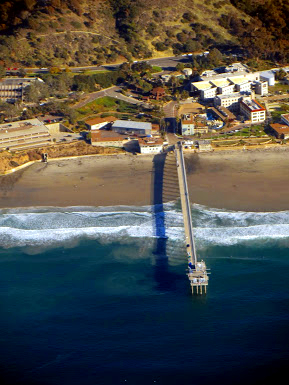
No digital enhancements on the Featured image or on the next 3.

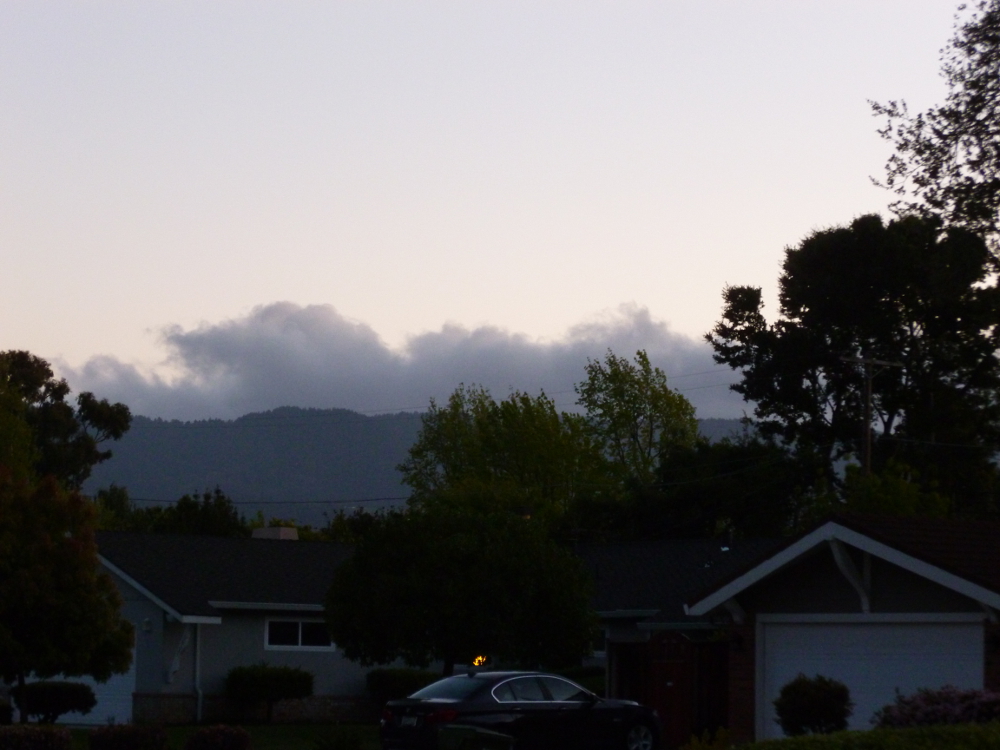
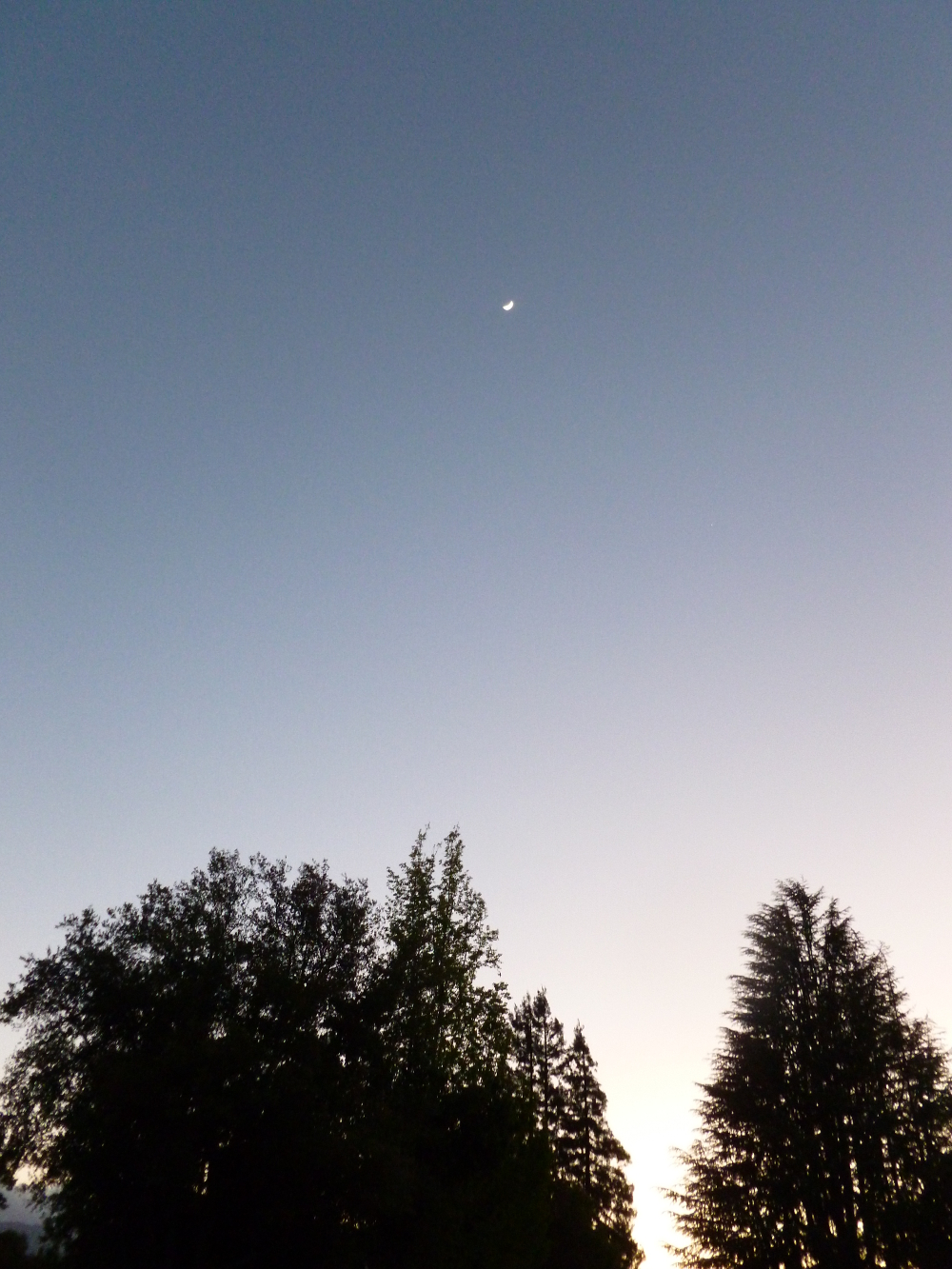
Nik software filters applied, Brilliance and Warmth decreased, then Contrast Only applied.

The original is better.
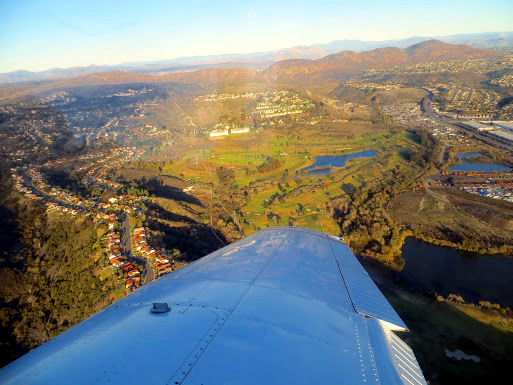

The feature photo has no photo enhancement.
This is the same photo with Corel Painter Essentials Auto Painting->Detailed Watercolor applied. Beautiful but why…
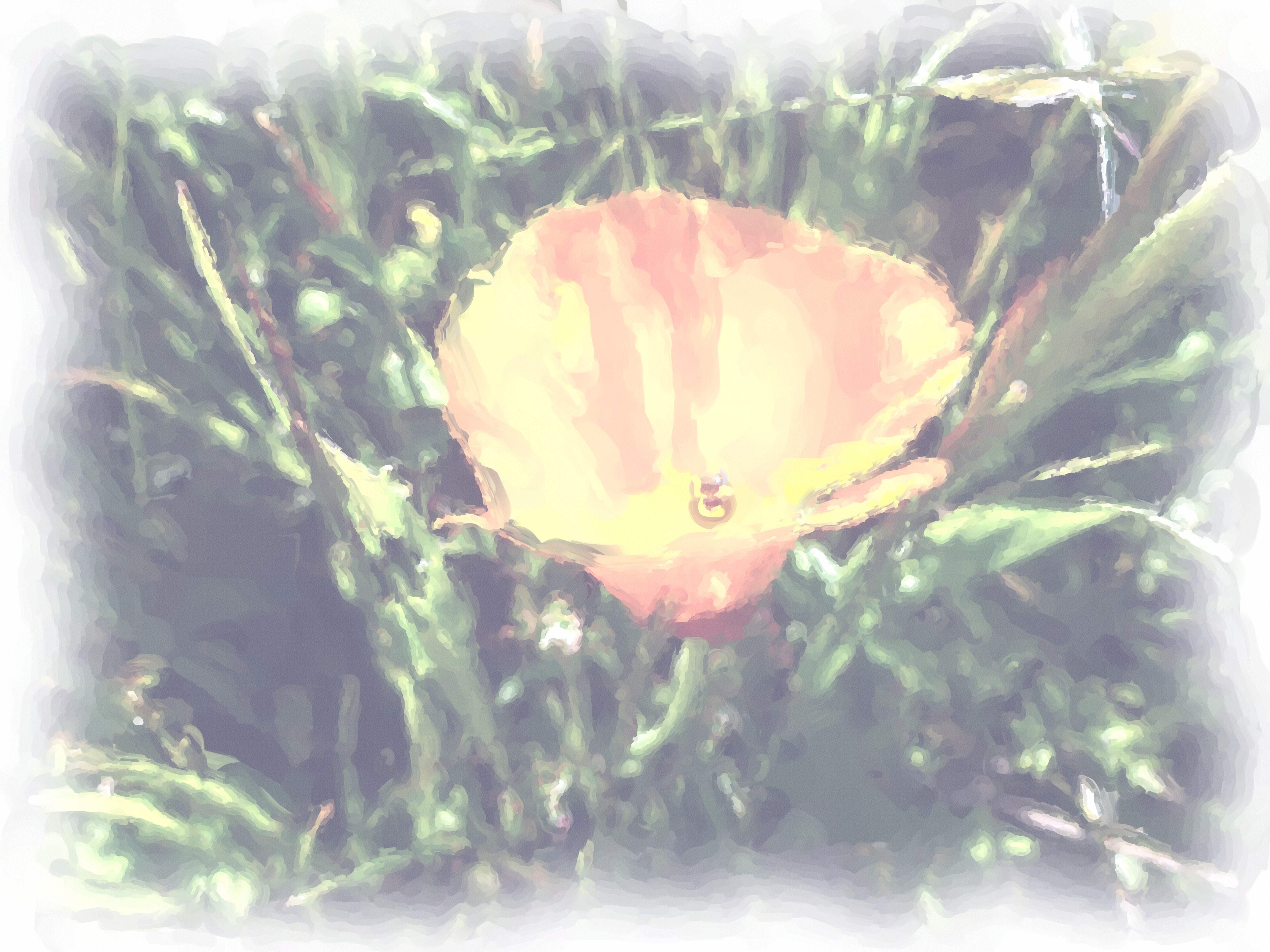
so faded? How to enrich it in Corel Painter Essentials, don’t know, so… (good ‘ol) GIMP, Colors->Auto->White Balance followed by Colors->Auto->Color Enhance. Satisfaction.
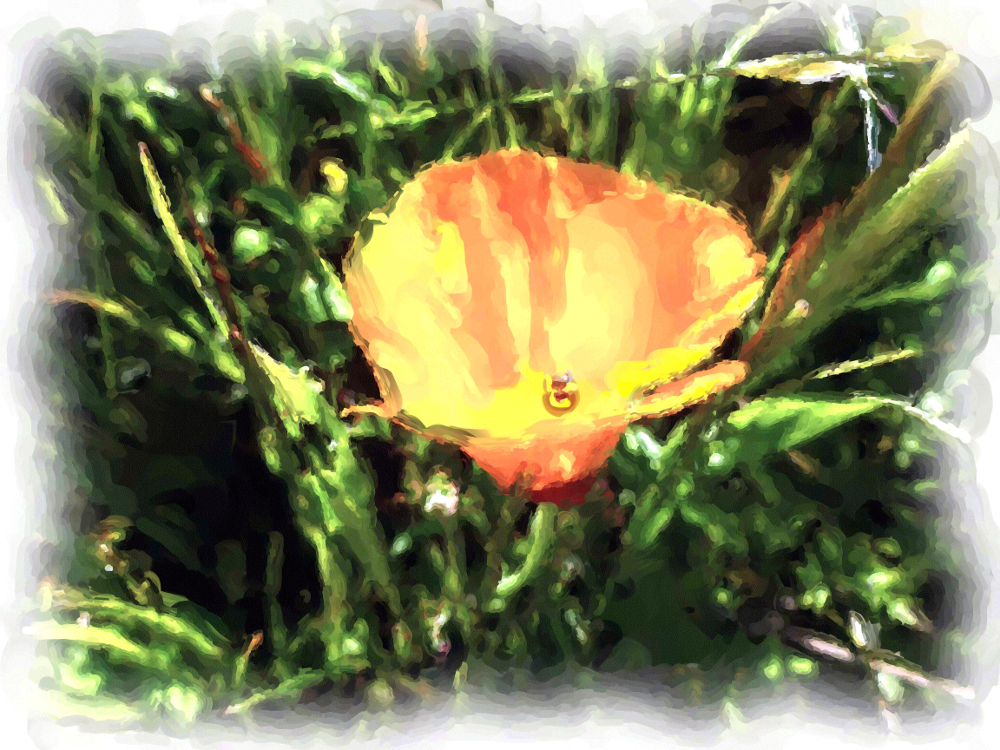
This next one has Photoshop Essentials Enhance->Auto Smart Fix applied because the poppy was too out of focus and this tool improved it enough to make the photo work. Intention was poppy in focus, grass blurry but opposite achieved. (Working with LCD display in bright sunlight without knowing the camera that well, and in a hurry.) Nonetheless, this composition makes the photographer happy.
 I
I
The next photo is out of focus, but included for comparison to the featured photo.
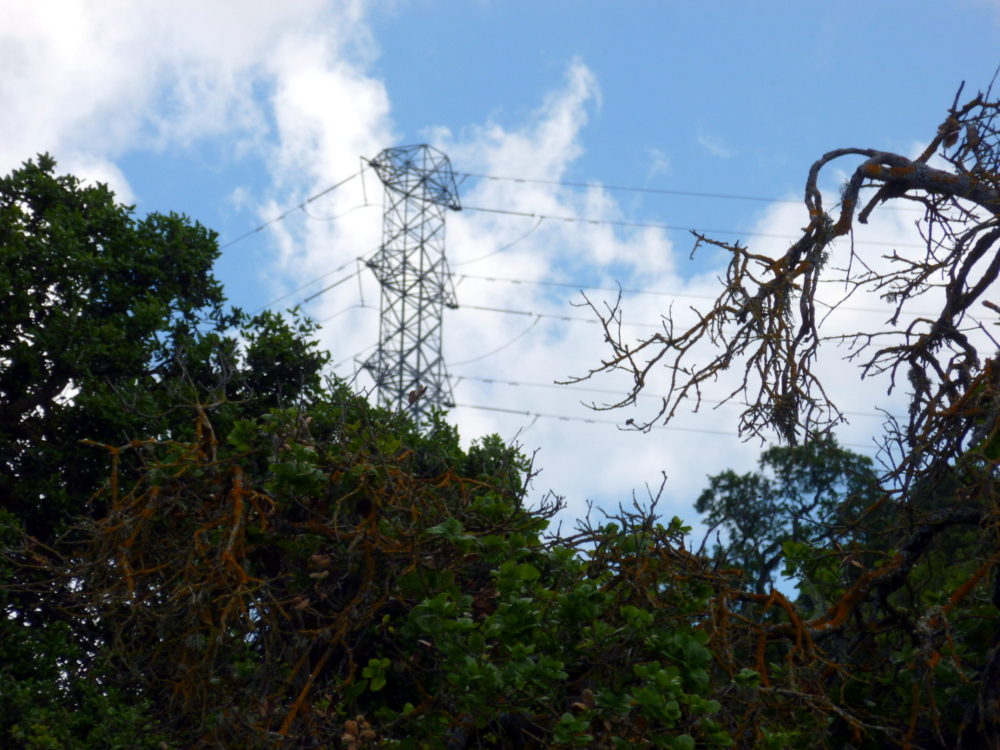
I prefer the featured photo’s composition. It looks lonely to me, and dramatic. The emphasis on the branch in the foreground in the latter picture reduces that effect, to me.
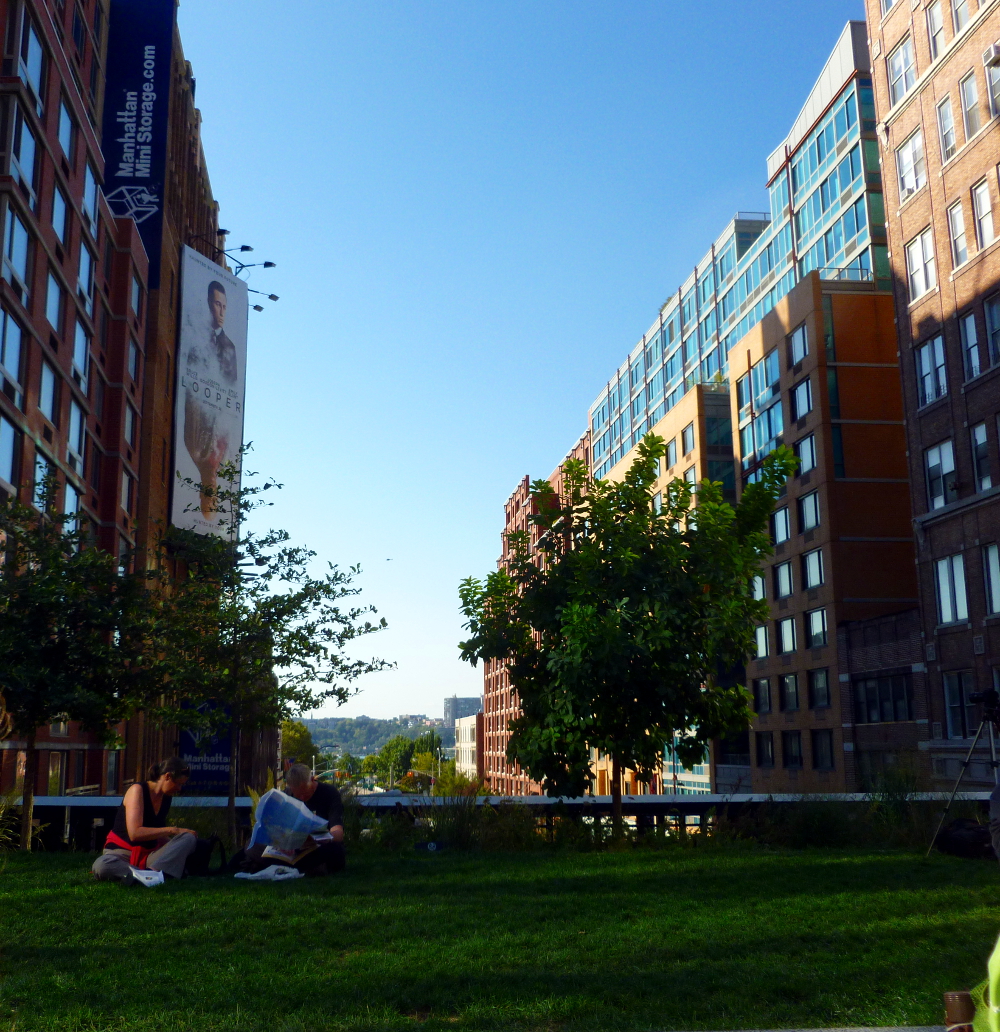
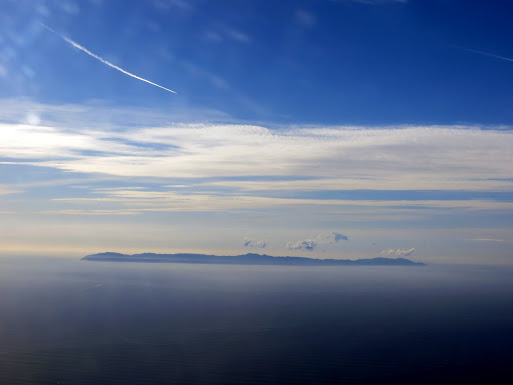
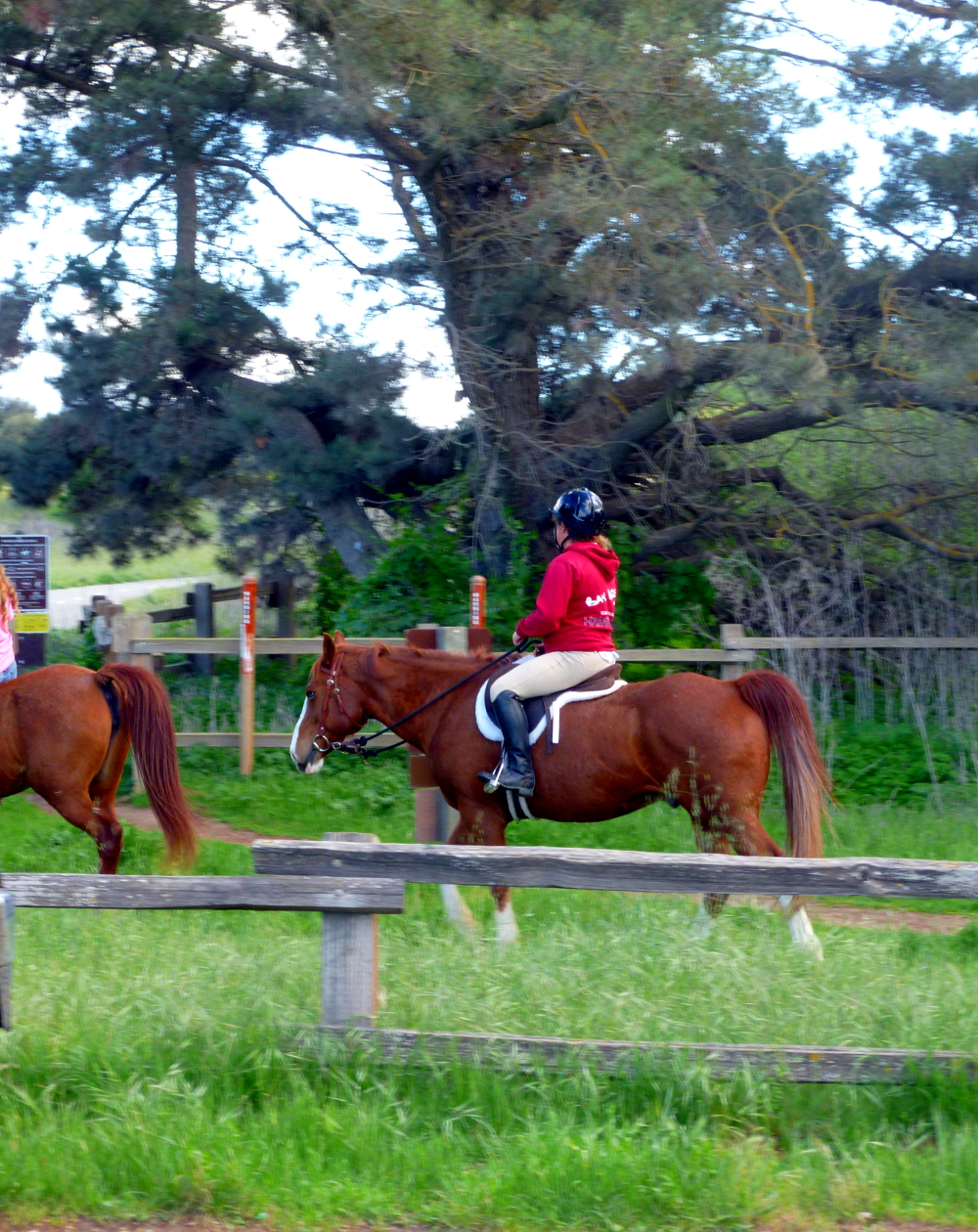
The next photo has GIMP color enhance applied, as well as white balance. All of the others have white balance only.





 Nicci Carrera