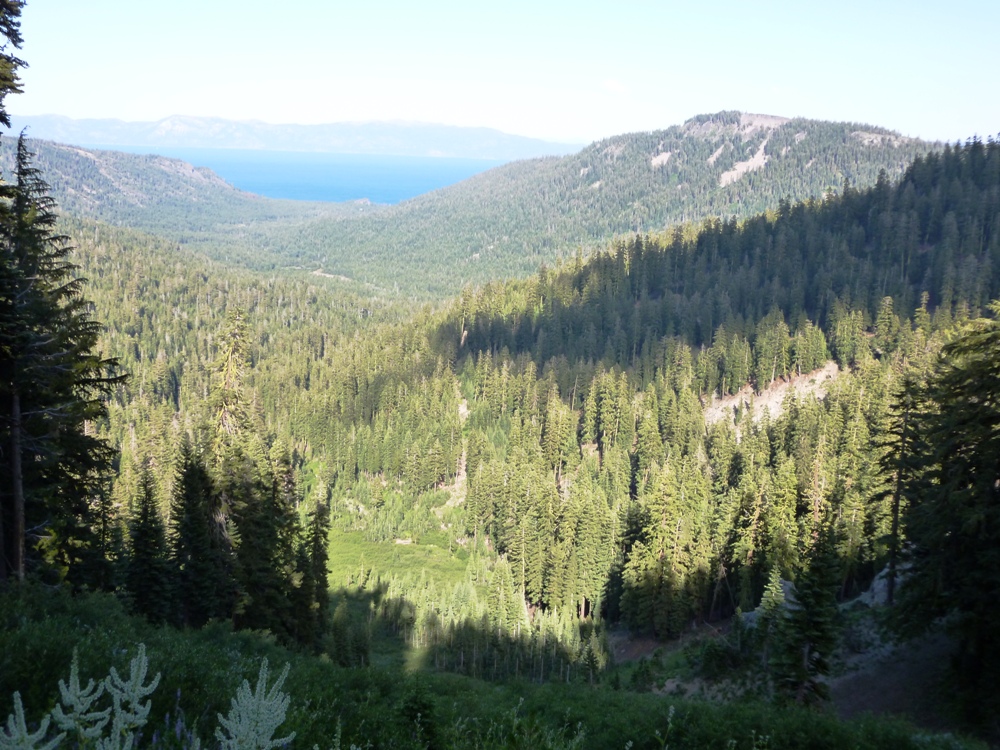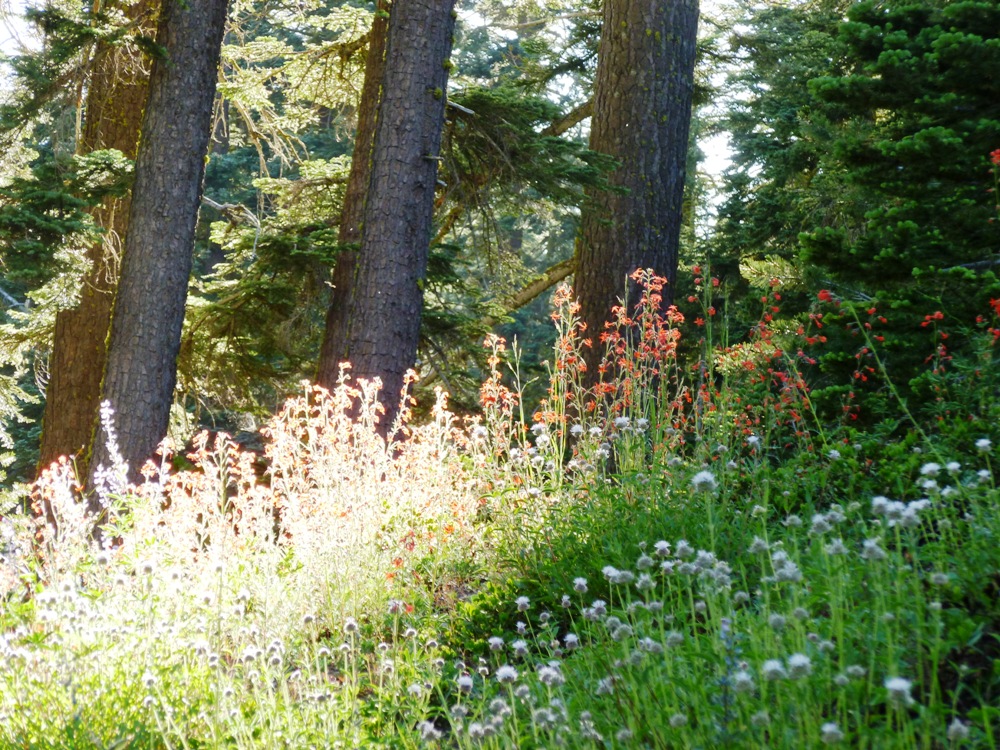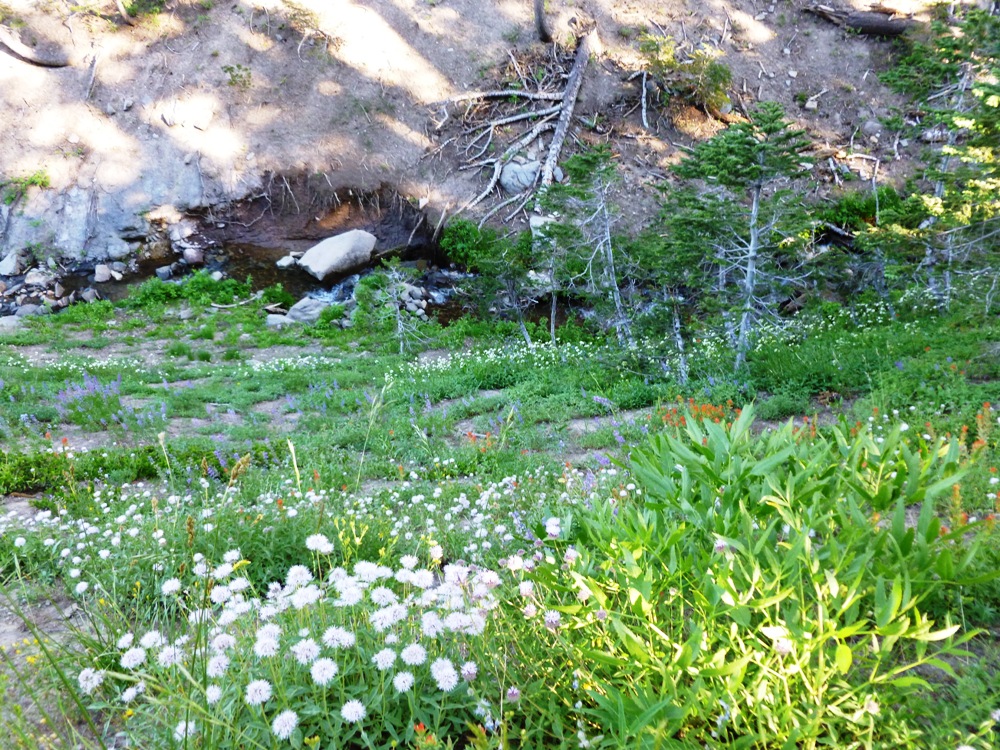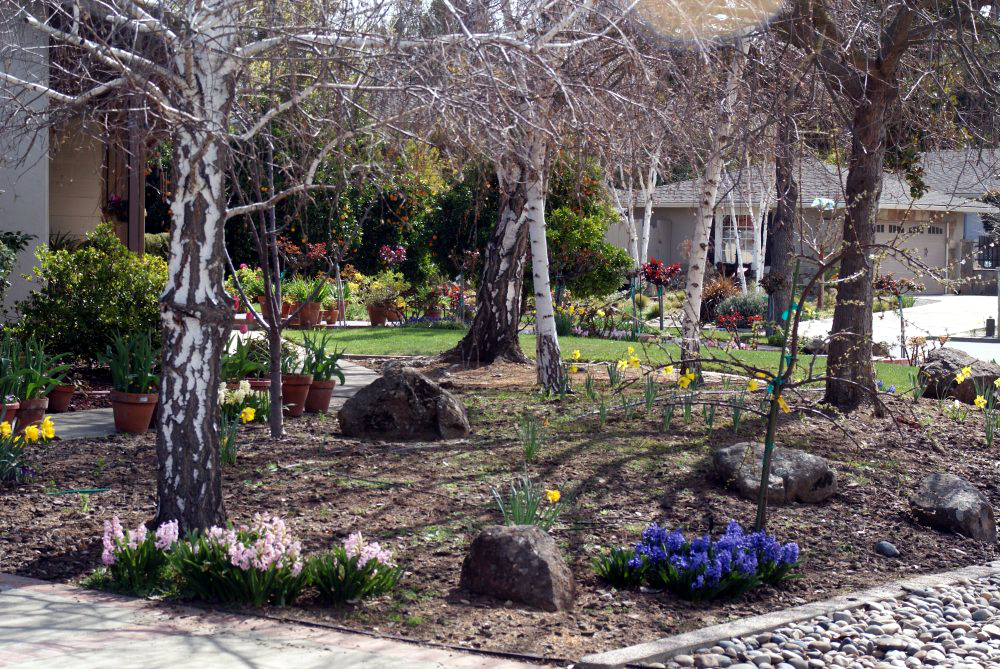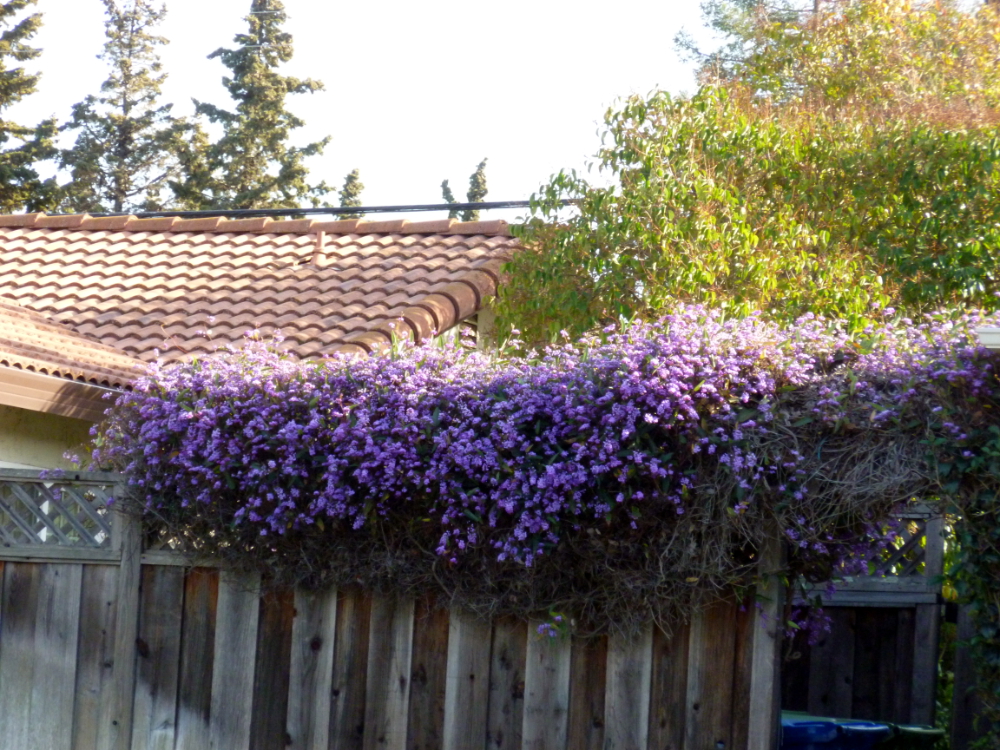
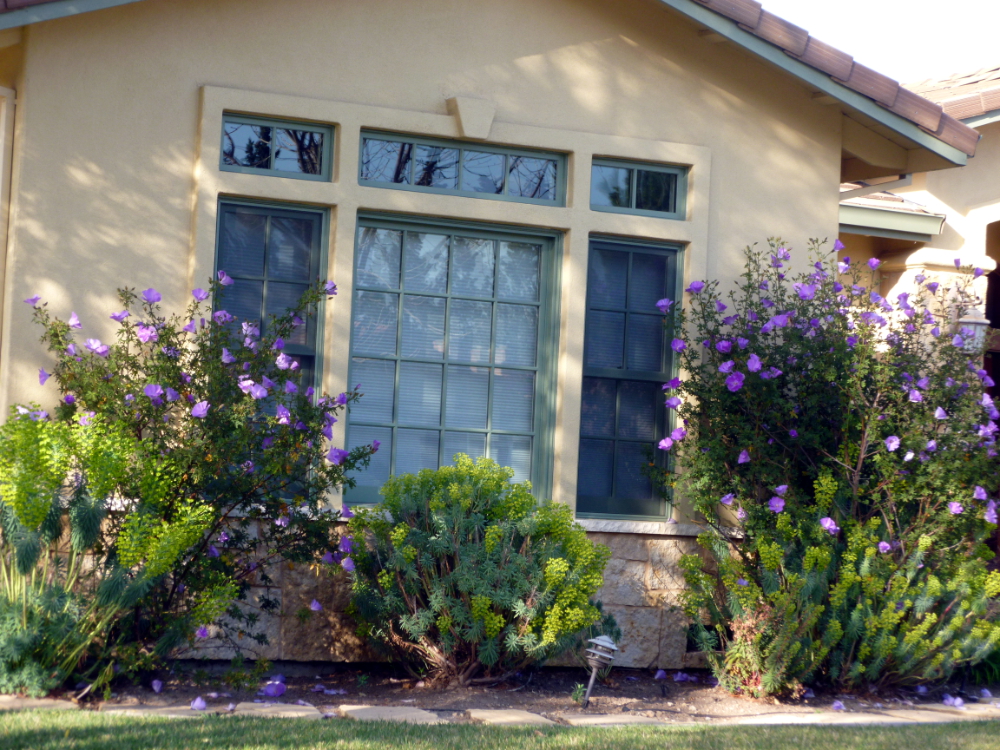
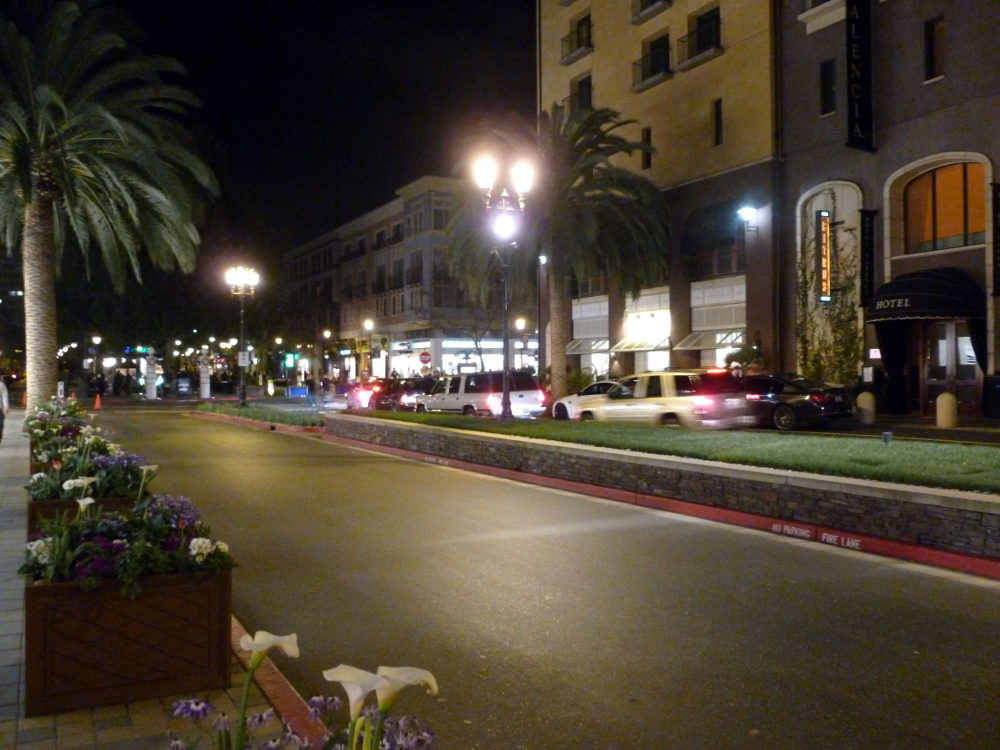
The night is young:

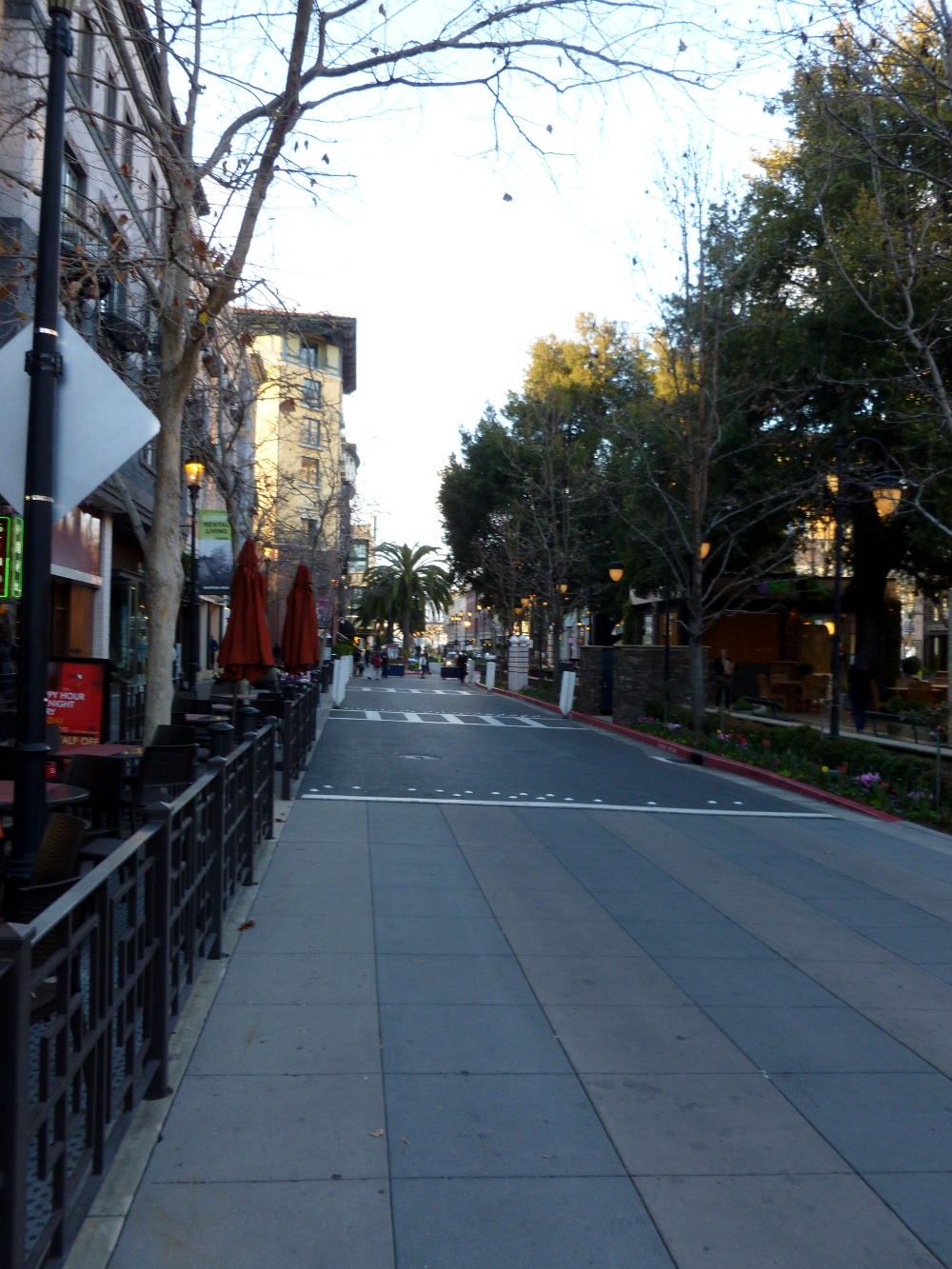

Half-yard beers at The Yardhouse:
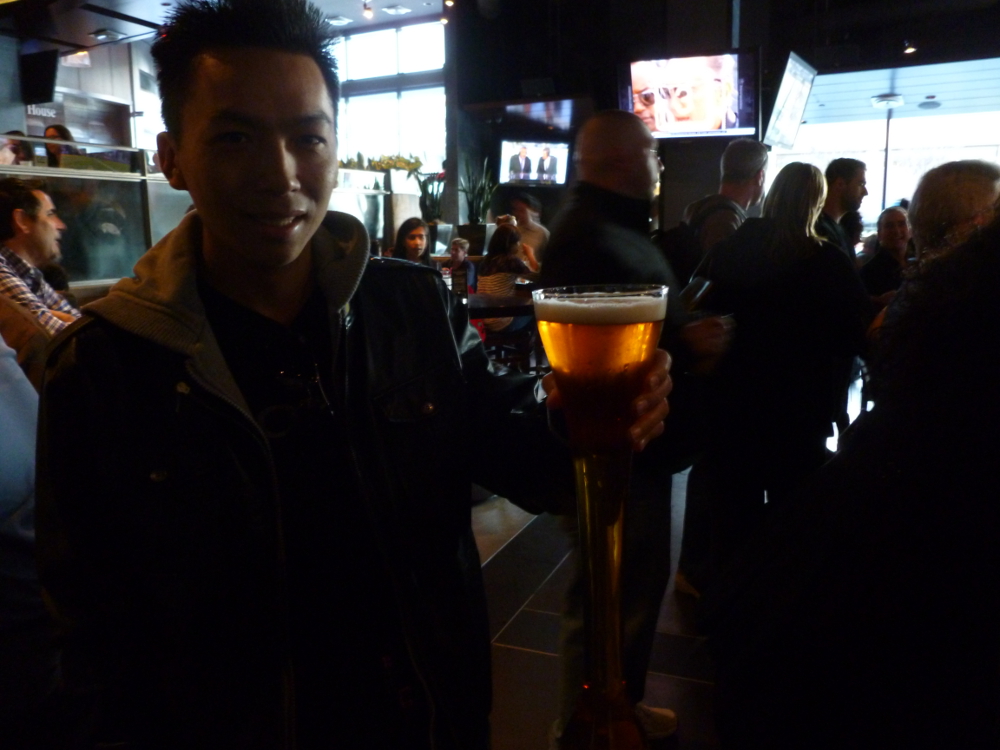
Friends, waitress, food!


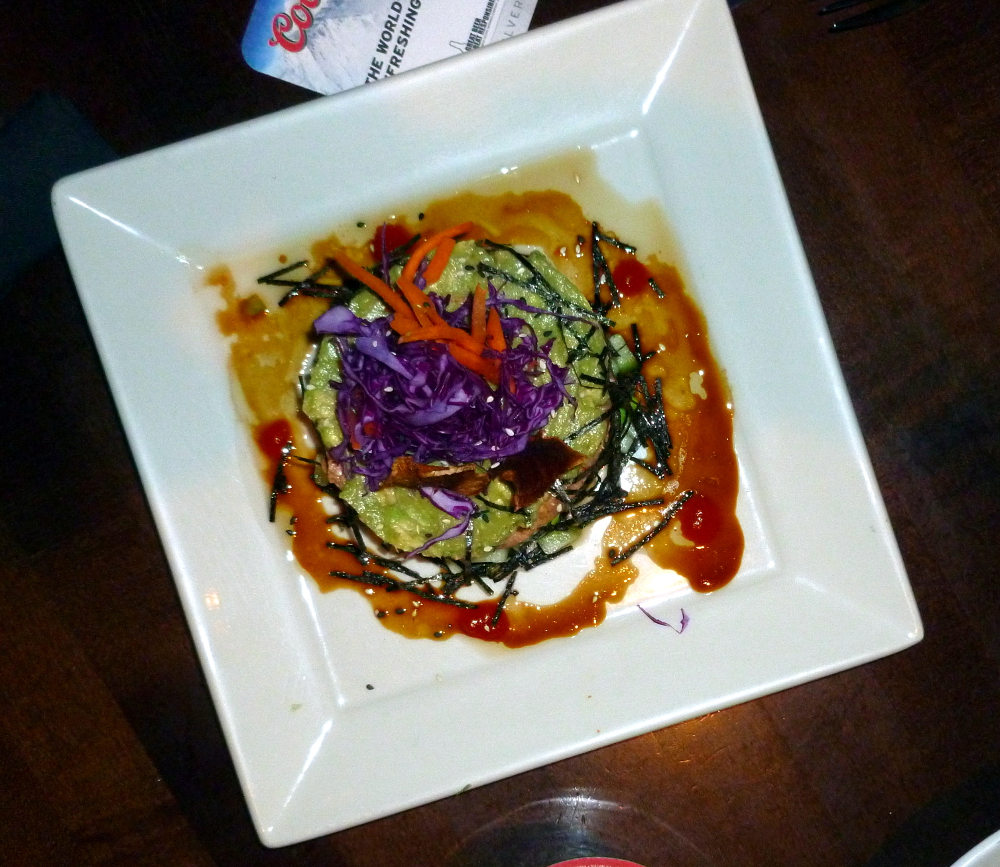
Spicy tuna “roll” (more like a torte):
Garlic noodles with shitake mushrooms (bottom) and kung pao calamari (top):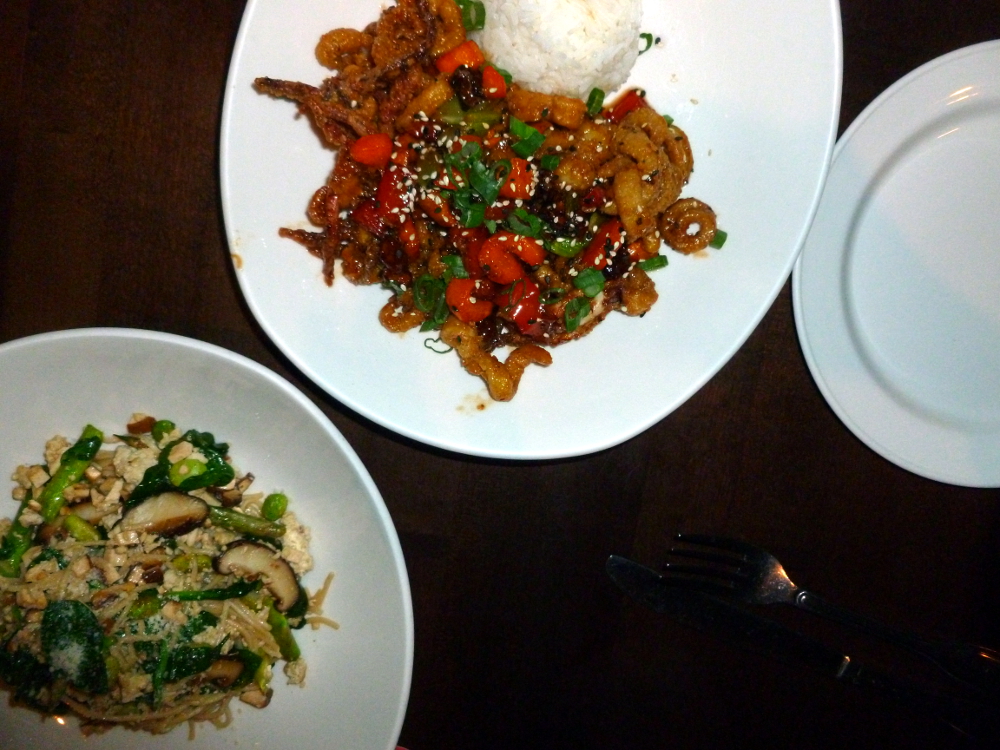
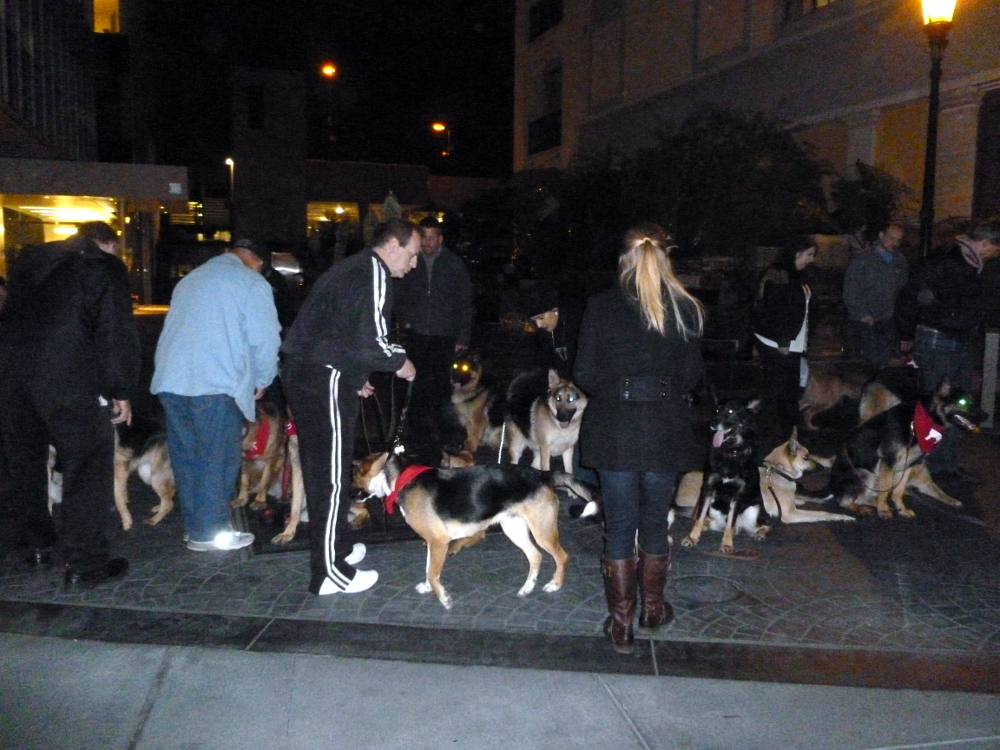
Shepherding the shepherds:
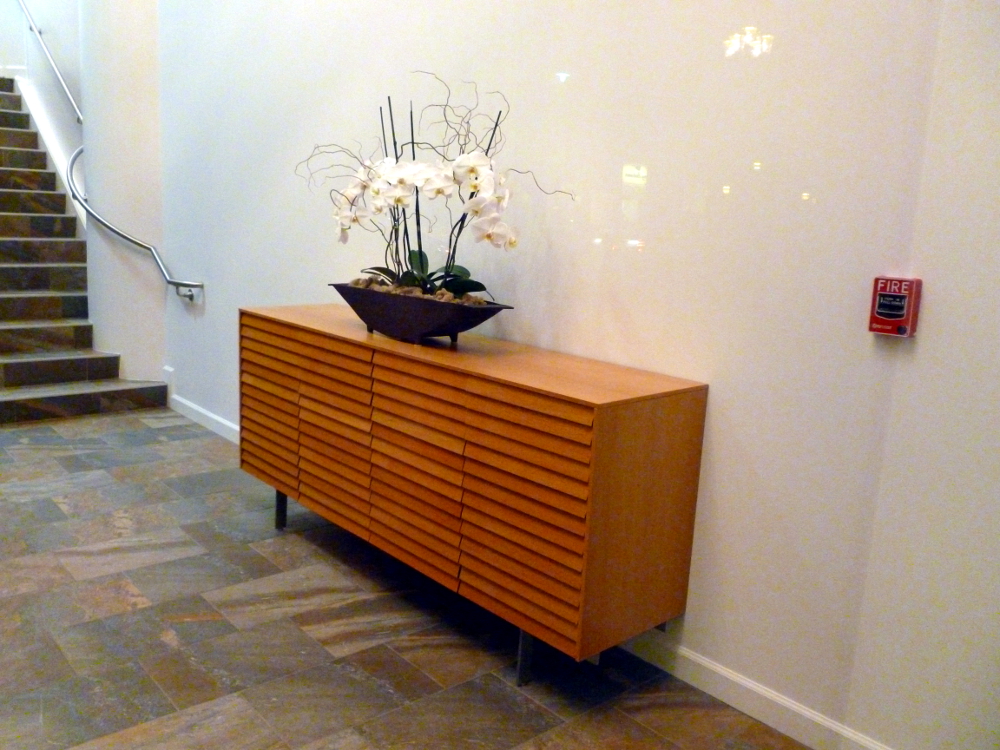
Simple and elegant:
The night ripens:
Finishing the novel
feels wonderful.
But –
dust coats the stereo
receipts fill a bag
taxes lie in wait
the kitchen floor
lurks.
Where is my desk?
Forget all this!
Start another
novel!
March 9, 2013 © Nia Simone







The end of the novel
looms like a new house
that felt so bright and cheery
until someone turned the lights off.
Now it is dark.
Unfamiliar.
Threats invisible
in the light
lurk in the dark.
Turn the lights on!
The house is gone.
Now there is a vast desert wasteland.
Between here and
The End
a small percentage
of what’s already done
looms insurmountable.
I shade my eyes
with my hand
squint at the horizon.
Swallow dust.
Type a word.
I
will
get
there
if
I
have
to
c
r
a
w
l
.
03/04/2013 © Nia Simone
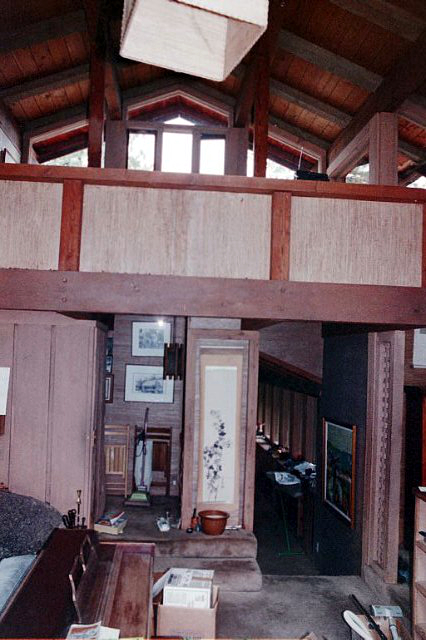
In Mountains of Peru, there were some GIMP tips. Turns out the part about exporting it as JPEG is easier than described. There’s a box at the top that gets filled in with what you use most, so if you use JPEG mostly, it fills in the name of the file and defaults to replacing the original with the new, enhanced file. Then you can just click Enter instead of having to scroll down in the Select File Type By Extension menu each time.
Also, in What blooms in March, there’s a tip about using the Select by Color tool. That’s great, but it’s tricky to get GIMP to release that tool, even if you close the image and open a new one. To turn it off, use the Select menu: Select->None.
Also, some of the auto enhancements get too much of a primary color in them. Still figuring that out.
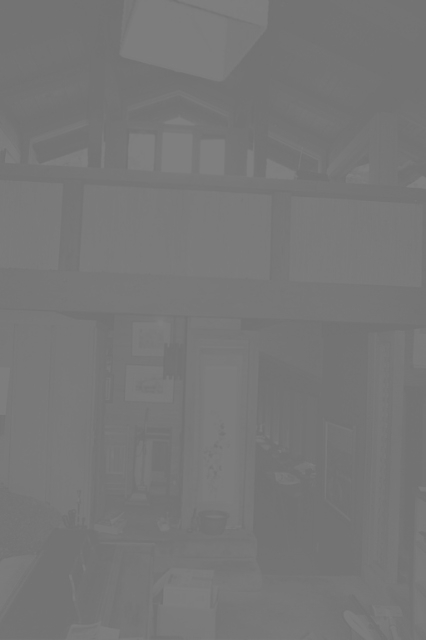
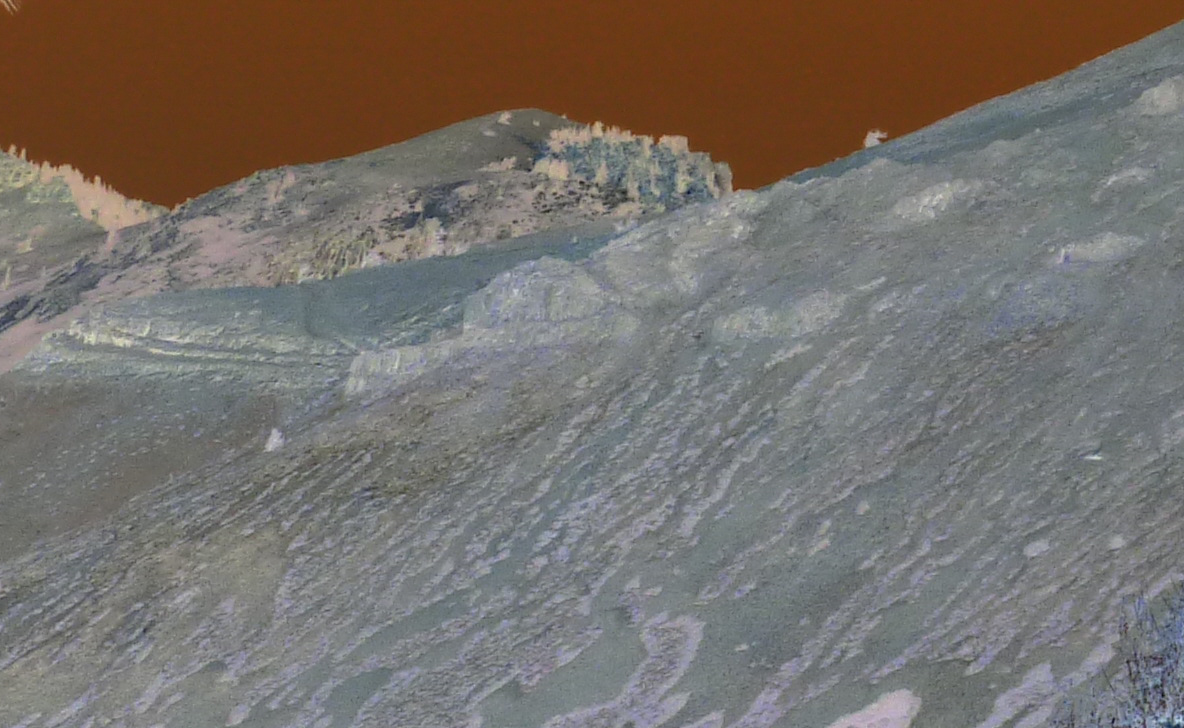
The spooky version of the bleak mountain was done with Colors-Invert. The dark version of the house was made black and white by using Colors->Colorify, checking the preview box, seeing it had defaulted to black and white, and clicking Ok.
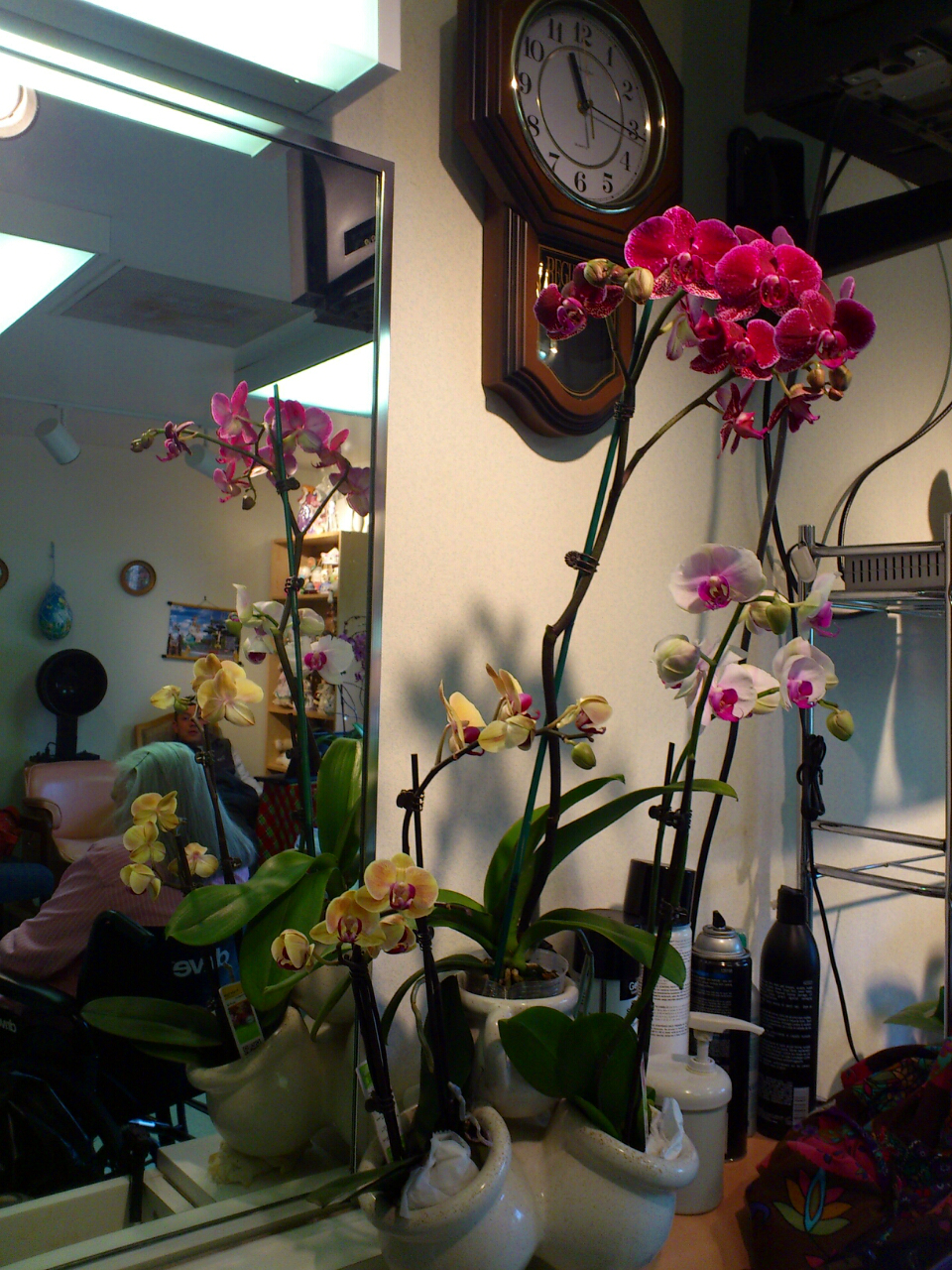
She runs the beauty salon at the assisted living facility. Every Monday, she buys a new orchid.
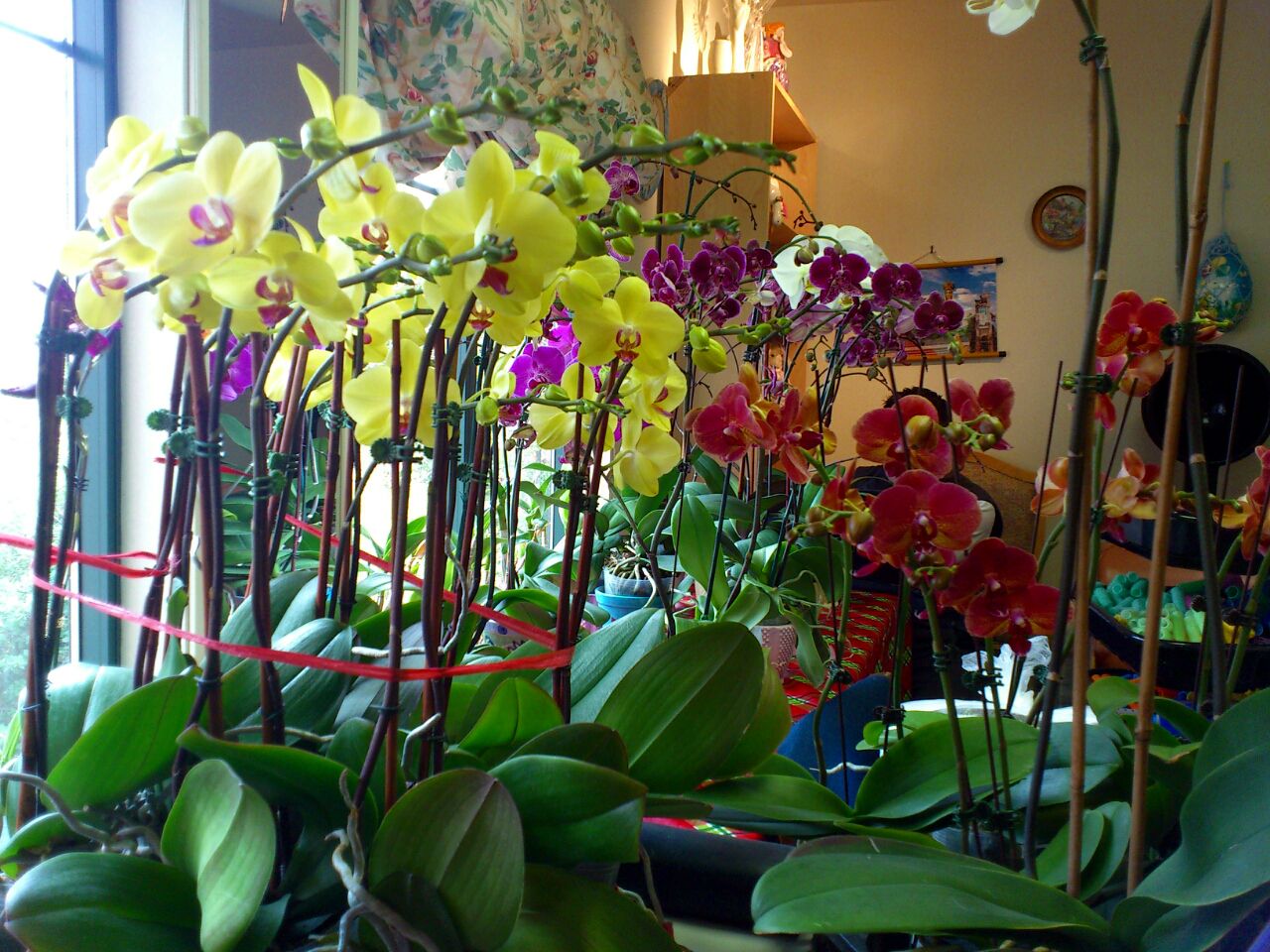
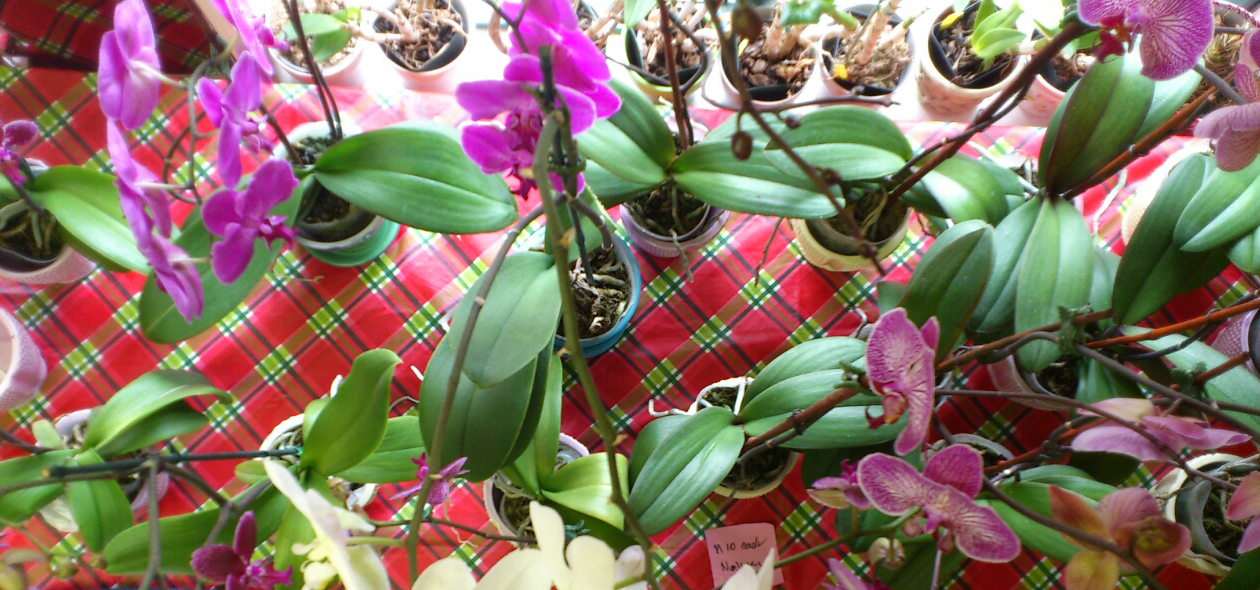
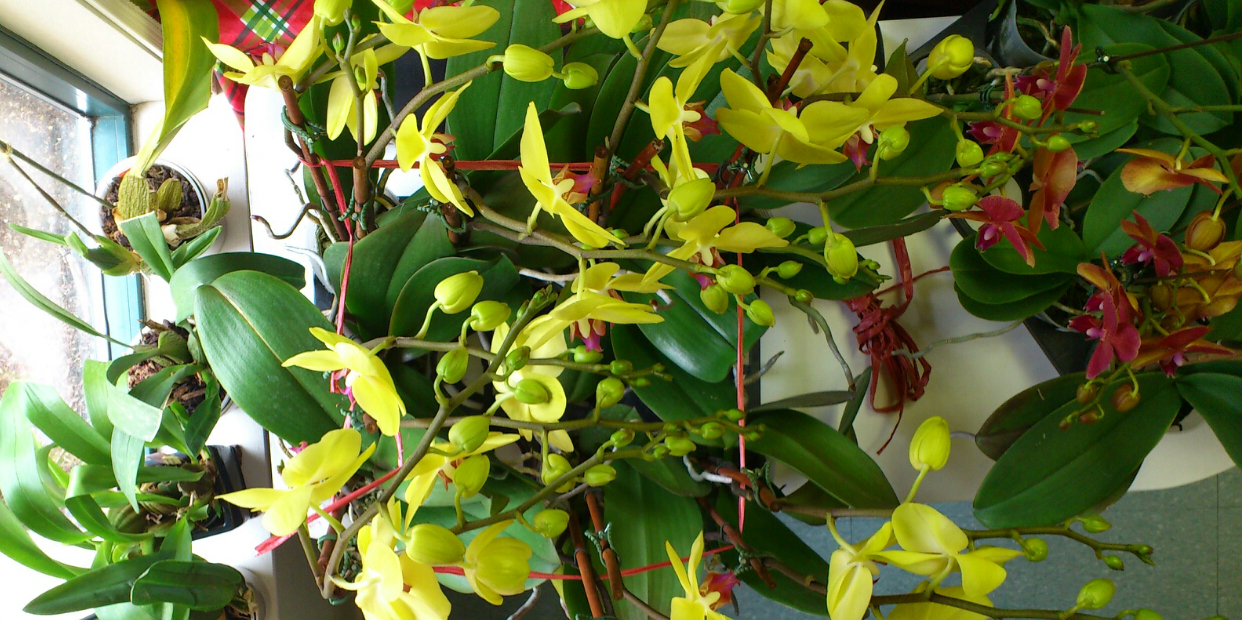
She enjoys it at home for two days and then brings it to the “office” to share with her clients.
June 17, 2013 update: The author created a “radio play” of the first part of Horse II. It’s really good, and not too long. You can get the MP3 on her site:
http://www.coffeecontrails.com
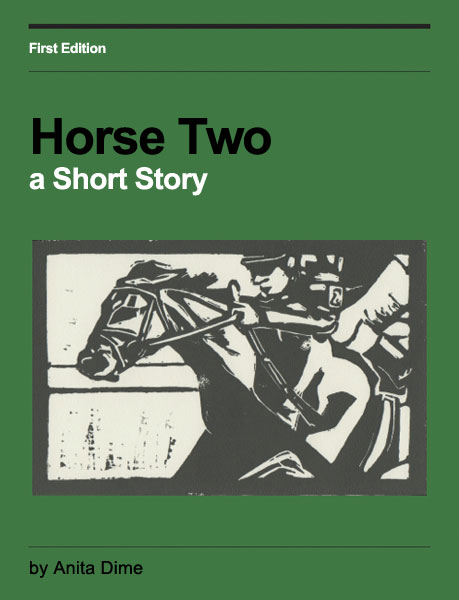
Recommend short story for writers and readers with an interest in noir and a taste for literature that makes you think. Some caveats to this recommendation are below.
****SPOILER ALERT****
This high-quality short story includes original linocuts by the author. In the noir genre, it explores how a convenient choice, one made to get oneself out of a bind, can destroy love, both romantic love and love of one’s favorite thing in life.
Not for the faint-of-heart, this story involves the murder of a horse. Keep going, though. See where the author takes it. Enjoy her spare, very deep point-of-view craftsmanship as well as her success in male POV.
The story is spot-on in its rendering of the impact a single bad choice can have on a person’s life. Like many literary works of fiction, while the reading of it challenges, the thoughts stick. This quiet, small situation affecting just a few not-famous people is a study in the same phenomena behind the catastrophic mistakes made by people who hit the news when their bad, short-term choices affect millions of people.
If you are a Romance genre reader, this story provides the yang to the yin of happily-ever-after outcomes. That is, in Romance, while the characters make seemingly irretrievable mistakes along the way, in the end, they are able to overcome their mistakes and achieve love. This story explores the opposite ending.
The big craft take-aways are: Set the stakes high and choose the pivotal experience in the character’s life.
The murder of the horse is softened at the end of the book. You’ll feel better.
The linocuts are beautiful and enhance the noir experience.
You can buy it here: Horse Two
Author websites: Anita Dime, Flat Car Studios
A great review of this story is here: NoirWHALE
Tips for using GIMP follow today’s photos.
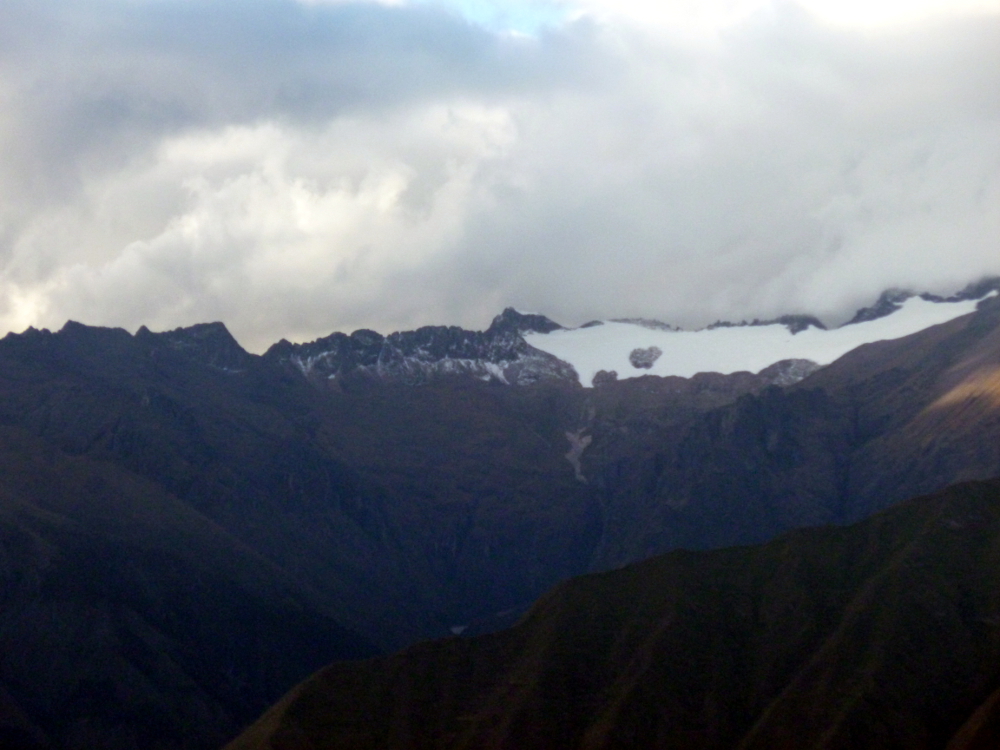
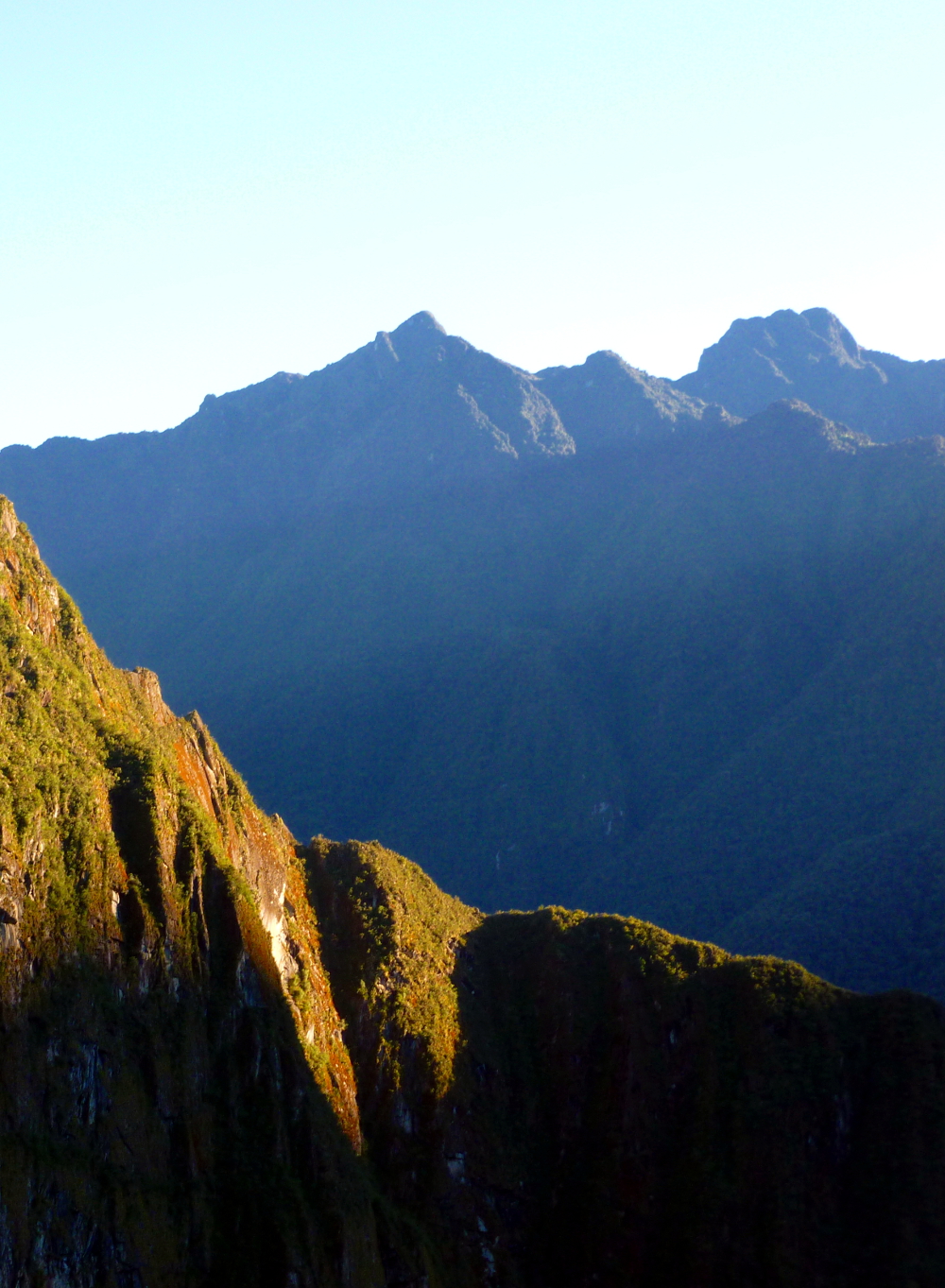
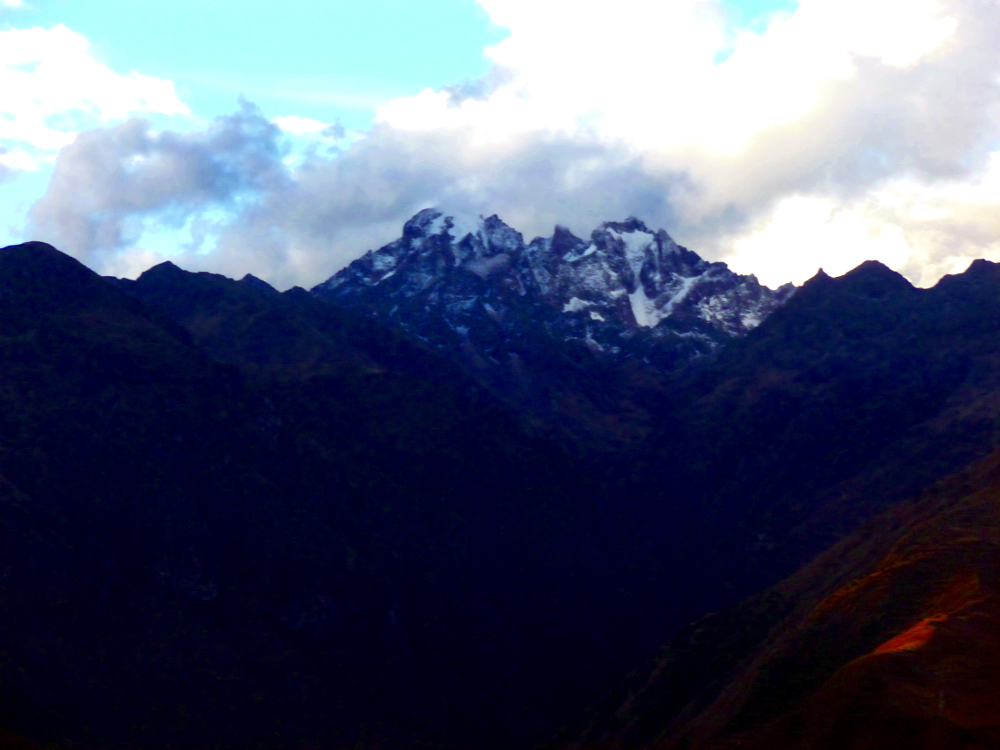
Urubamba Valley (Sacred Valley)
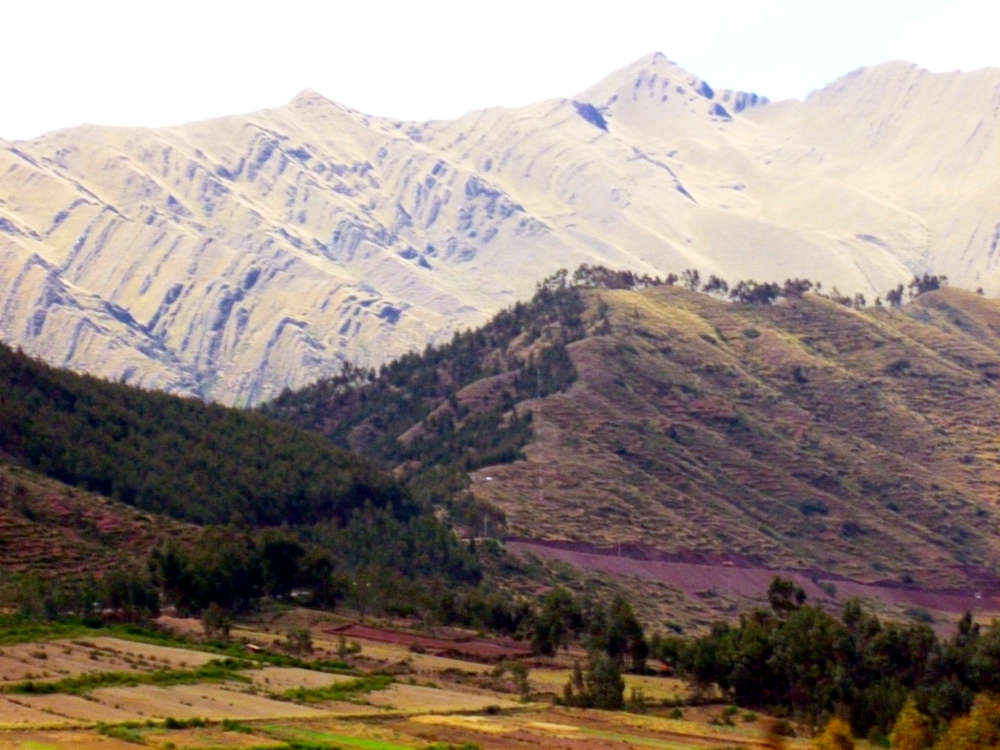
From the road leading out of Cusco, heading to the Urubamba Valley:

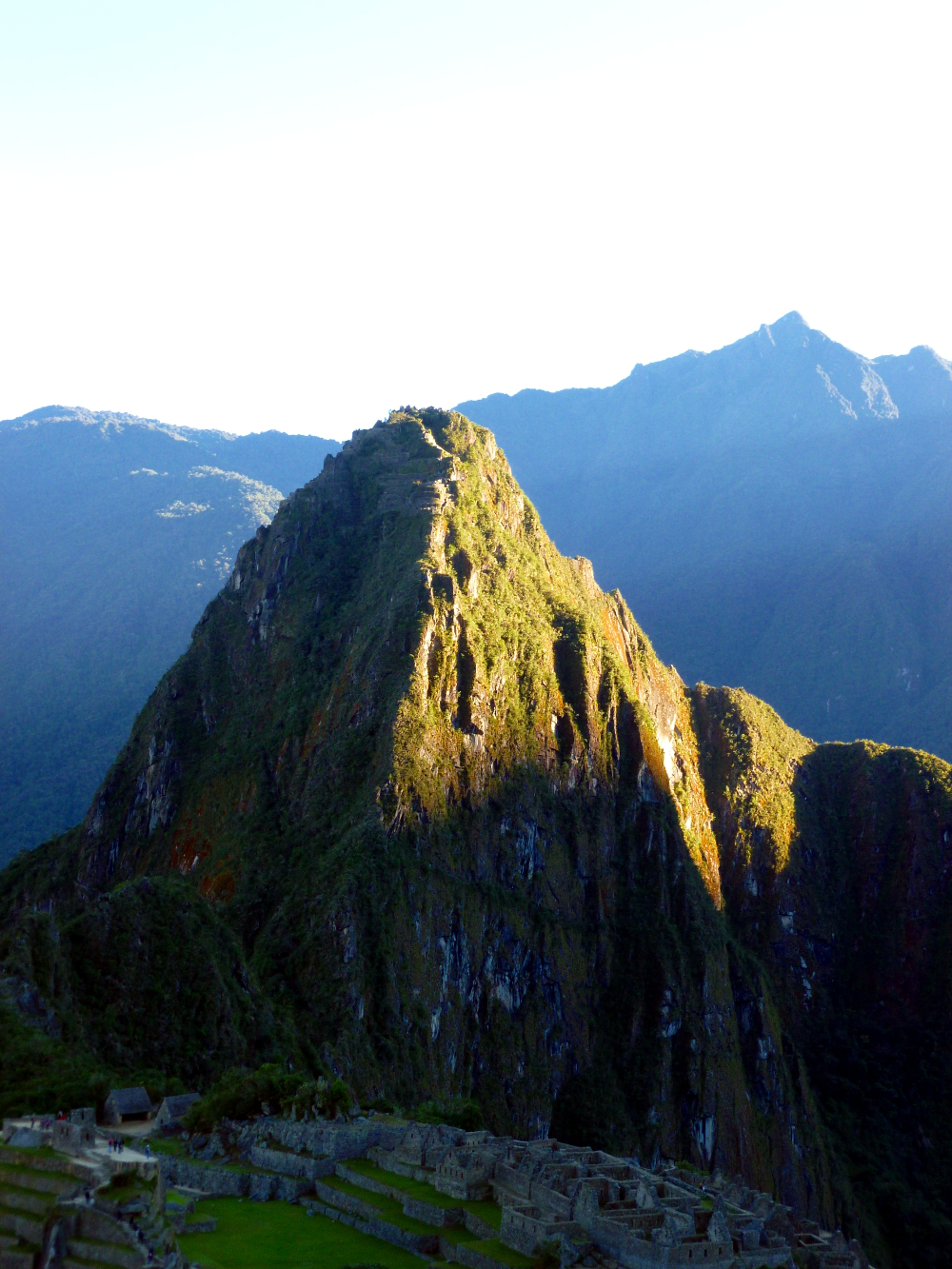
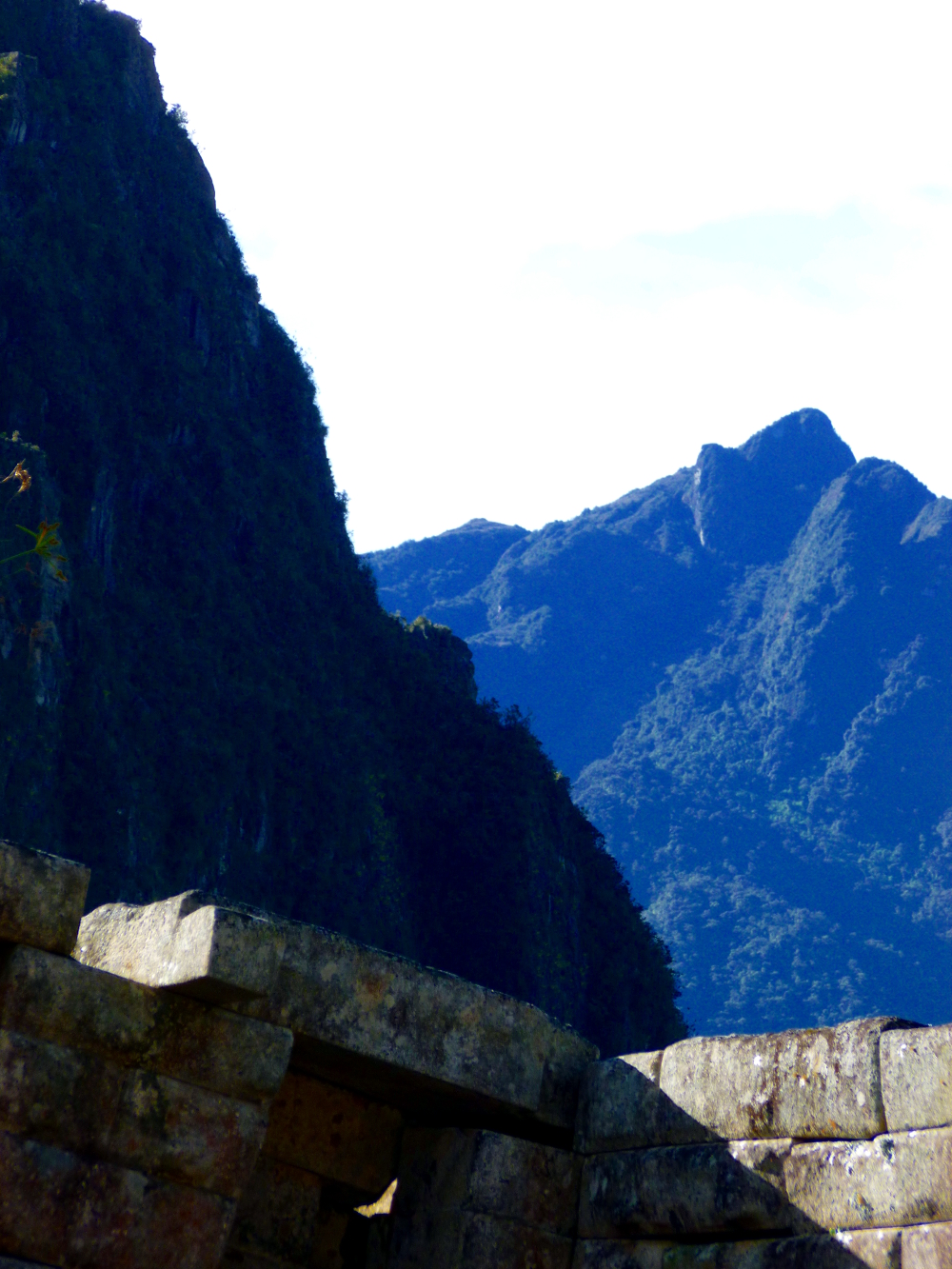
Machu Picchu:

What GIMP makes easy in photo editing, it makes up for by making very basic operations complicated. To scale down the image size for faster loading on the Web, use the Image menu: Image->Scale Image then enter 1000 in the Image Size, Width box. Click Scale.
To save the image as a jpeg, use the File menu and the Export menu. In the bottom left corner of the Export menu, just above the Help button, there is Select File Type (by extension). Expand that menu, scroll down and select JPEG image, then click Export. The first time you export as jpg, set the quality in the Export menu to 100% and click Save default.
Saving: The default save is as a GIMP file. Don’t bother with that unless you’re going to work on it again later and want to save what you did. It is a huge file and you can’t use it for anything except GIMP, so move on. When you close the file, it will warn you that you made changes without saving; it is referring to the GIMP file. From the File menu, select Close, then click Close without saving.
Cropping is also hard to find because it doesn’t have the usual symbol and is buried. Cropping is under the Tools menu. To crop a photo: Tools->Transform Tools->Crop.
For instructions on easily enhancing your photos with GIMP and on downloading this free, open-source software, go here: What blooms in March, Saratoga.
There is info at the end of this post for any readers not familiar with the tools used to enhance these photos.
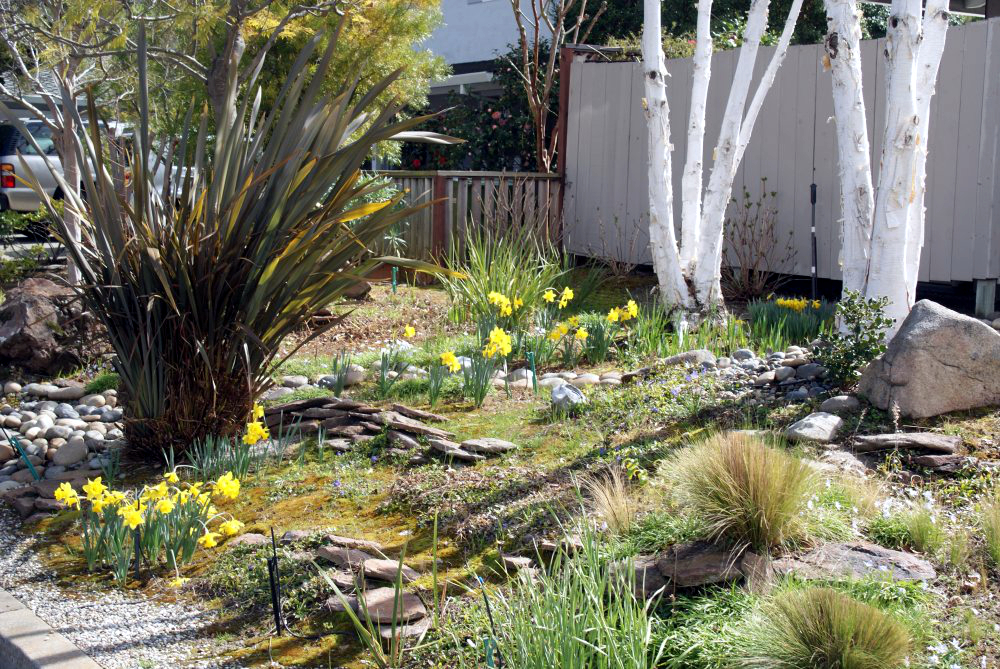

The housing market blooms in March too:
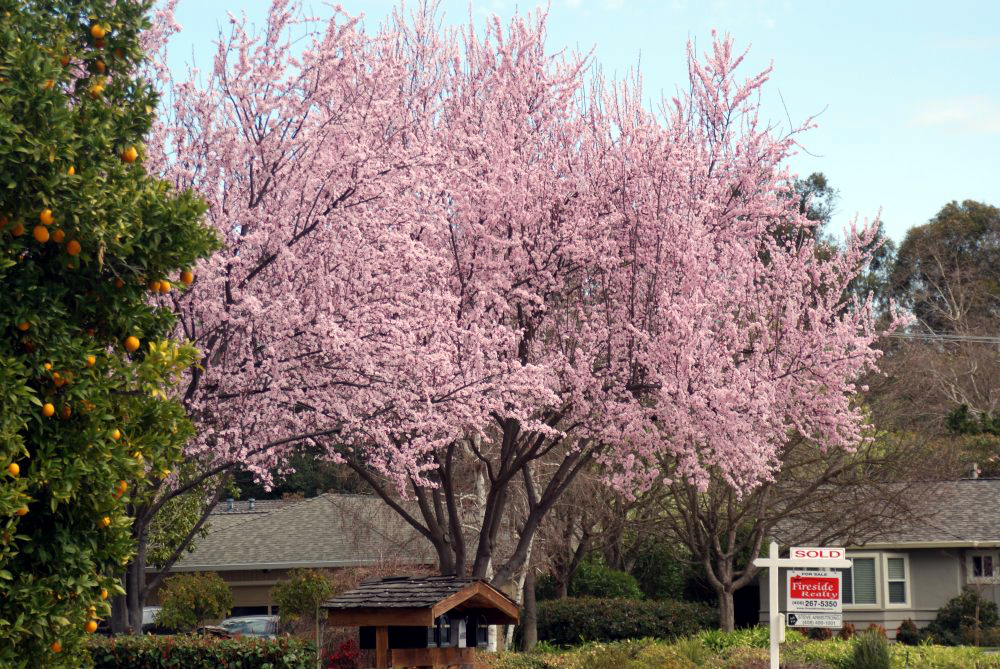

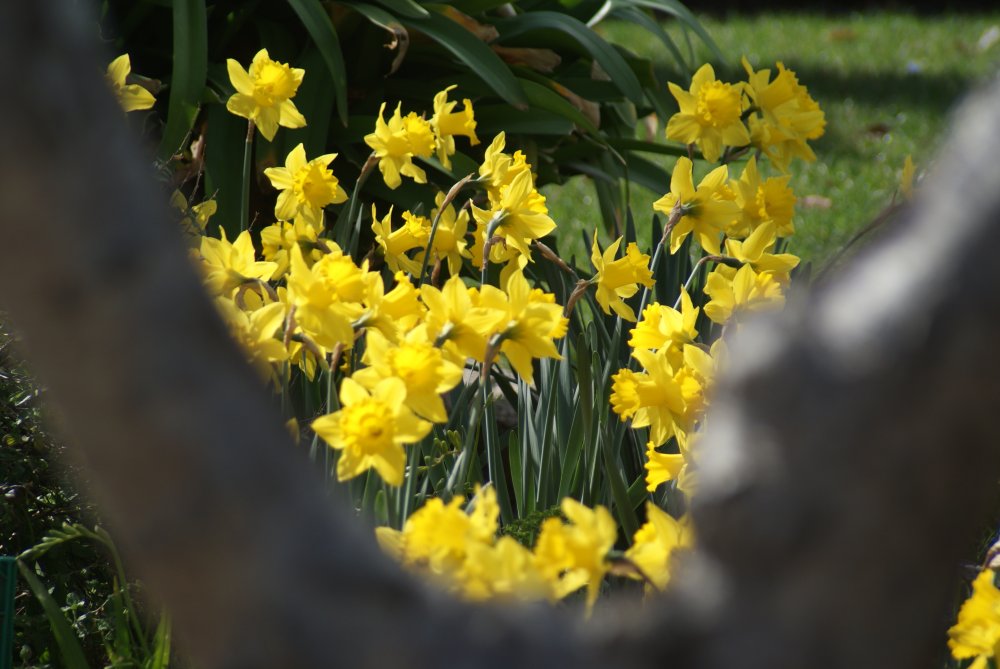
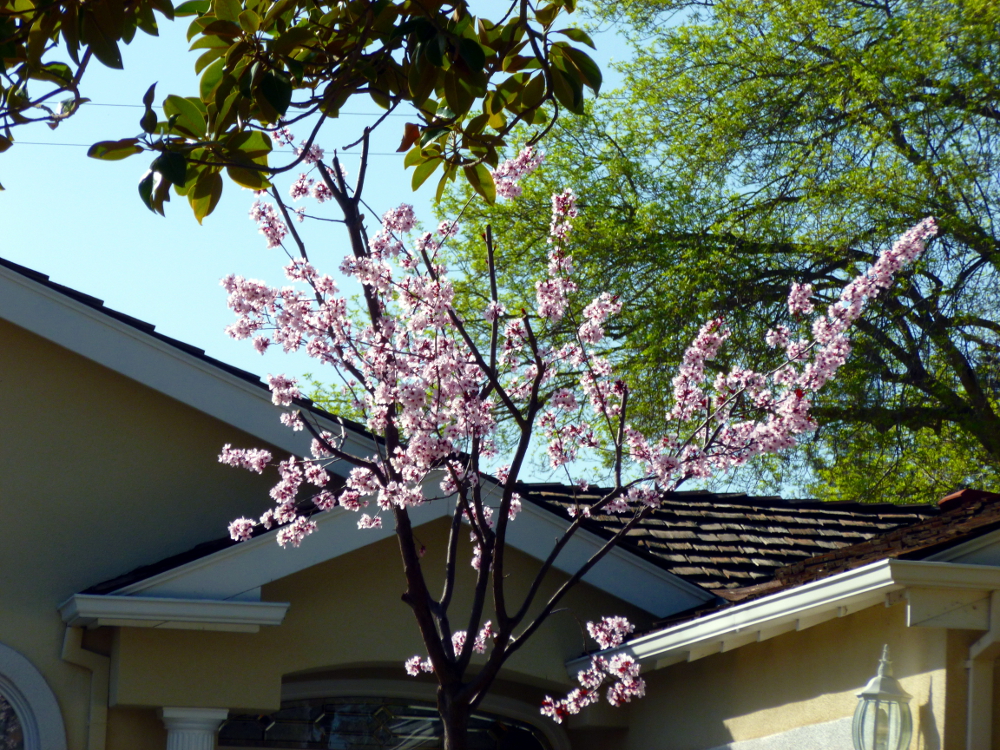
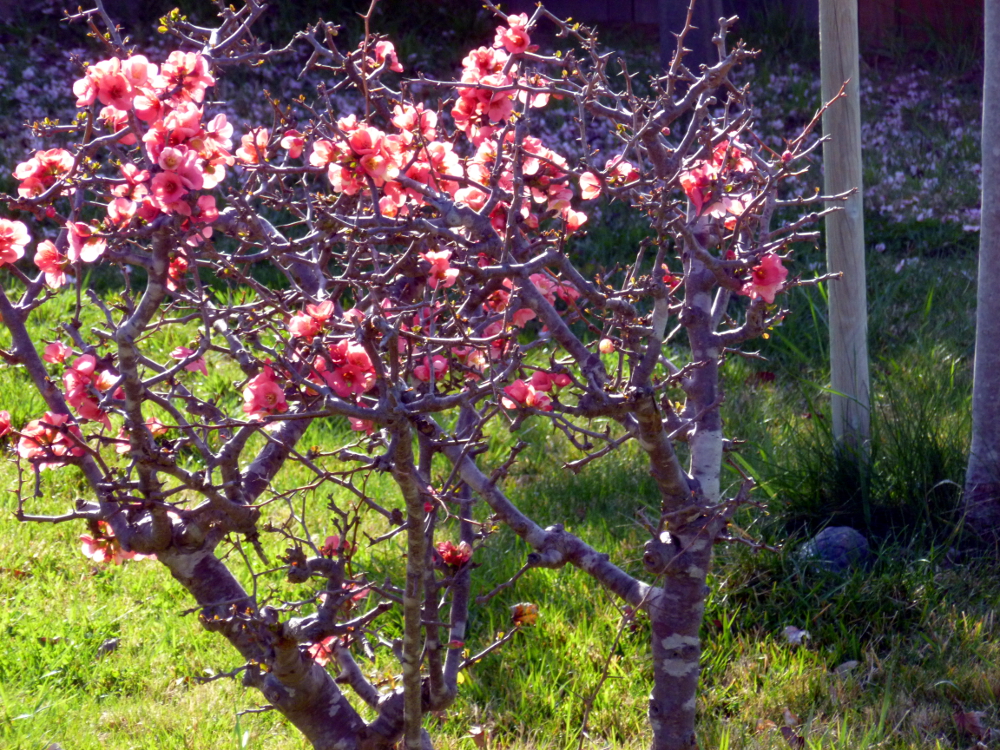
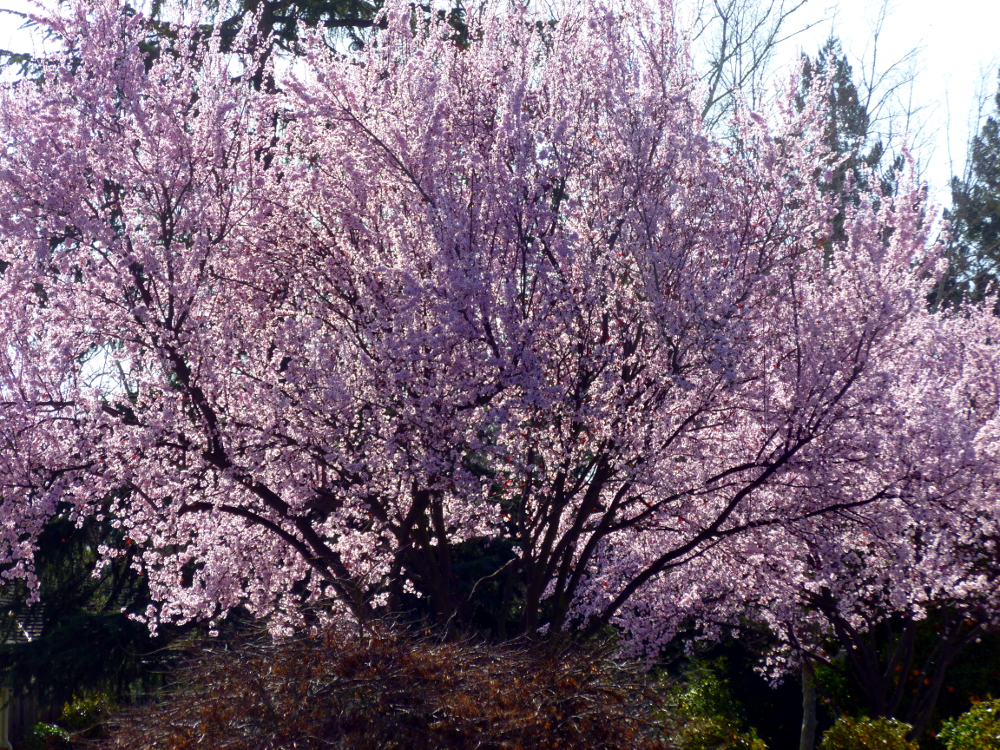
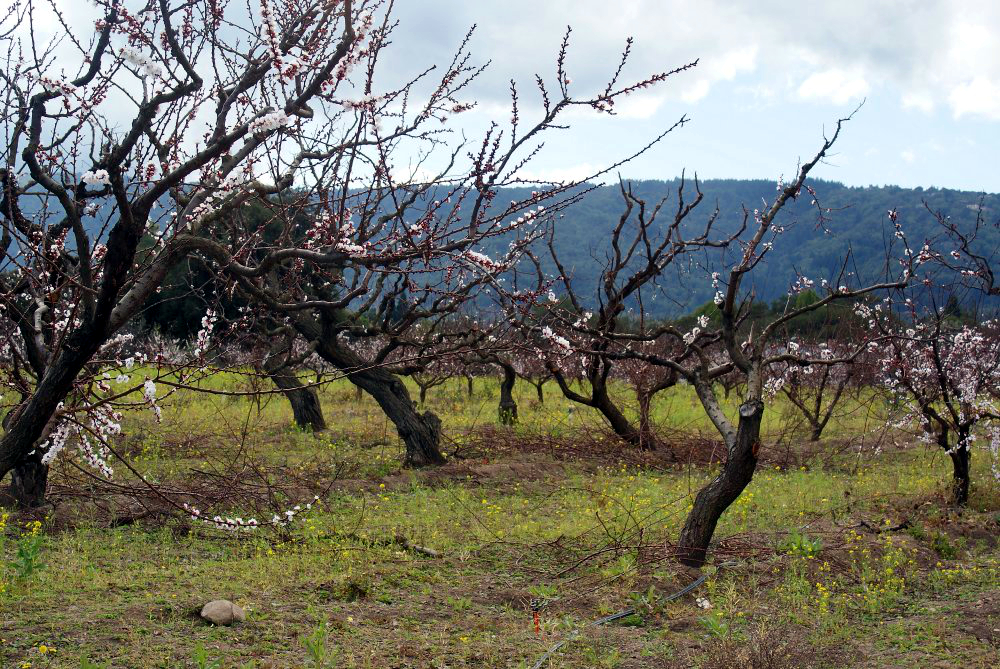
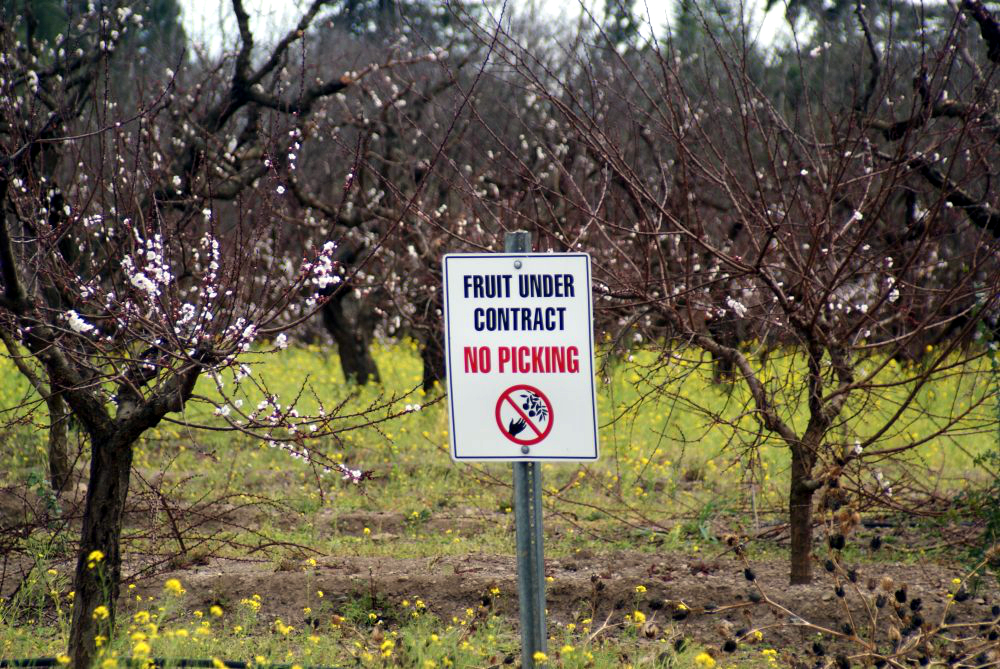
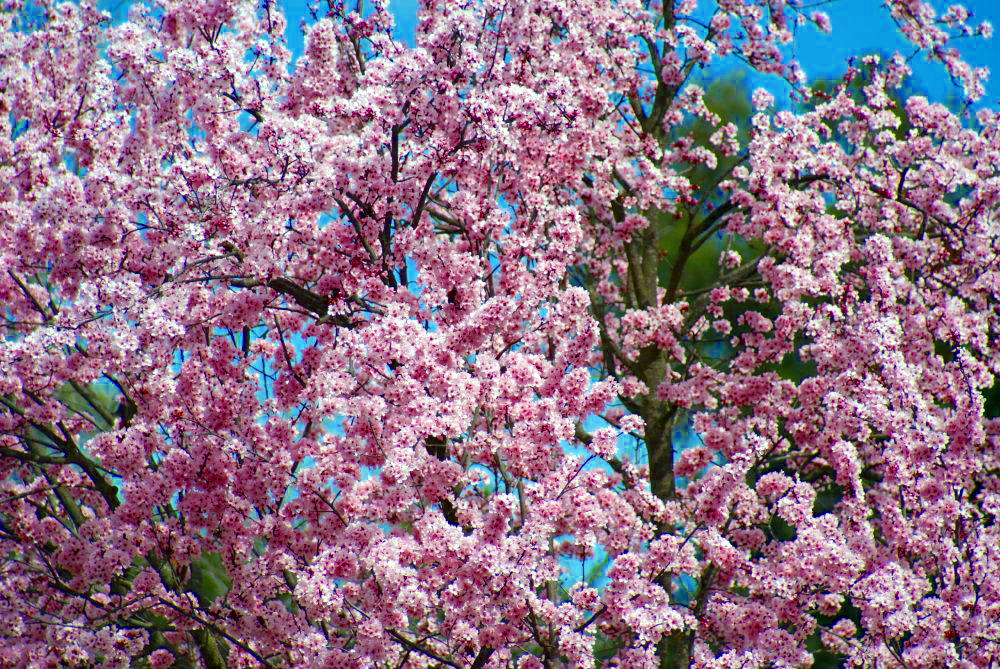
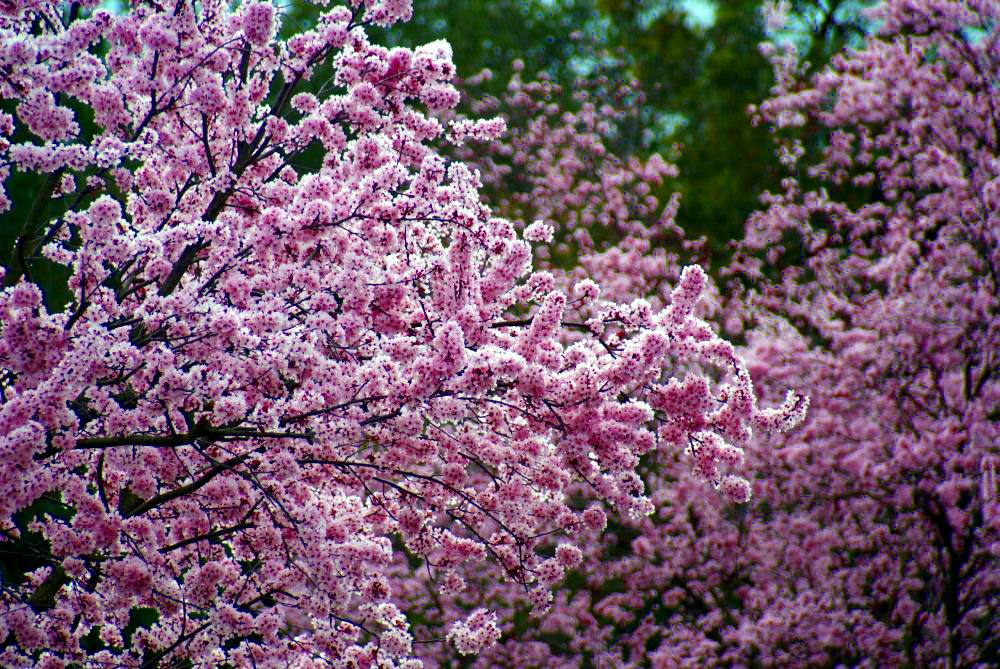
Photos taken with a DSLR camera (main benefit is huge zoom lens) and, the biggest difference, GIMP software: Color->Auto-White Balance and Color->Auto->Color Enhance.
GIMP stands for GNU Image Manipulation Program. It is open source, meaning it’s FREE and GOOD. Make sure you get it from GIMP.org, not the advertisement that shows up at the top of the Google search. That one has a bunch of license agreements up to and including selling your soul to the devil. The real one scorns license agreements and if you bother to read the developer’s statement, is all about freedom. Get that one.
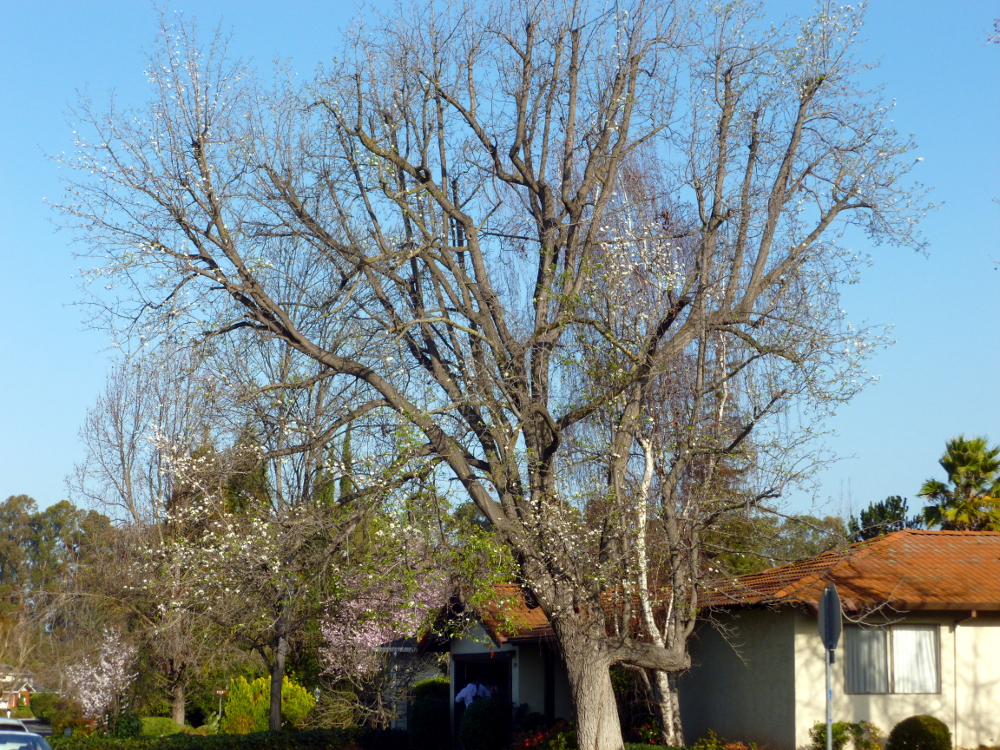
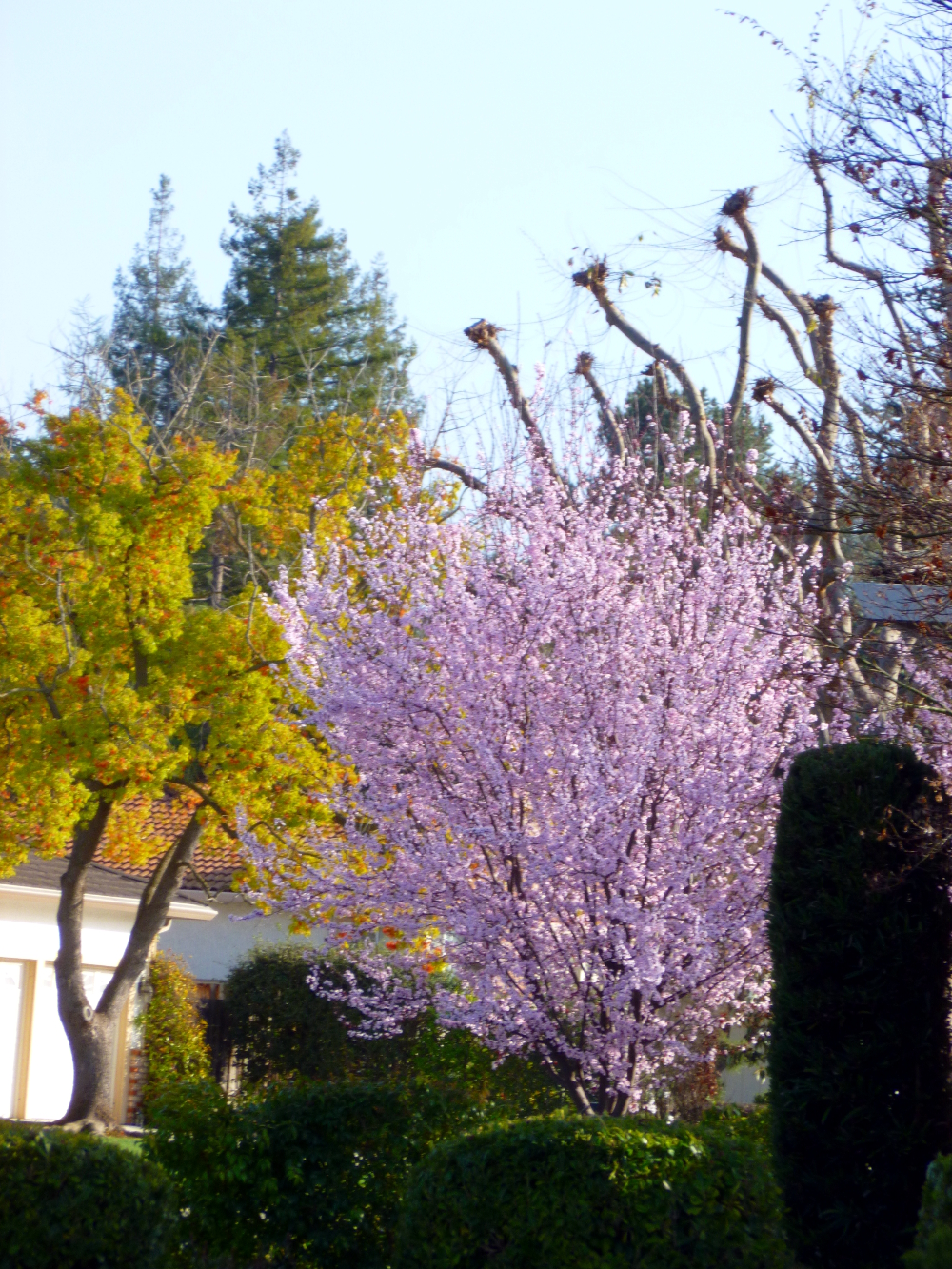
Because enhancing color on the whole photo made the house’s yellow too bright and dominant, the one with the house and the budding tree first has Tools->Selection Tools->By Color Select then the white balance and color enhance from above, applied to the tree trunk colors, the blossom color and the sky (one color group at a time).
The two daffodil close-ups were not enhanced. The camera seemed to make enough saturation on its own, perhaps because it was zoomed in on one primary subject.
Credit to Leanne Cole for educating about GIMP and photo enhancement.
Not much needs to be said here. Enjoy!