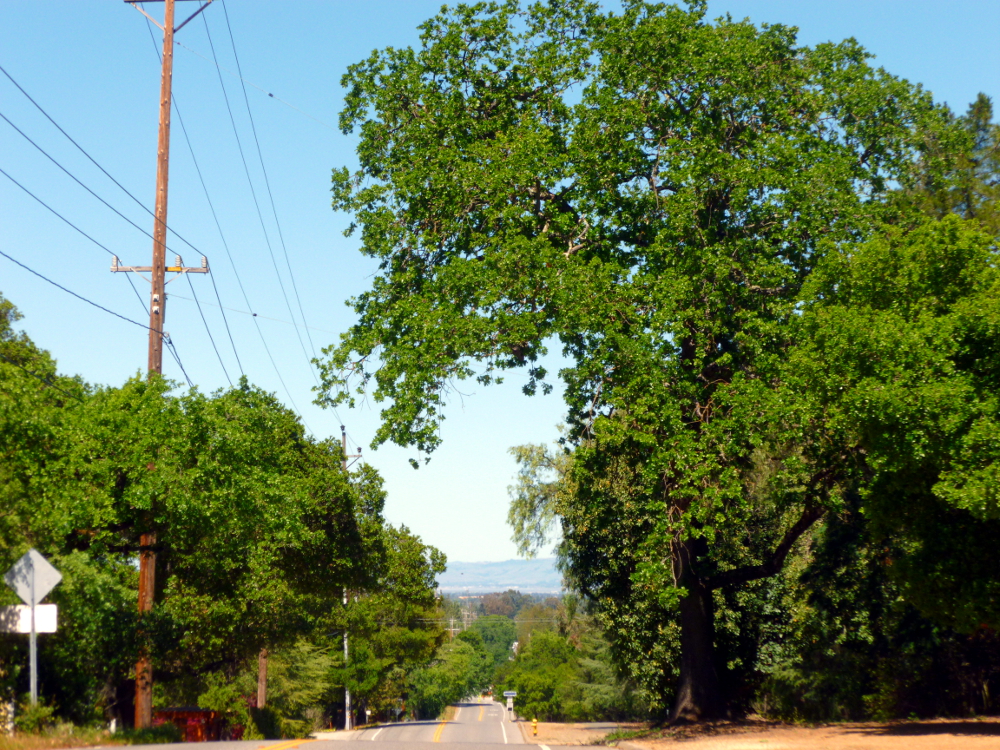
It seemed like I should zoom out some of the road in the foreground so I took the next picture second. But I prefer the featured photo, with more road rather than less. I don’t know why. I guess I like the road, it’s inviting. I like lots of power poles and wires, too.
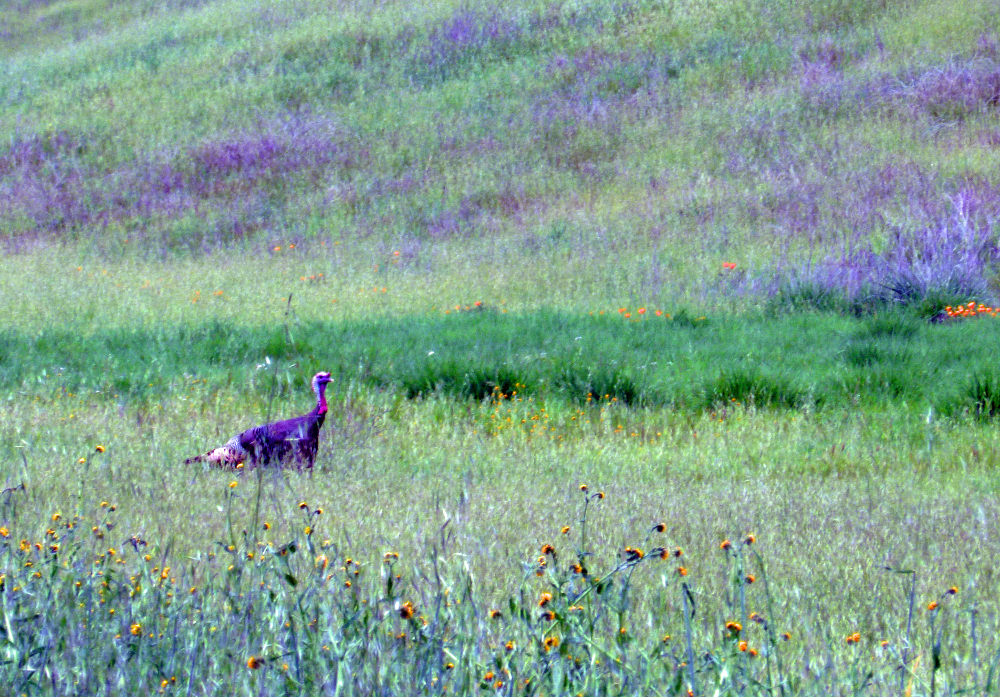
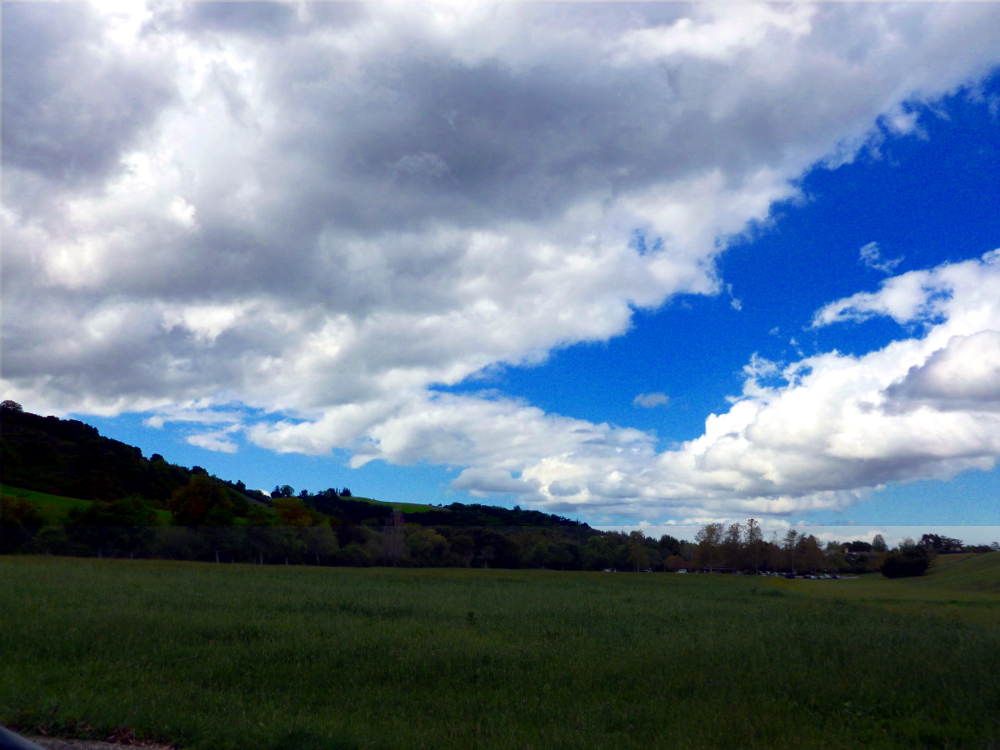
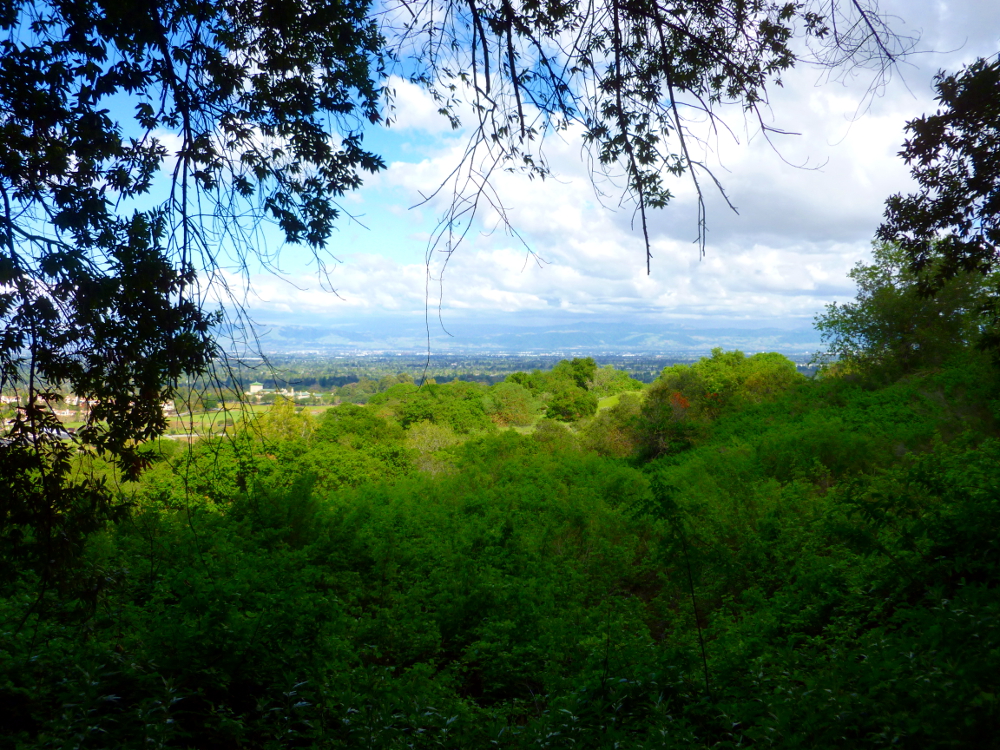
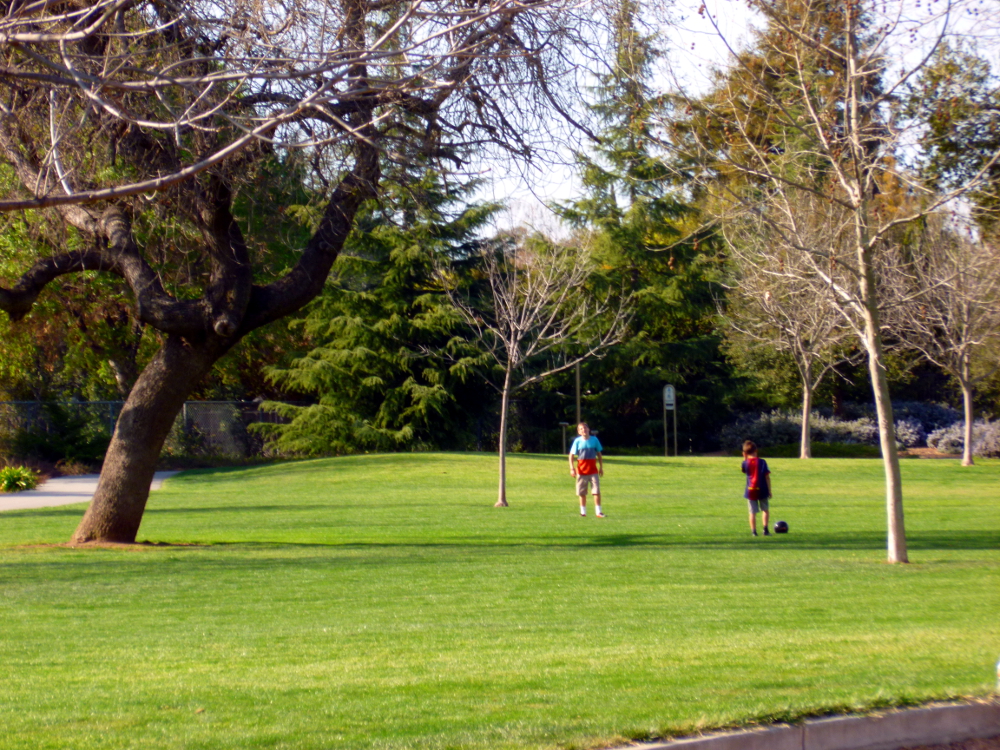
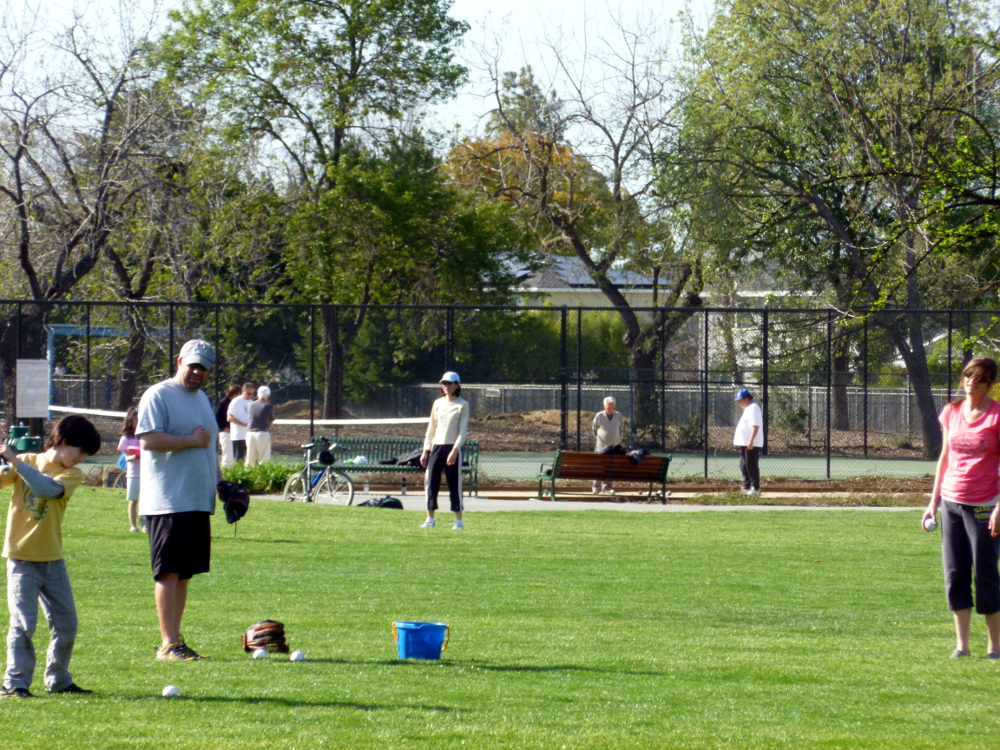
The featured image was enhanced with Photoshop Elements using Enhance->Auto Smart Fix and Enhance->Auto Sharpen. (The latter because the image, when cropped, was a little blurry.) The featured image shows how the grass really looked. White balance and the other enhancements below threw off the color. Conclusion: GIMP white balance doesn’t work with fields of green. The Photoshop enhancements in the last picture are pretty good, but at the expense of all that lovely green. Green doesn’t last around here, so it is to be appreciated, not minimized!
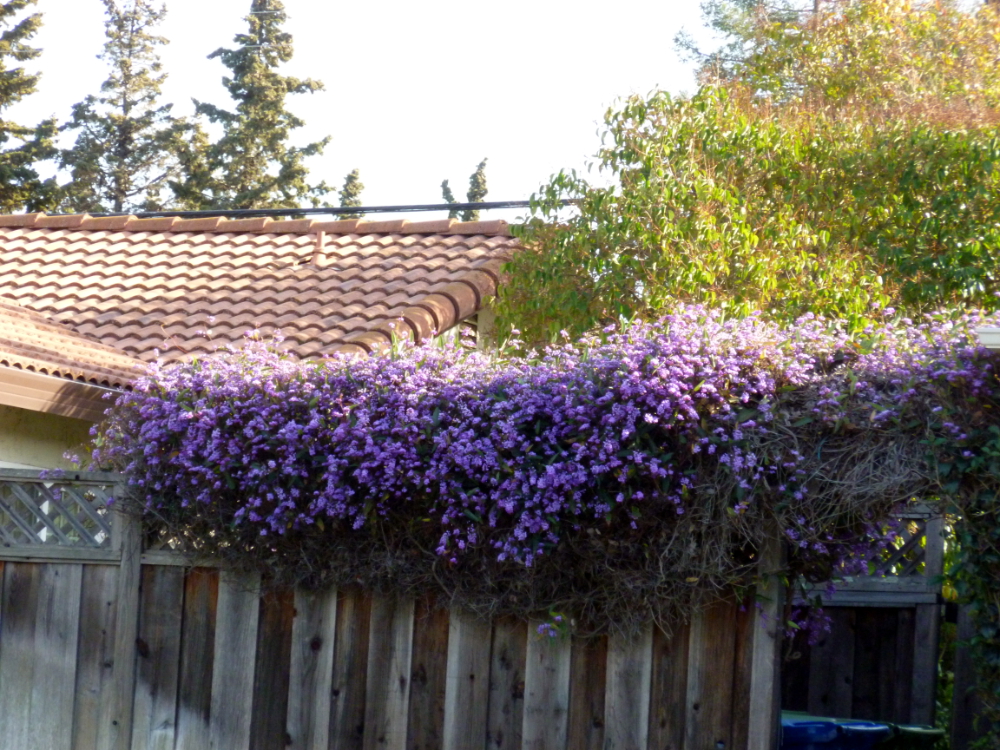
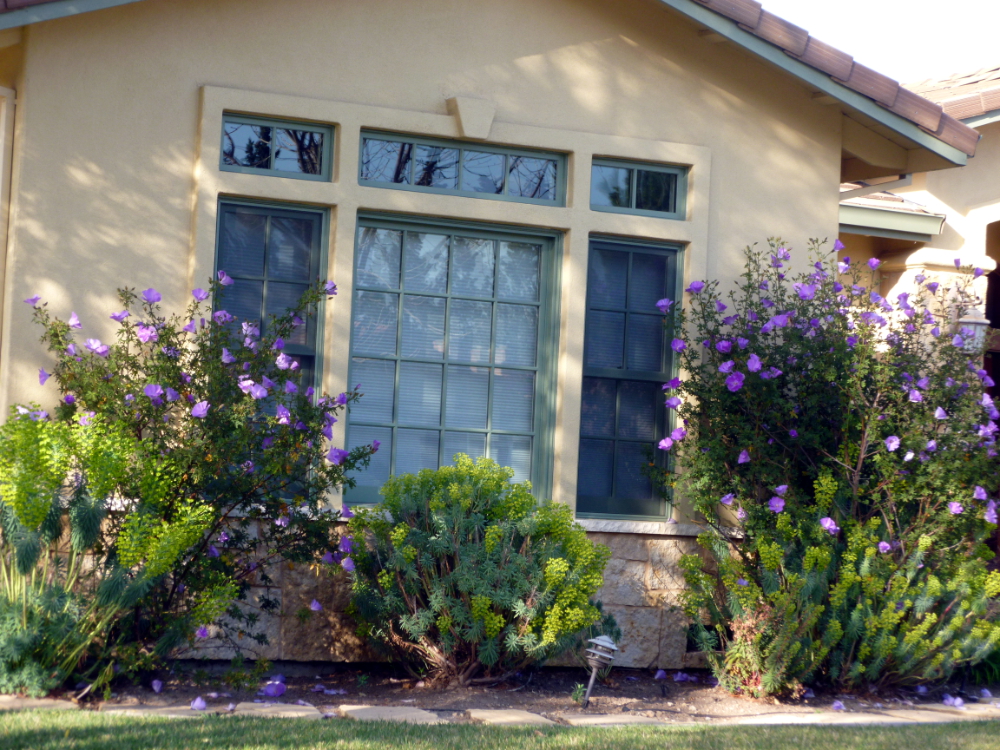
The next pair show, first, the GIMP Colors->Auto->White Balance and Colors->Auto-Color Enhance and the second, Photoshop Elements Enhance->Auto Smart Fix, then Enhance->Auto Levels then Enhance->Auto Sharpness. Before all of the color fixes, Image->Crop was used and the automatically selected area accepted (by hitting Return).


















 Nicci Carrera