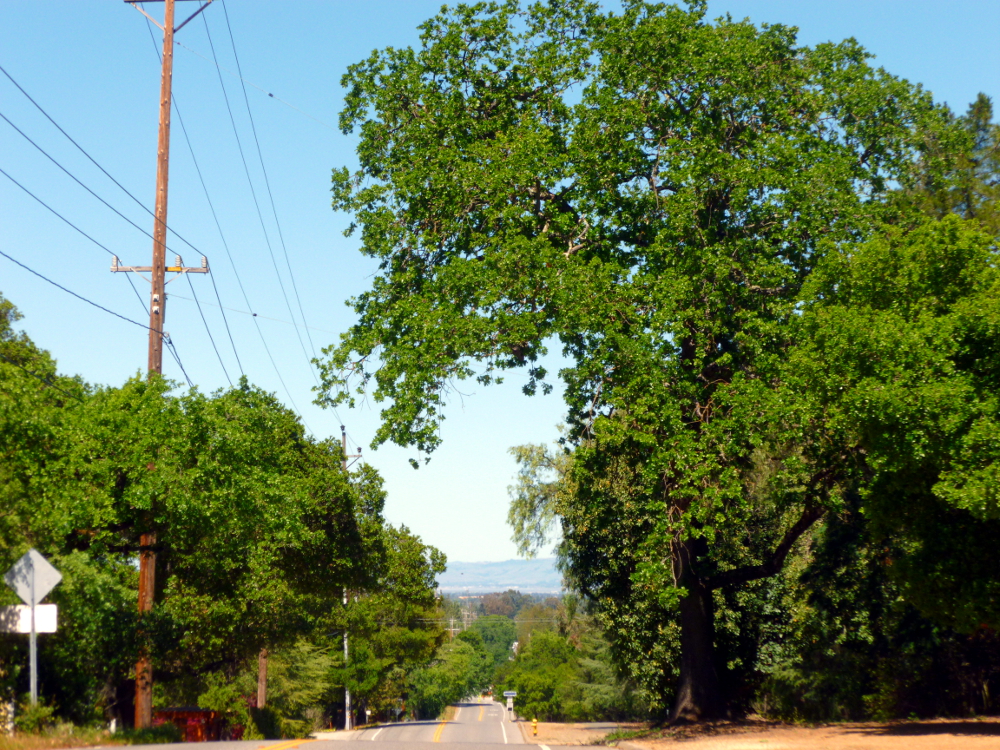
It seemed like I should zoom out some of the road in the foreground so I took the next picture second. But I prefer the featured photo, with more road rather than less. I don’t know why. I guess I like the road, it’s inviting. I like lots of power poles and wires, too.
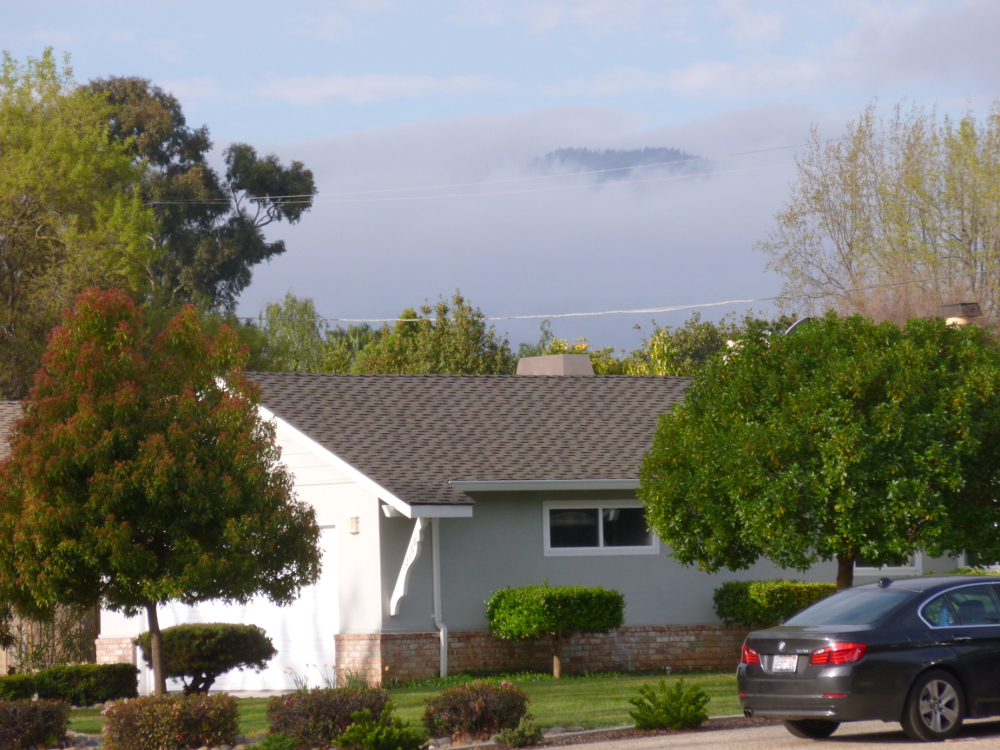
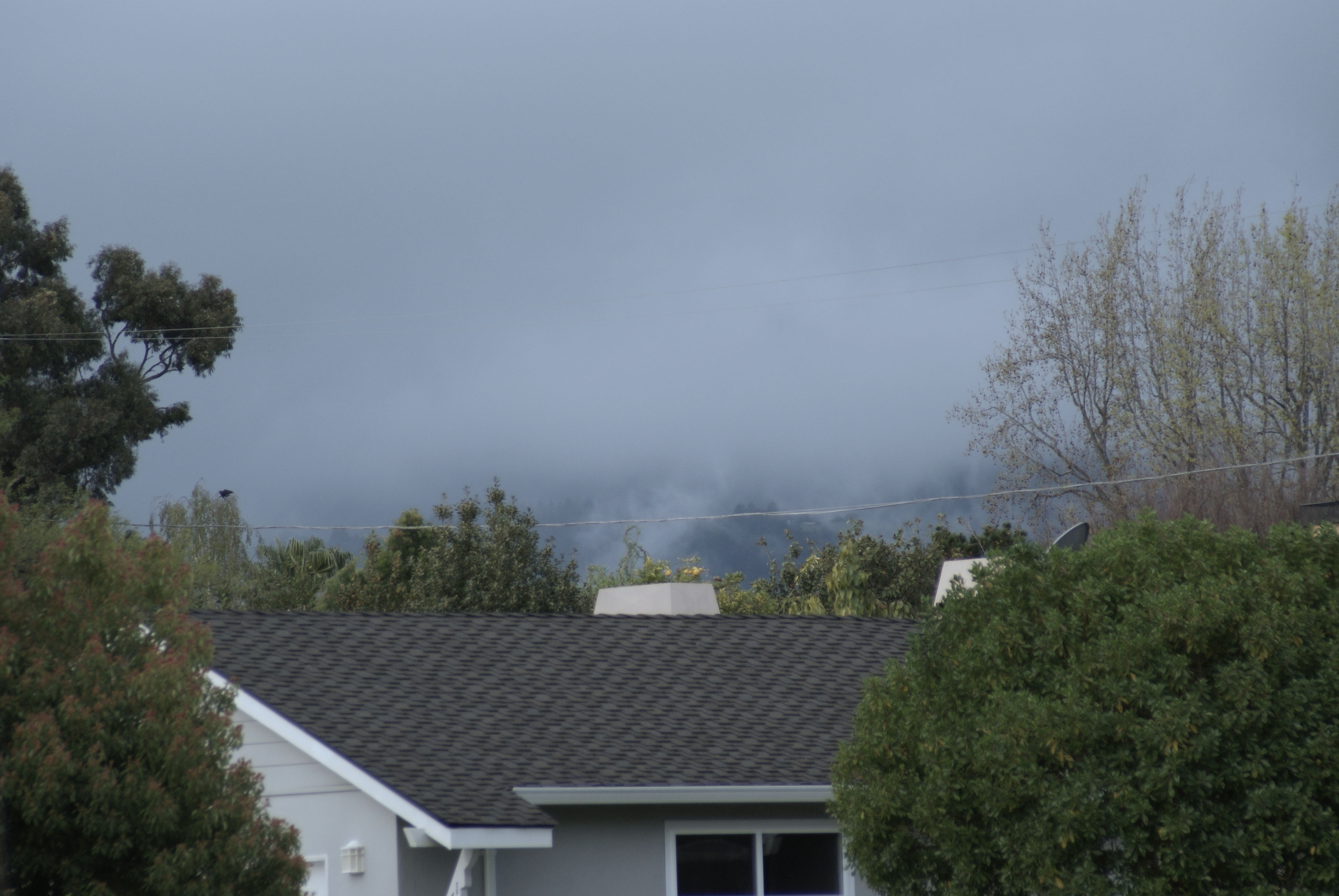
The featured photo has been enhanced using GIMP Colors->Auto->White Balance followed by Colors->Auto->Color Enhance. It is the featured image because it’s more intense, but there is too much purple in the roof, and, arguably, in the fog. Here is the original.
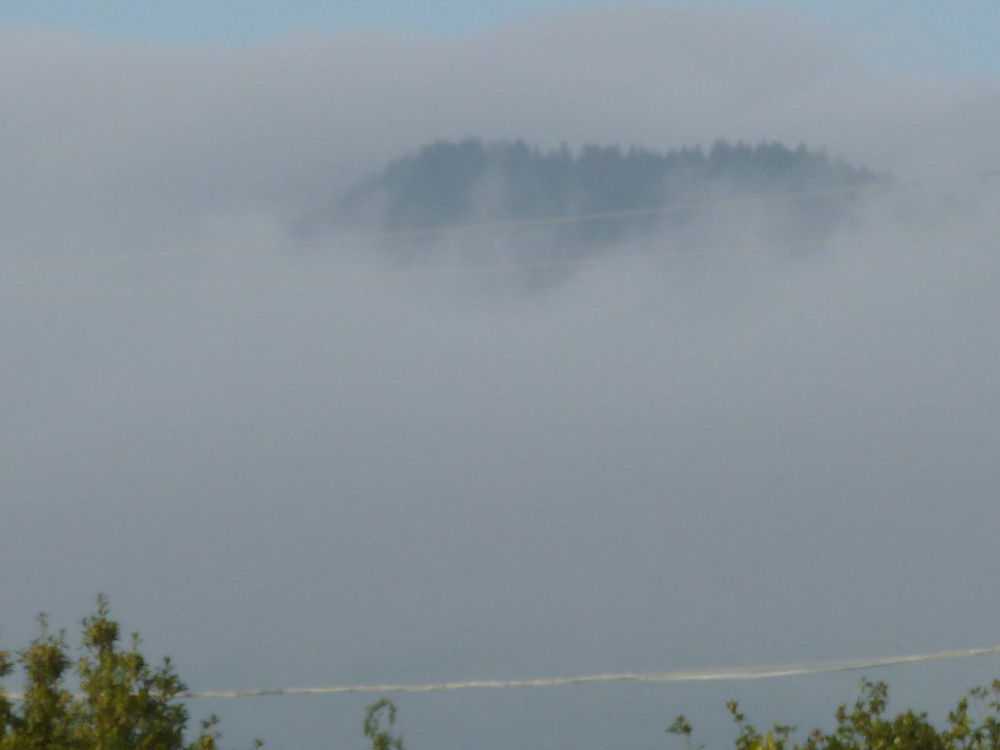
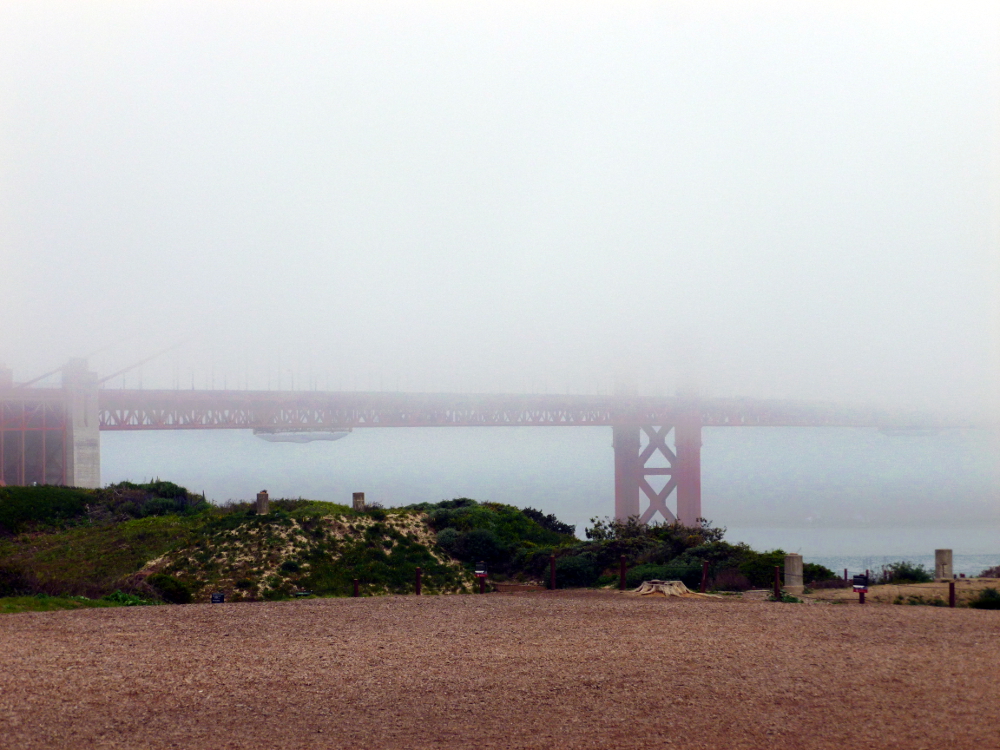
This is a close up, not enhanced. (Because it is all fog, the over-purple effect of white balance and color enhance ruined it.)
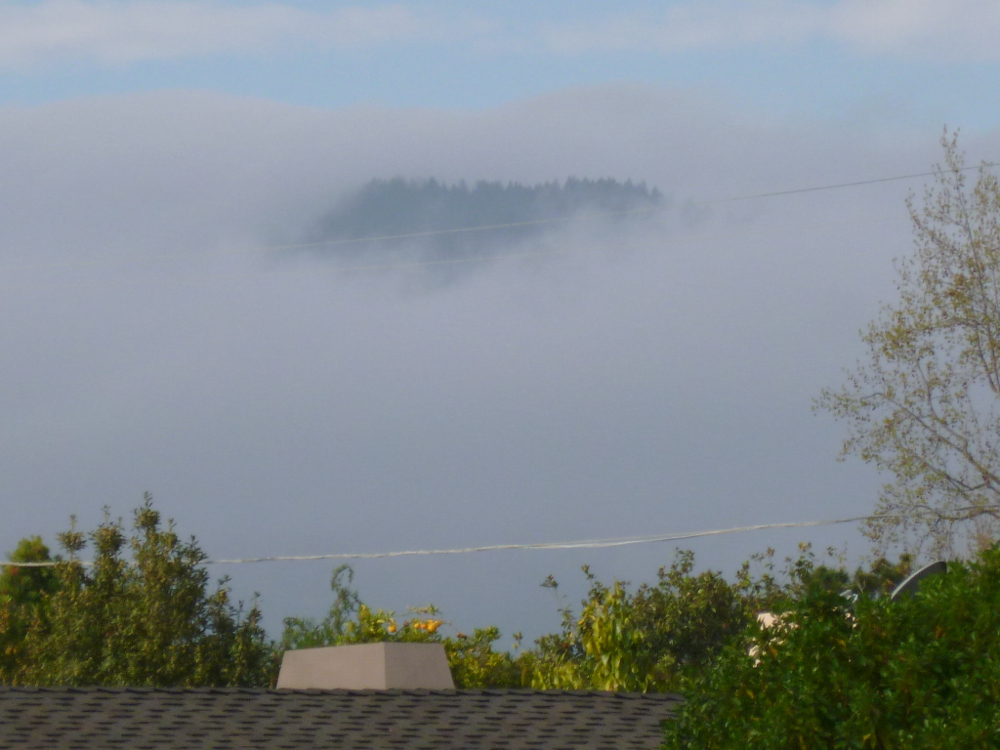
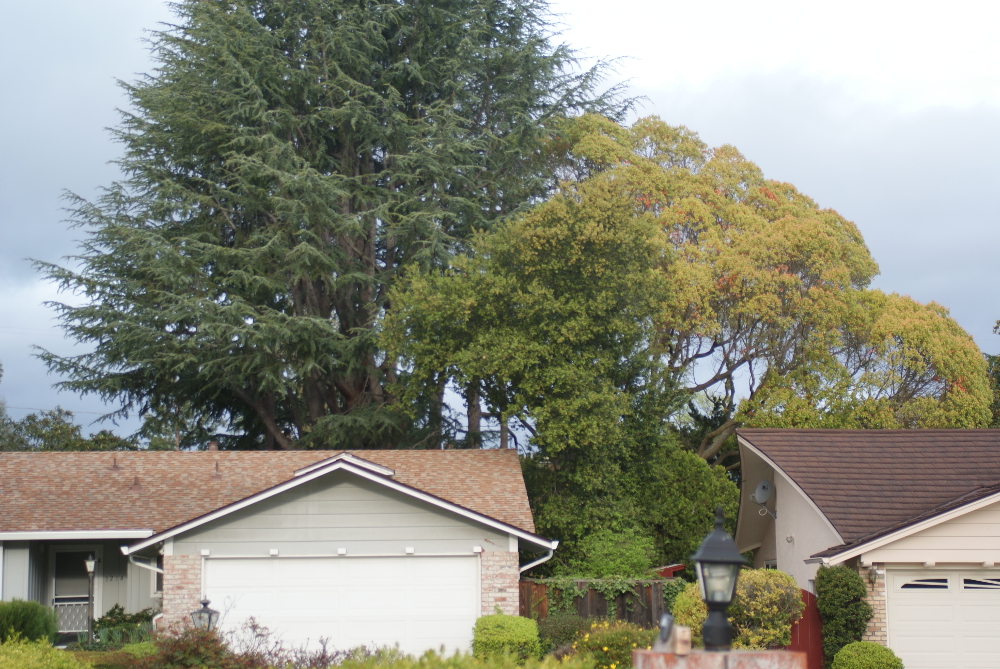
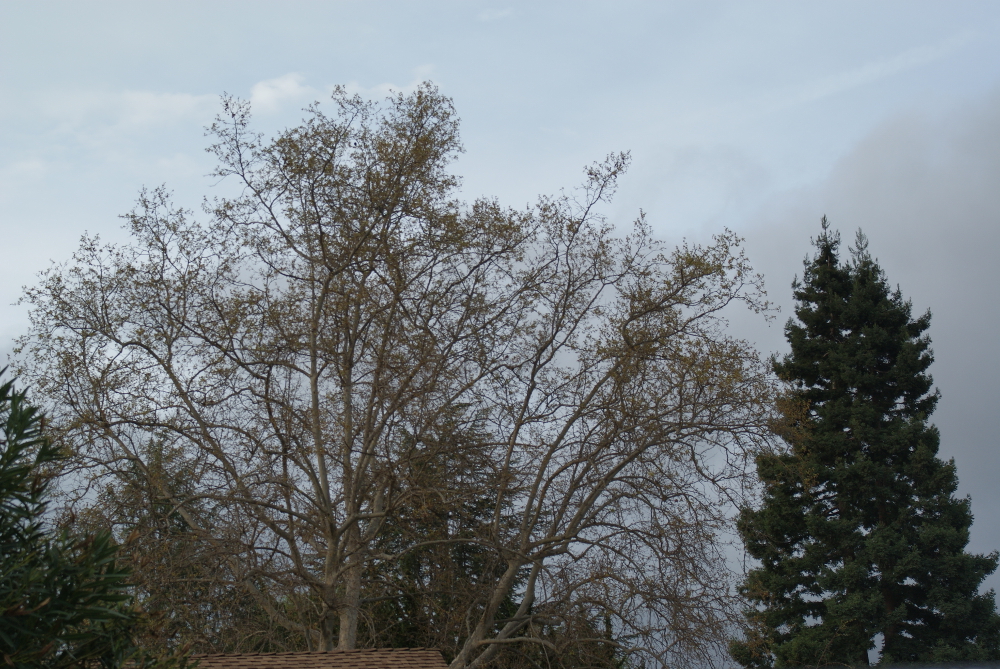
In the next set, the first is original, the second, enhanced with white balance and color enhance. Very different feelings.
Well, as everyone who follows this blog knows, I am an avid follower of Leanne Cole’s Photography blog. (That link takes you to her latest post.) Now, Leanne is a professional artist. I am an absolute beginner. So why do I offer tips? Because I think there is value in the little things an absolute beginner has to offer to other people who might think like her and be in the same stage. Even if it’s only one other person out there in the blogisphere, who thinks like Nia Simone and finds value in her little trial-and-error discoveries on the way to someday, 20 years from now, actually being any good.
Leanne has talked about Nik software and Silver Efex. I recently have acquired a Bamboo Craft. An amazing digitizing device. It was $50. (Another thing you’ll notice about Nia Simone’s blog, is everything has to be free or very inexpensive. I think actually, a lot of people can relate to that part!)
Anyway, the device is unbelievably wonderful and so is the software that came with it!!!! Corel Painter Essentials (heaven), Photoshop Elements (frightening, but I haven’t done the tutorial yet) and Nik Color Efex ( very hard to find – it is under the Layer menu in Photoshop.)
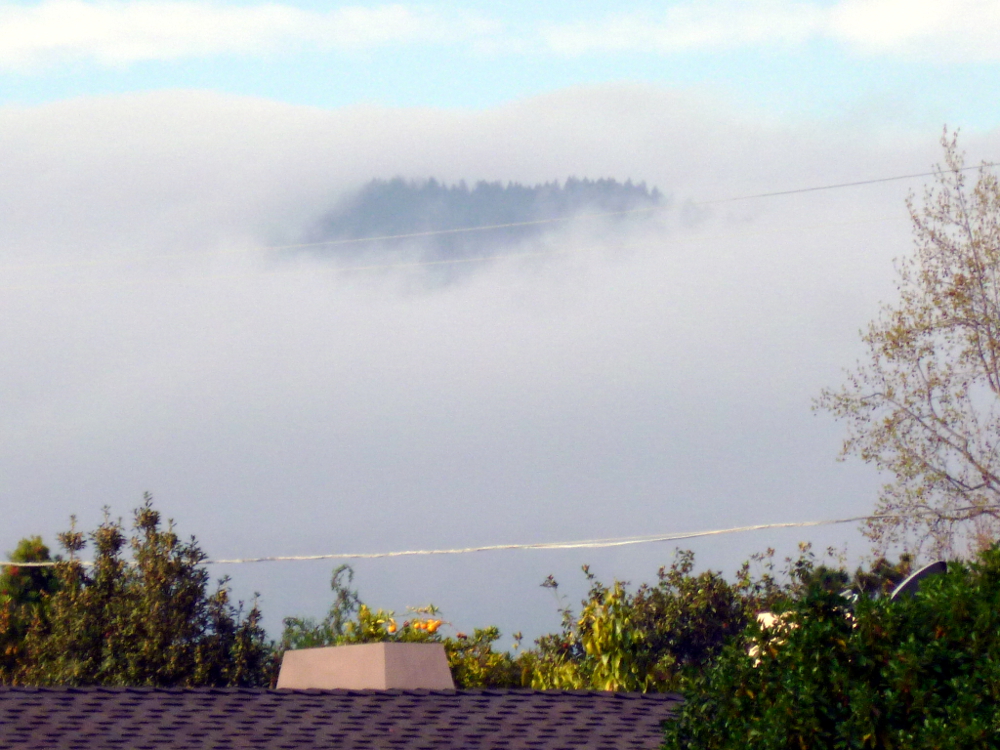
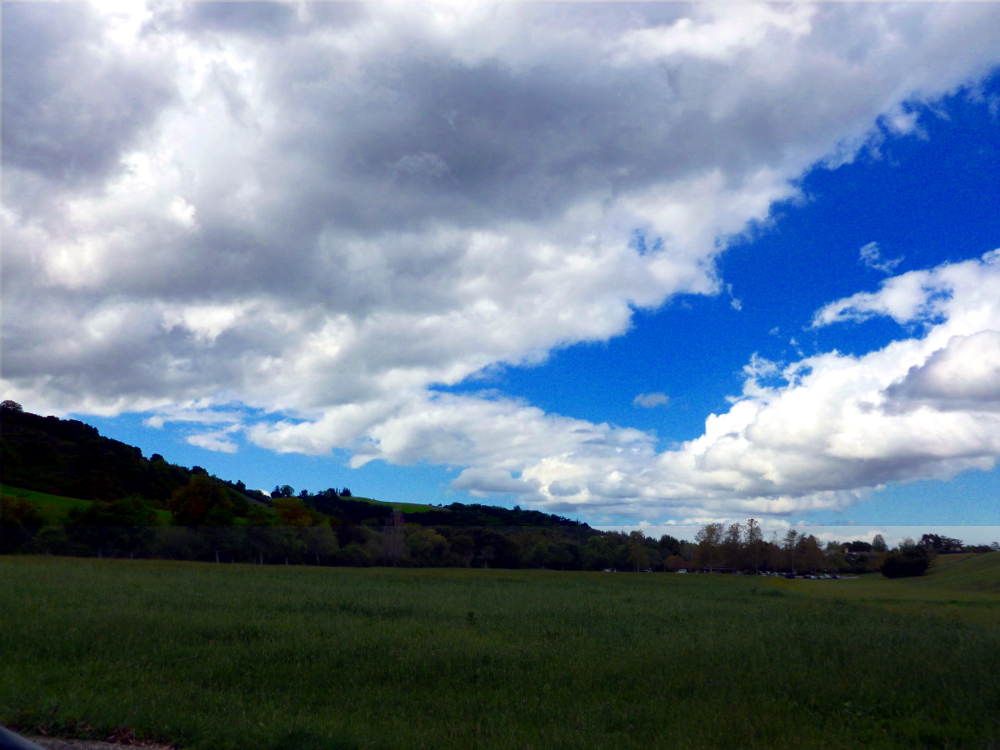
The photo in the Featured Image of this post was taken in the evening with my DLSR propped on the top of my Subaru. (Tripod anyone?) The first photo in the post has had the Color Efex layer applied. I lowered brilliance and warmth, merged the layers, and saved as JPEG. Then opened it in GIMP to scale it to 1000 pixels, my standard for this blog. I could not figure out how to do that in Photoshop.
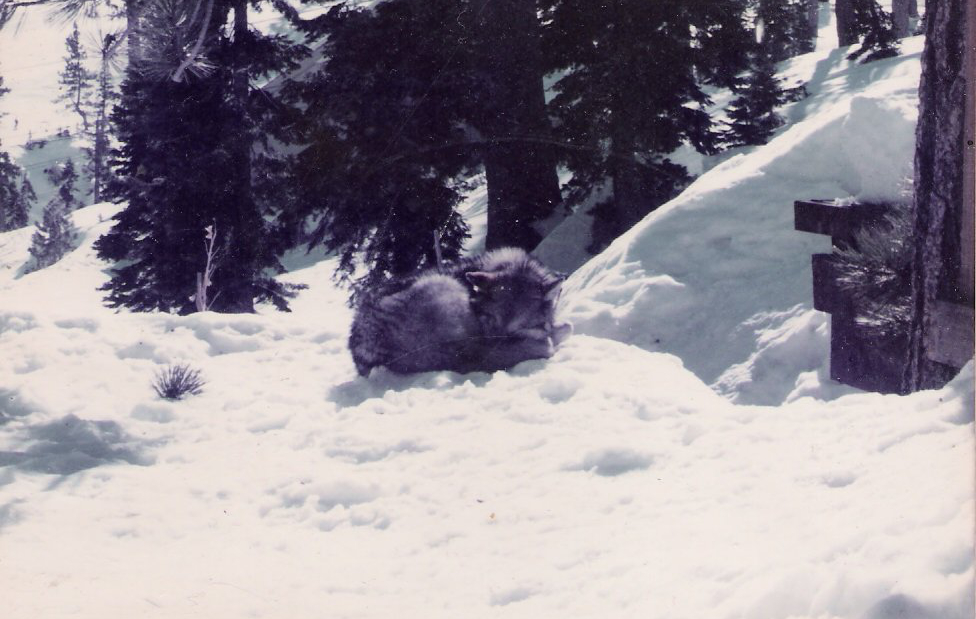
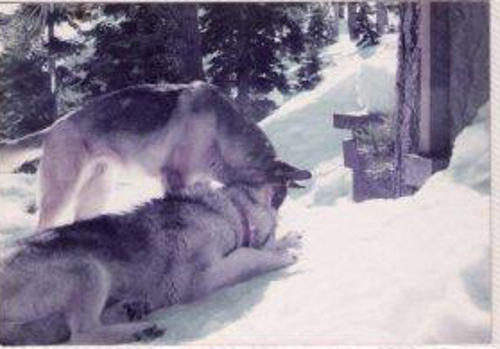
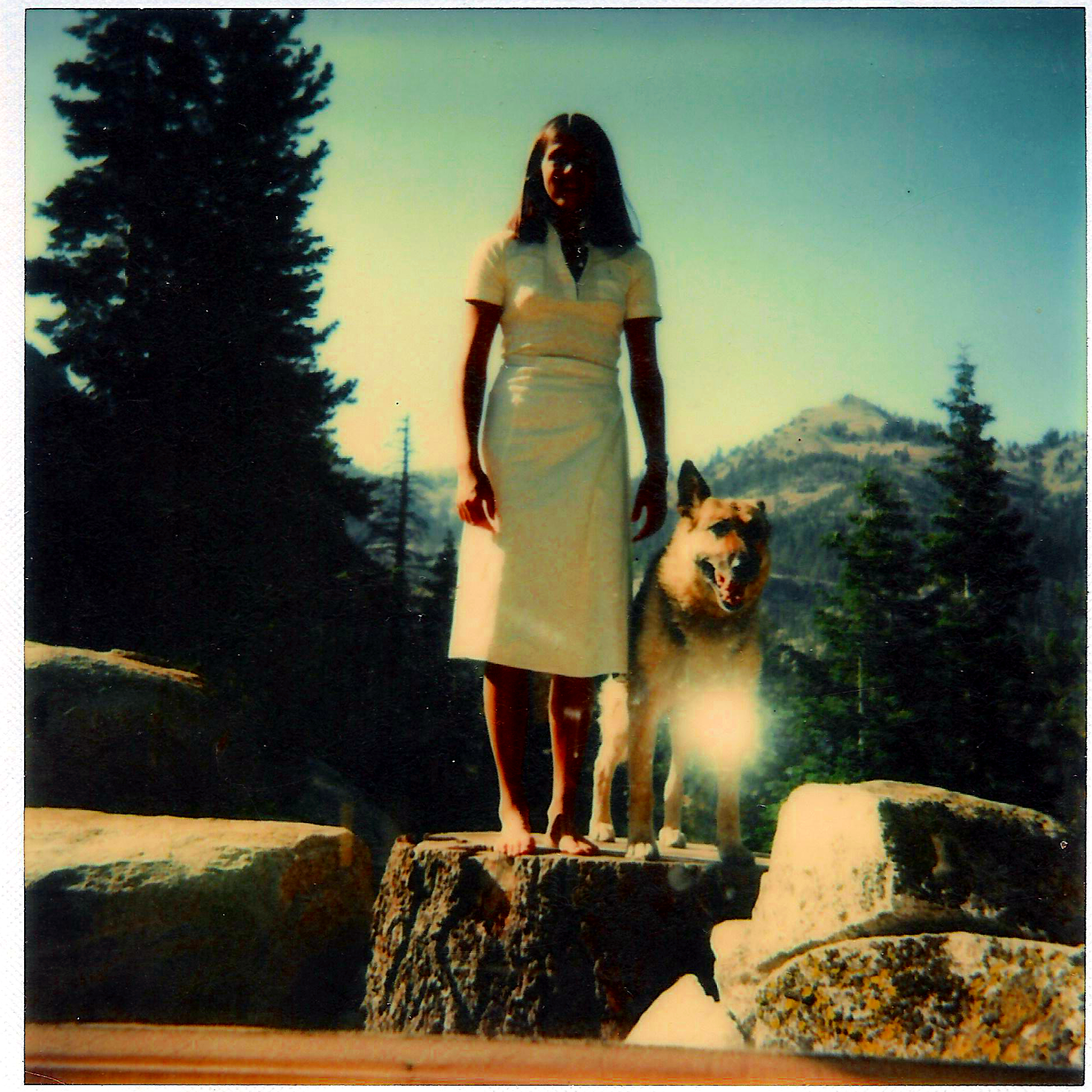
In appreciation for Owl McCloud’s 10 Most Beautiful animals, and for ranking the wolf as number one beautiful animal, here is a wolf chum of the family dog (photos taken in the 90s):
Kona
Kona and Chelsea
Note: Wolves can’t be kept as pets in the US. This one was taken from its owner. I hope and like to think Kona was taken to Wolf Haven.
People can have wolf-dog mixes though, and the owner went on to have mixed pets, also magnificent animals.
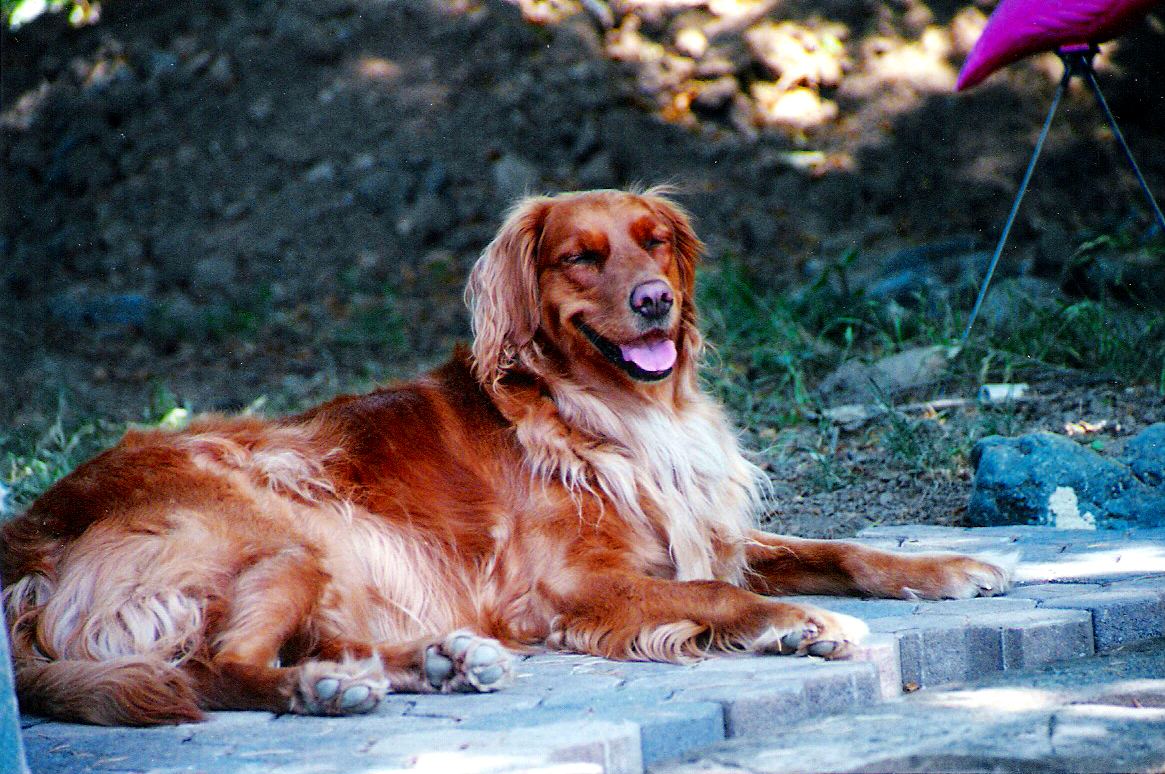
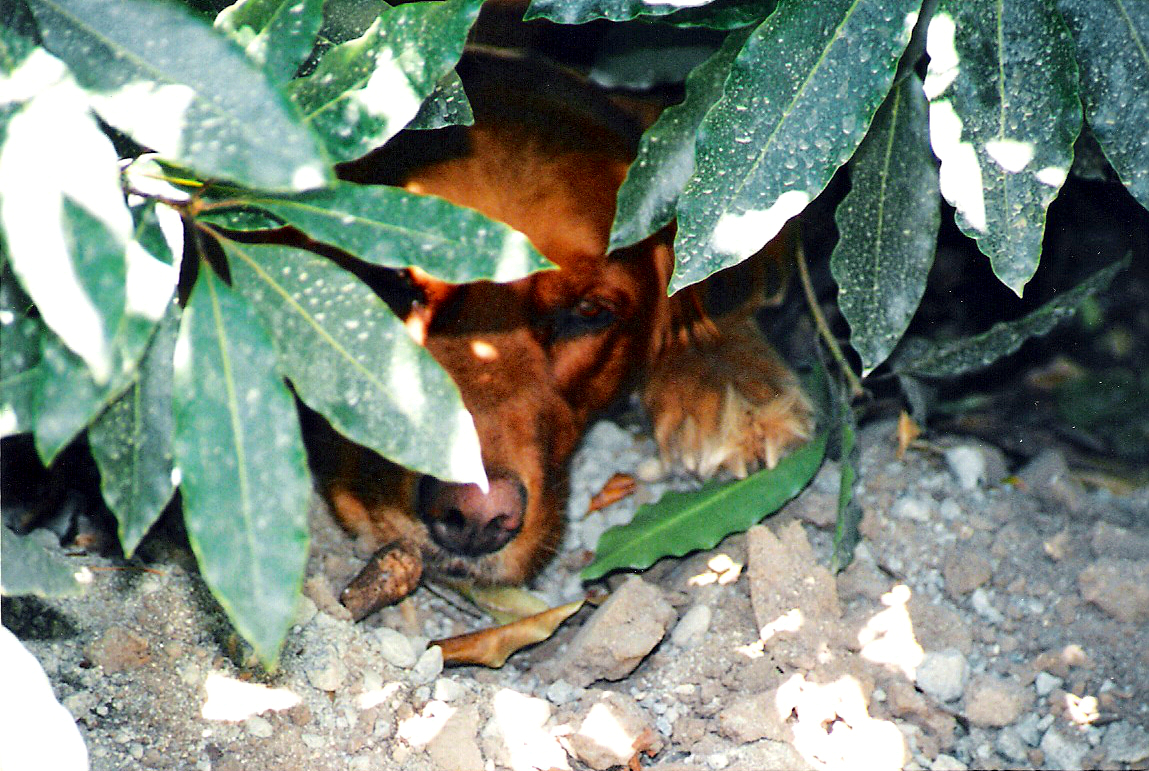
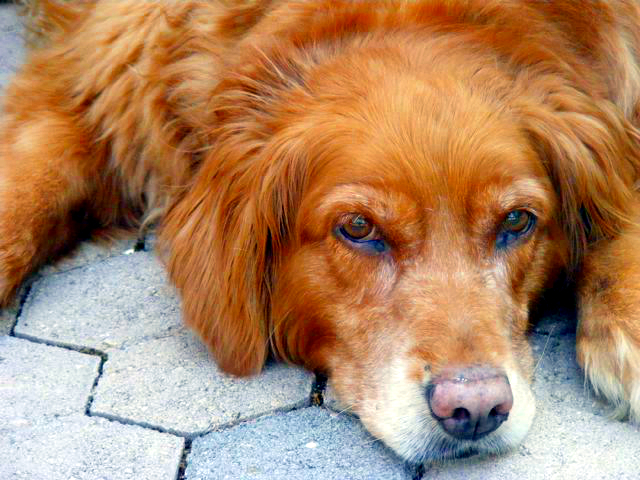
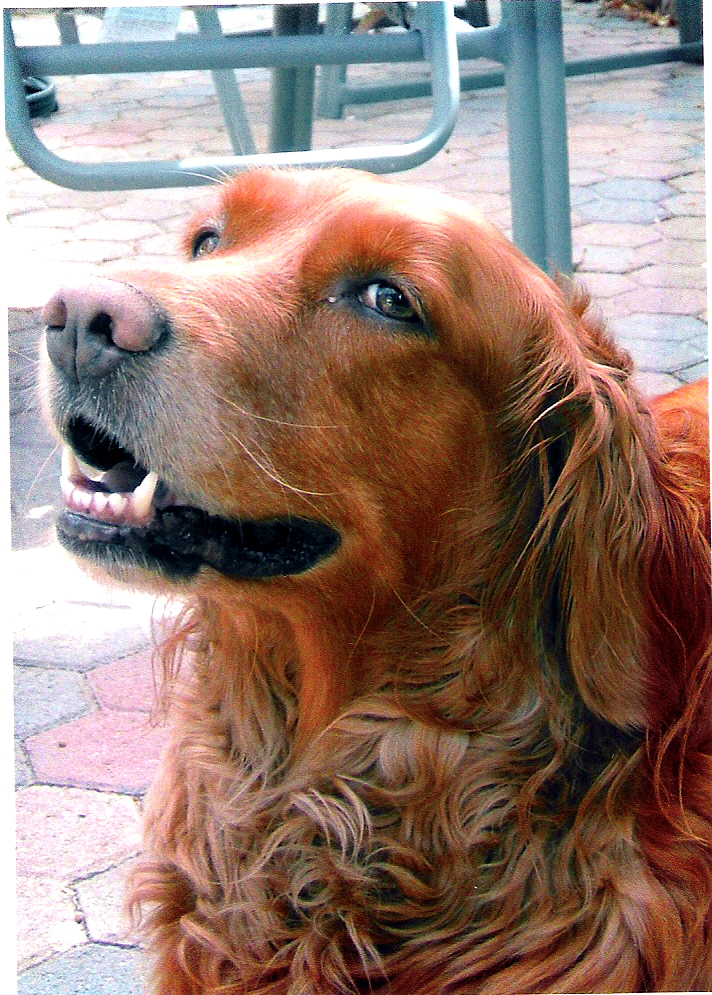
However there is a lot to be said for a thousand years of breeding. (Owl McCloud loves dogs too, so here is our last dog:)
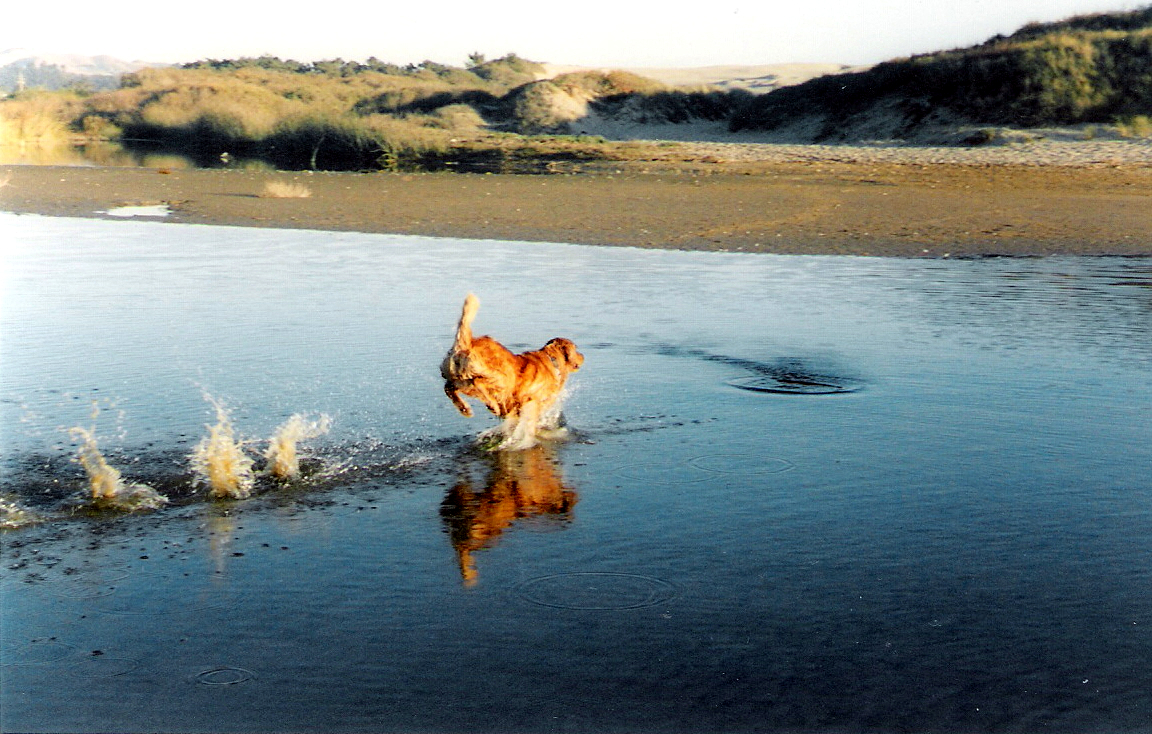
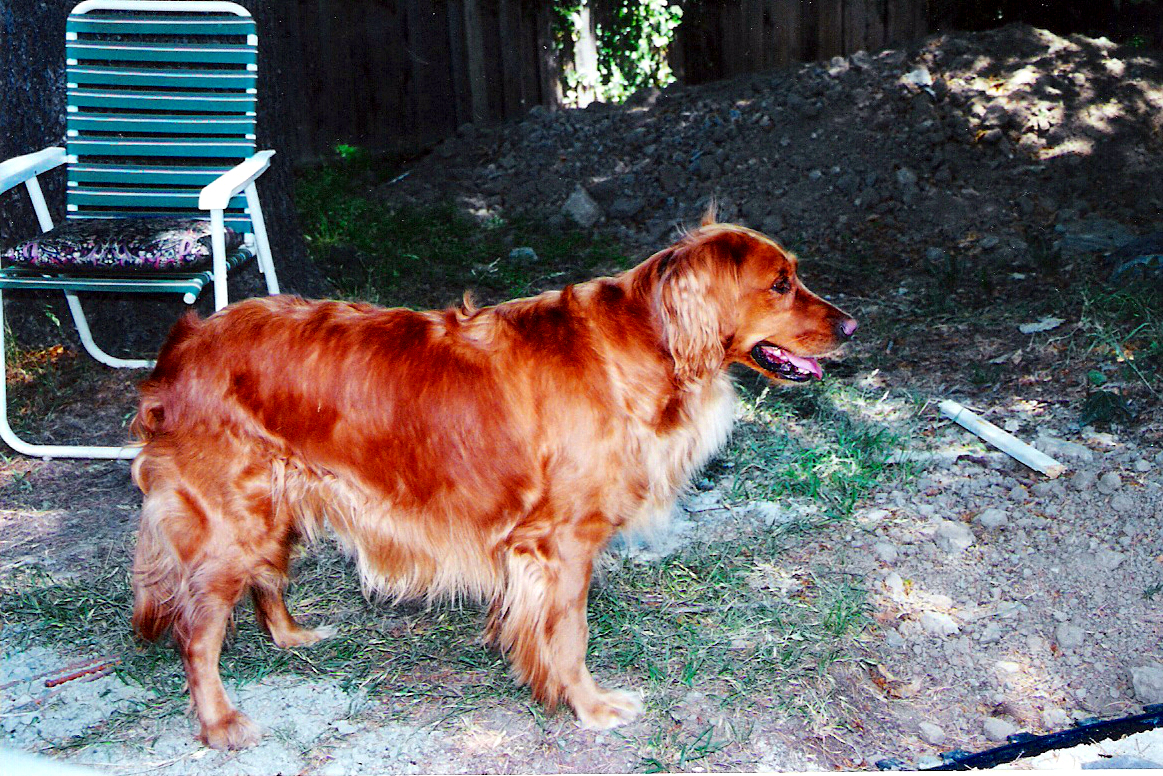
Rarely this clean am IIt’s cool under this bushGive me a break!Quit taking pictures of me. (Mommy is SO glad she didn’t listen and insisted on getting photos of this wonderful girlie dog.)Bet you didn’t know a dog could run on water! (Pismo Beach, California)Yes I’m gorgeous but I want to roll in dead things











 Nicci Carrera