




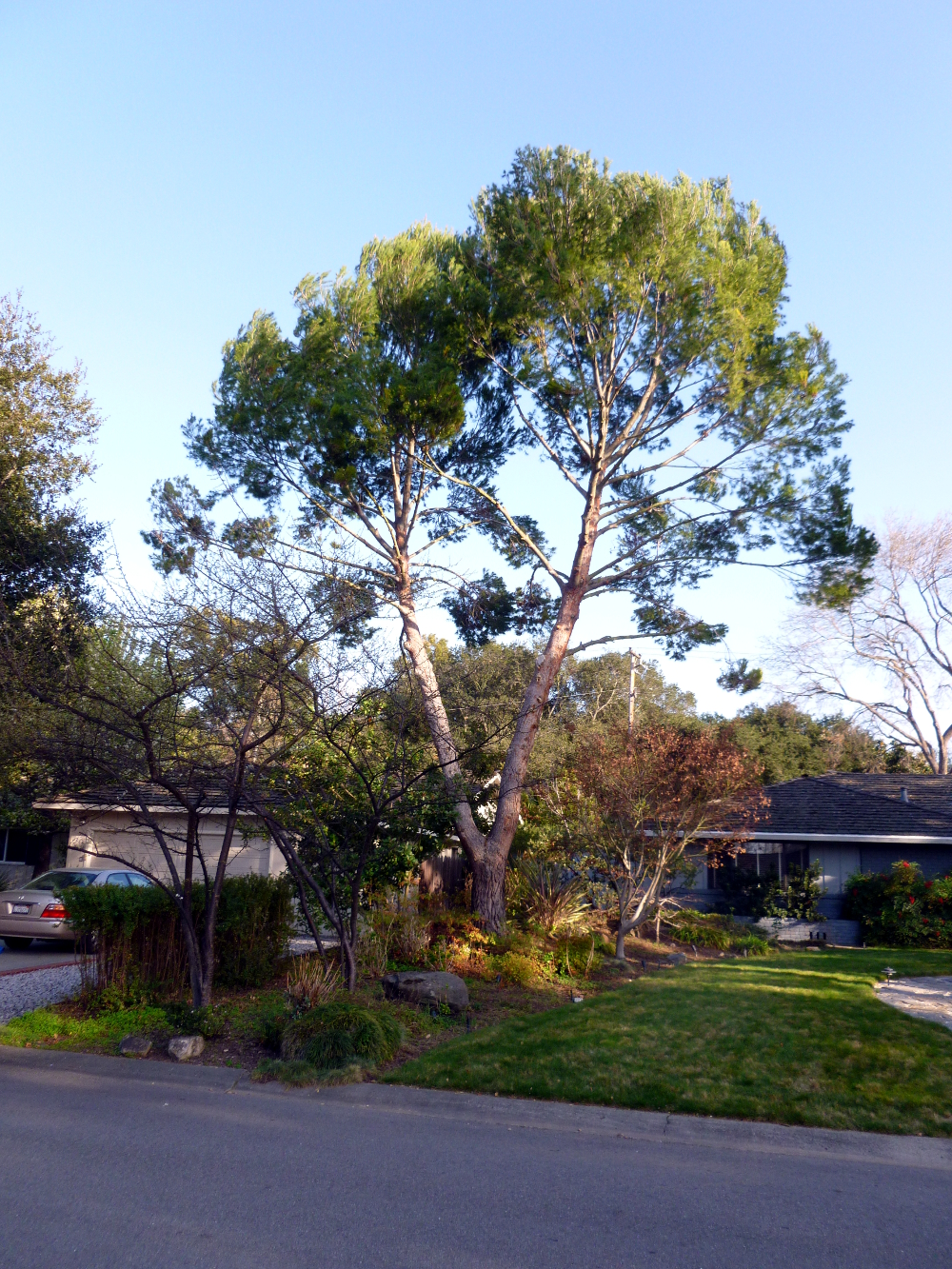

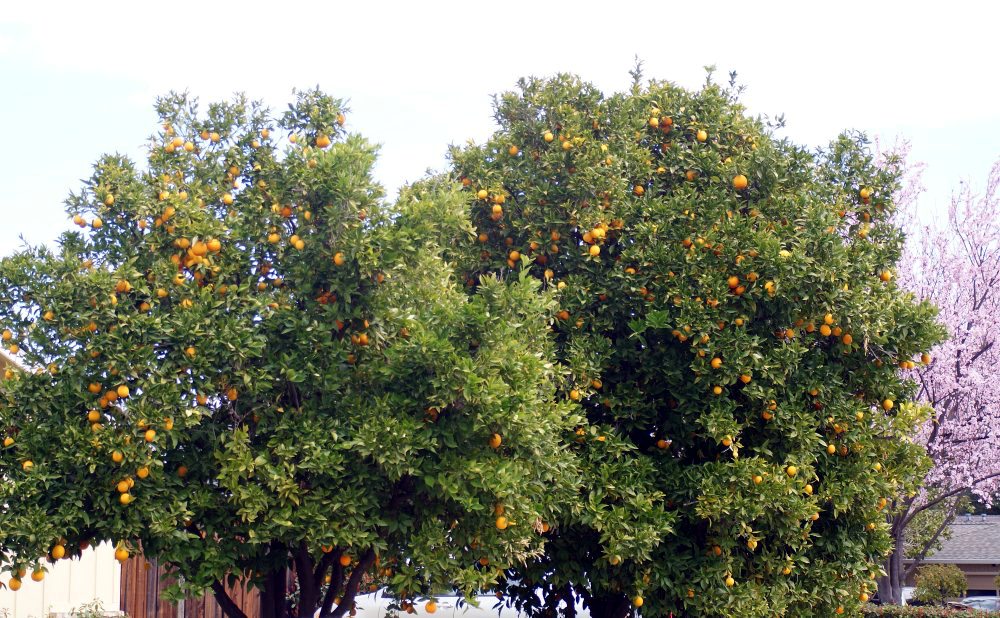
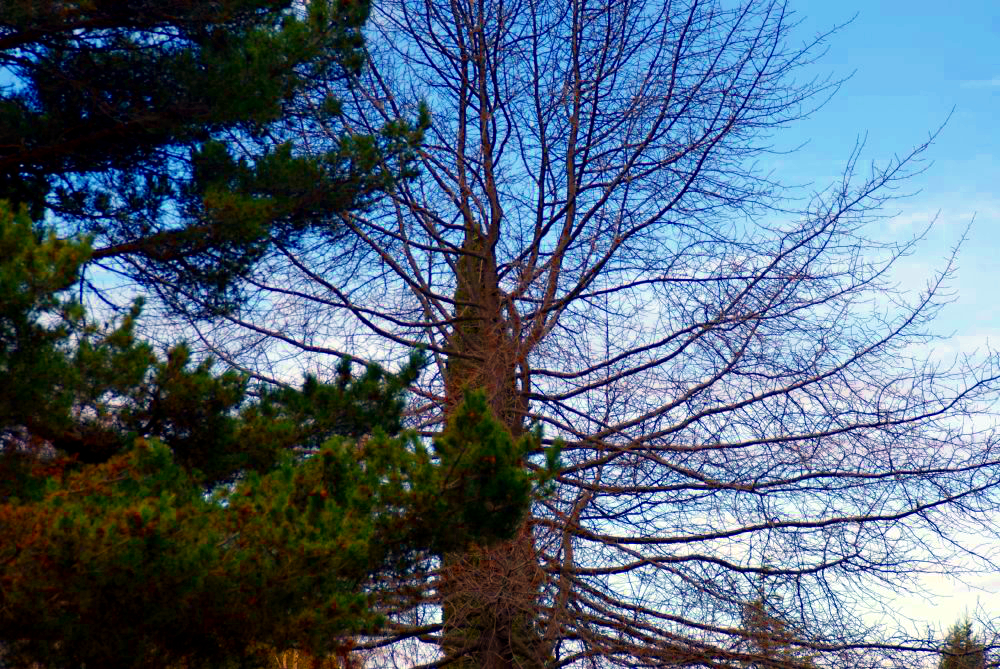
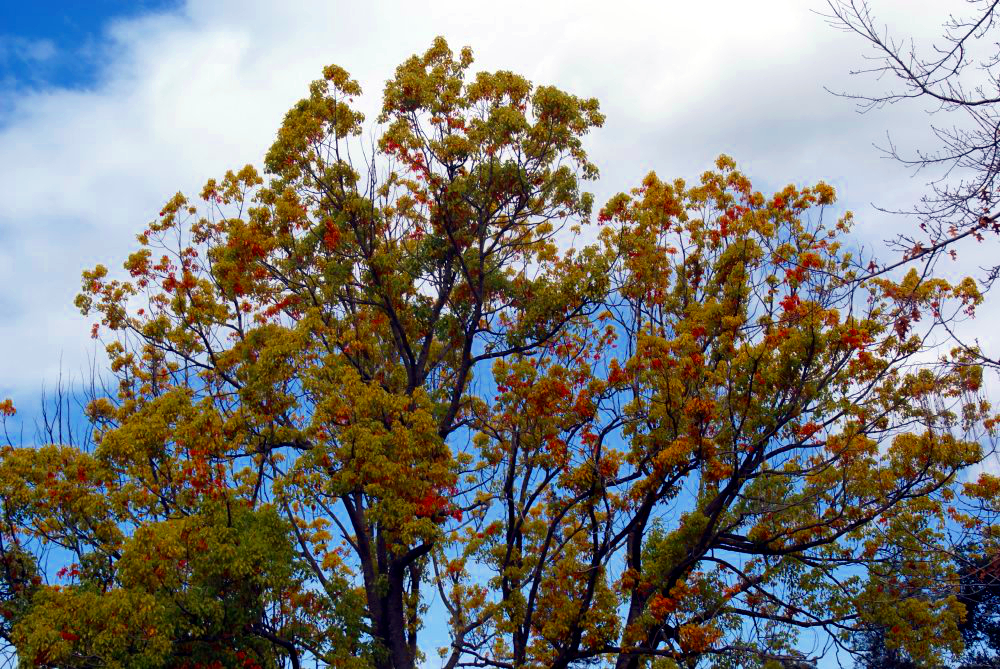

The end of the novel
looms like a new house
that felt so bright and cheery
until someone turned the lights off.
Now it is dark.
Unfamiliar.
Threats invisible
in the light
lurk in the dark.
Turn the lights on!
The house is gone.
Now there is a vast desert wasteland.
Between here and
The End
a small percentage
of what’s already done
looms insurmountable.
I shade my eyes
with my hand
squint at the horizon.
Swallow dust.
Type a word.
I
will
get
there
if
I
have
to
c
r
a
w
l
.
03/04/2013 © Nia Simone
In Mountains of Peru, there were some GIMP tips. Turns out the part about exporting it as JPEG is easier than described. There’s a box at the top that gets filled in with what you use most, so if you use JPEG mostly, it fills in the name of the file and defaults to replacing the original with the new, enhanced file. Then you can just click Enter instead of having to scroll down in the Select File Type By Extension menu each time.
Also, in What blooms in March, there’s a tip about using the Select by Color tool. That’s great, but it’s tricky to get GIMP to release that tool, even if you close the image and open a new one. To turn it off, use the Select menu: Select->None.
Also, some of the auto enhancements get too much of a primary color in them. Still figuring that out.
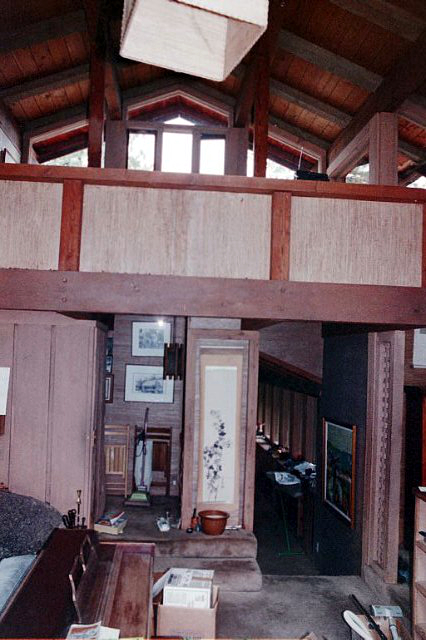
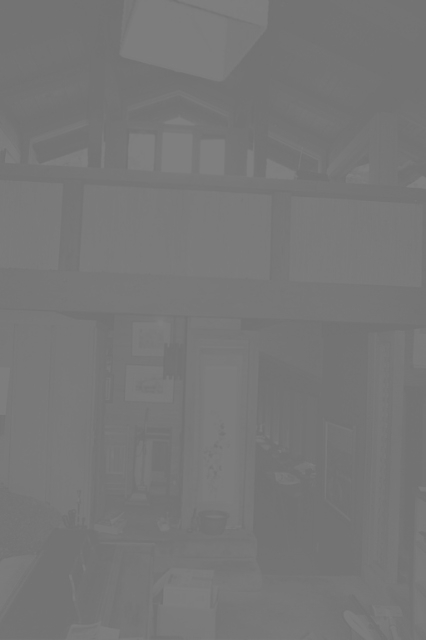
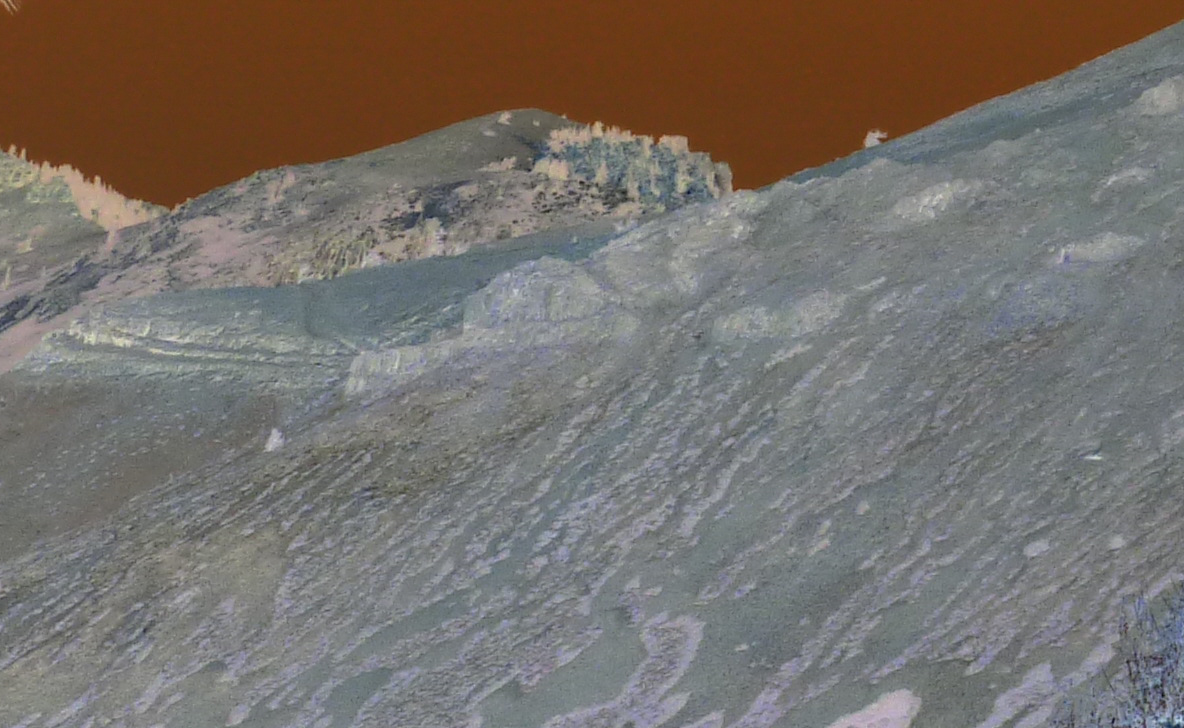
The spooky version of the bleak mountain was done with Colors-Invert. The dark version of the house was made black and white by using Colors->Colorify, checking the preview box, seeing it had defaulted to black and white, and clicking Ok.
She runs the beauty salon at the assisted living facility. Every Monday, she buys a new orchid.
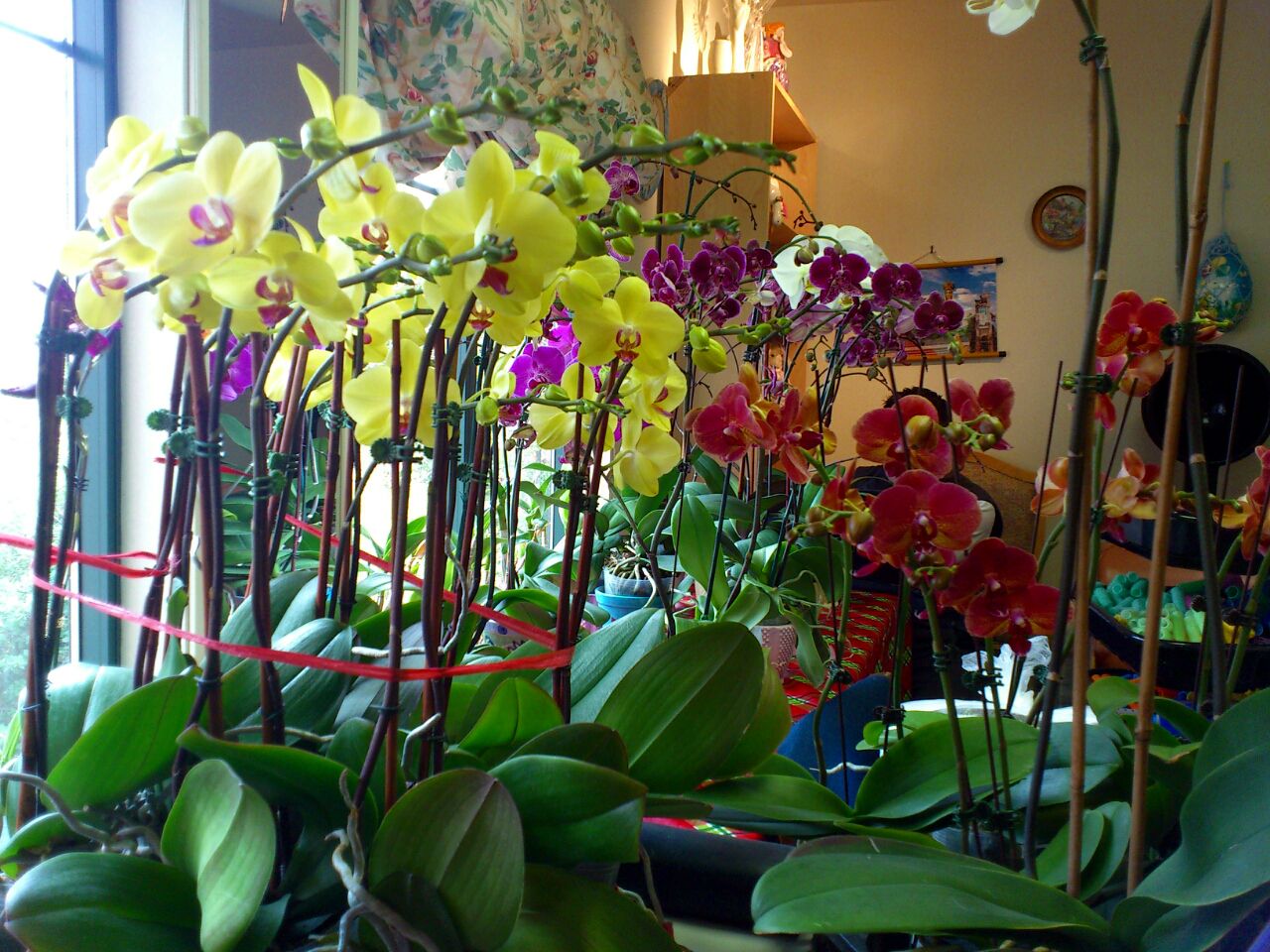
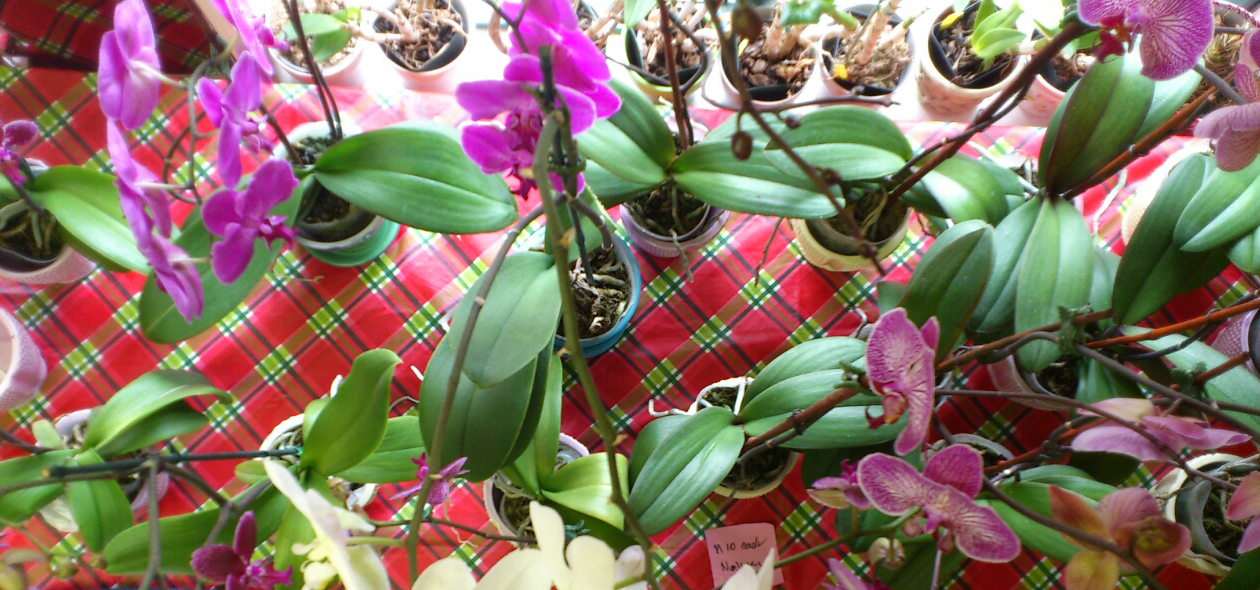
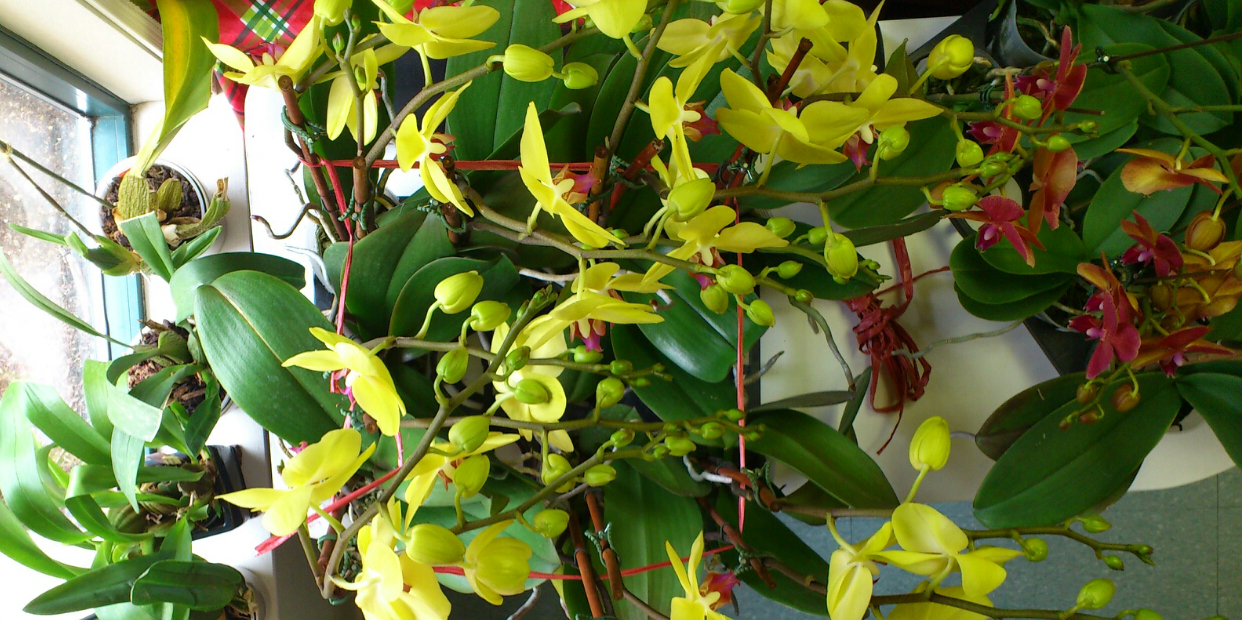
She enjoys it at home for two days and then brings it to the “office” to share with her clients.
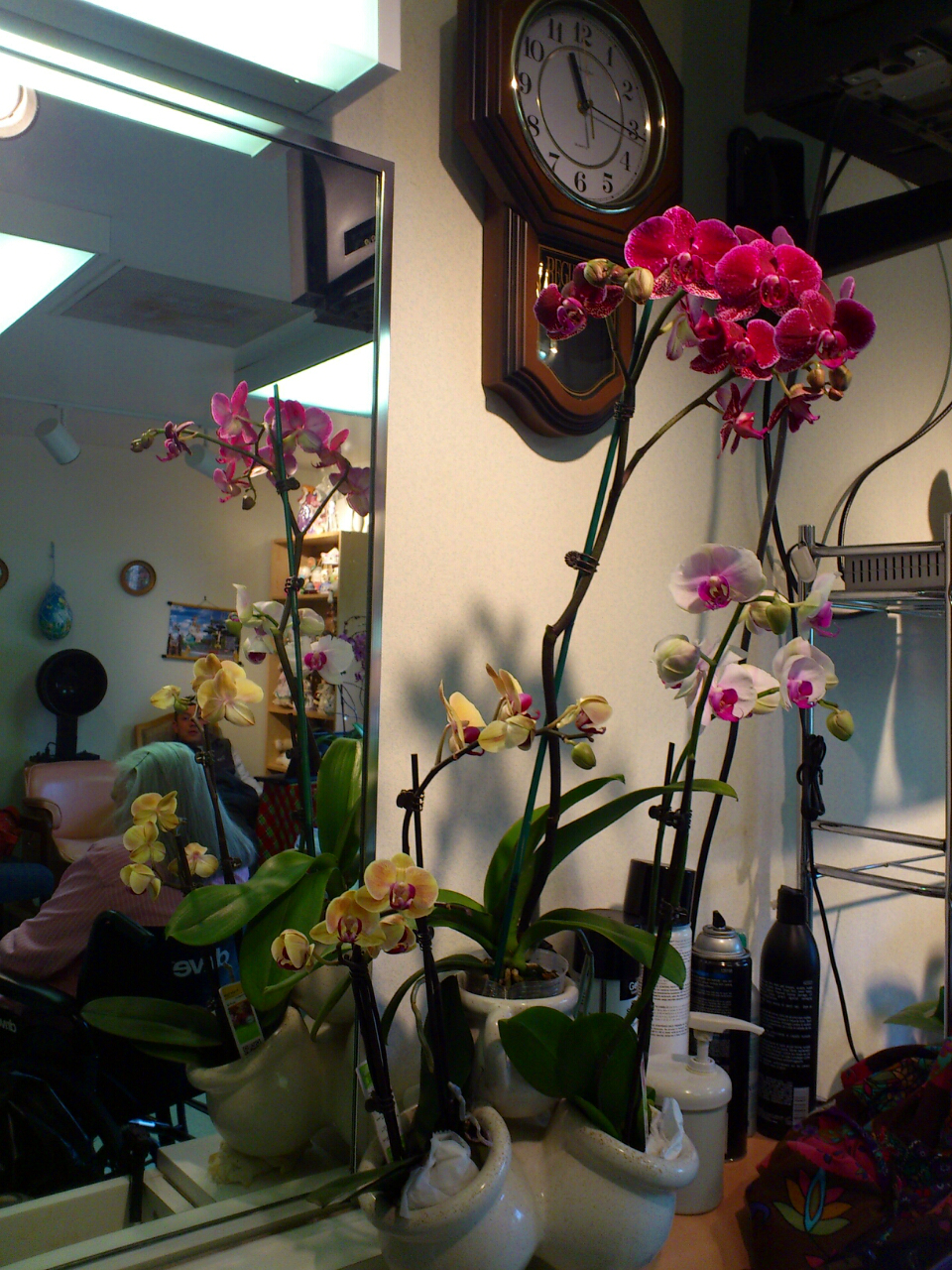
Tips for using GIMP follow today’s photos.
Urubamba Valley (Sacred Valley)
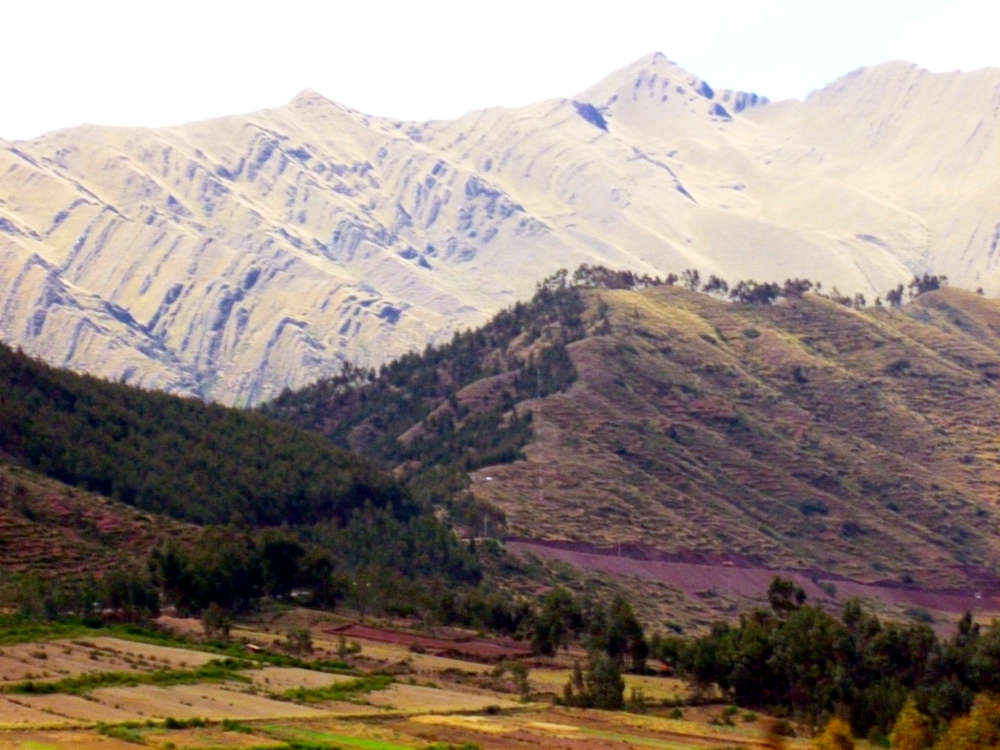
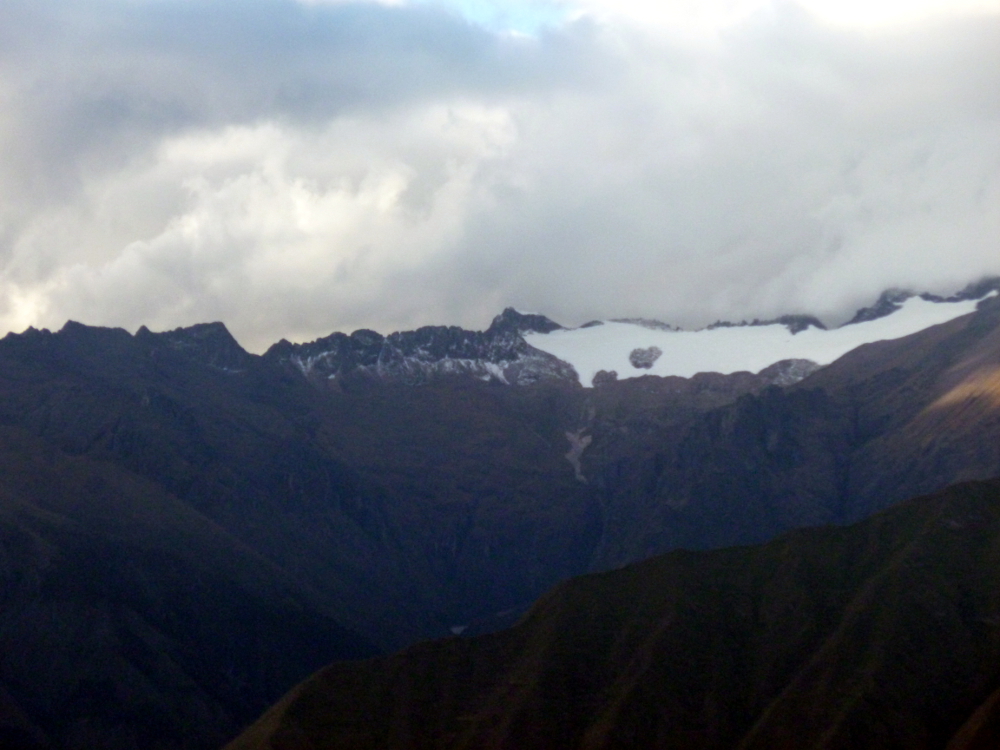
From the road leading out of Cusco, heading to the Urubamba Valley:

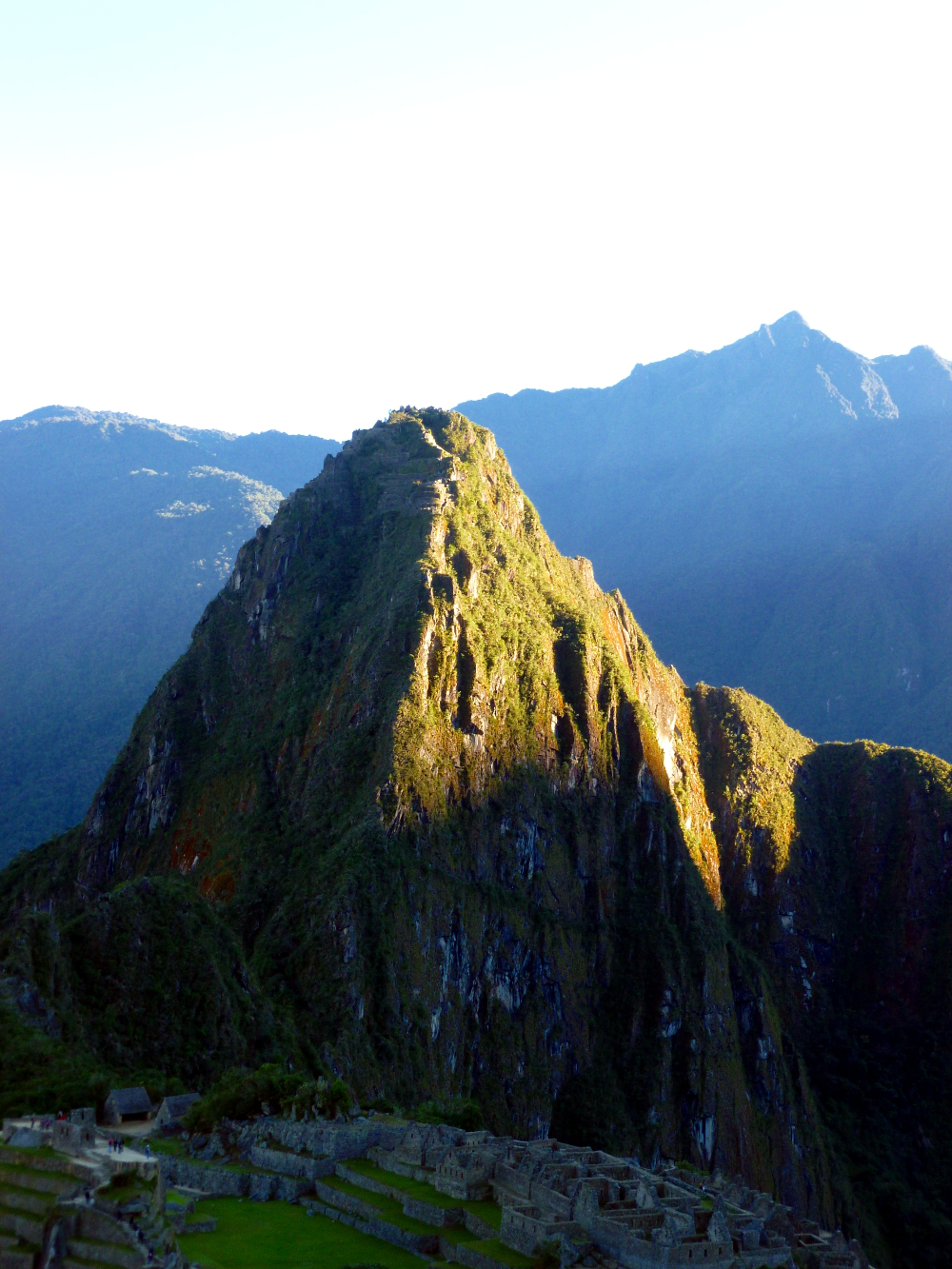
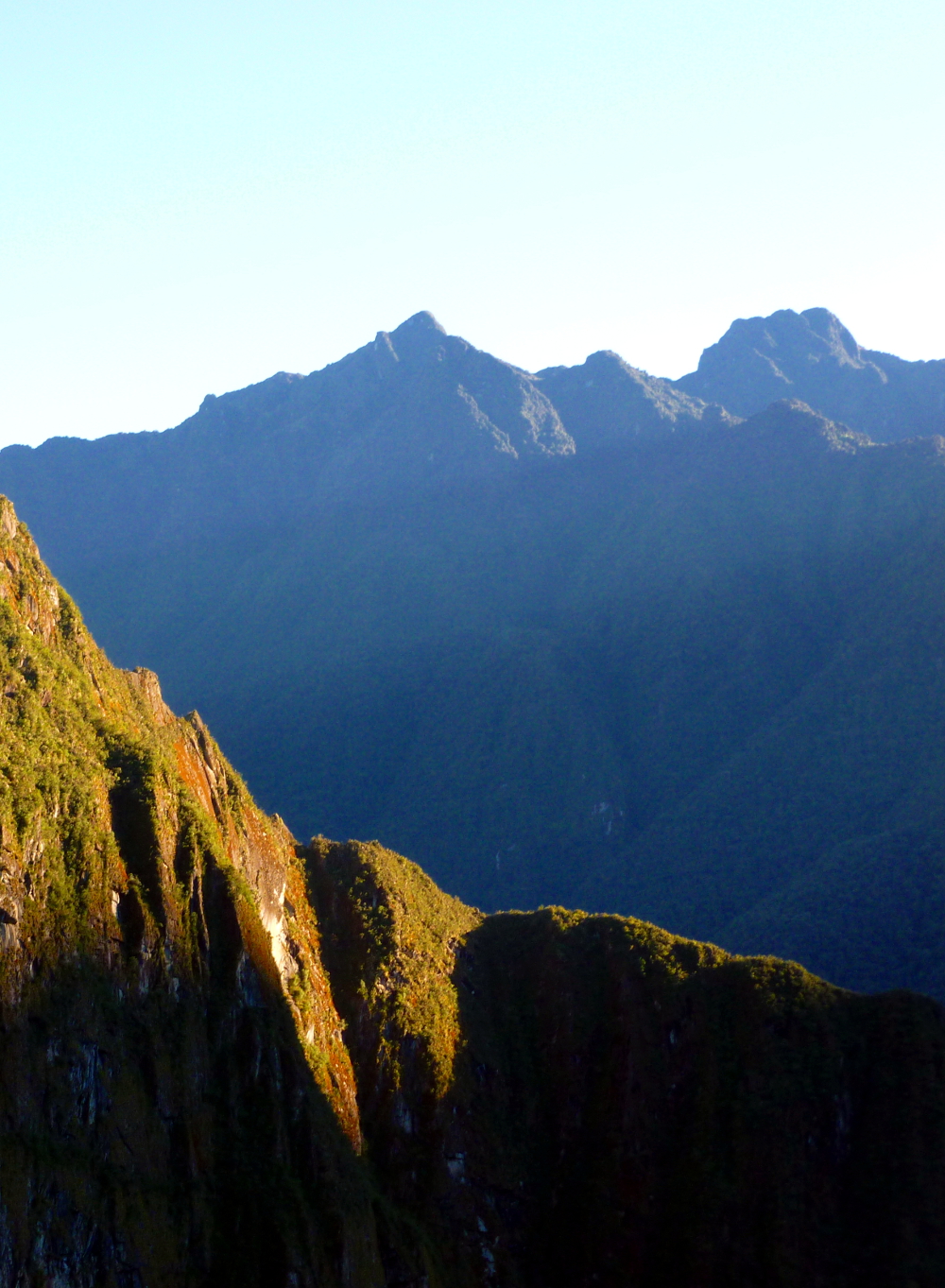
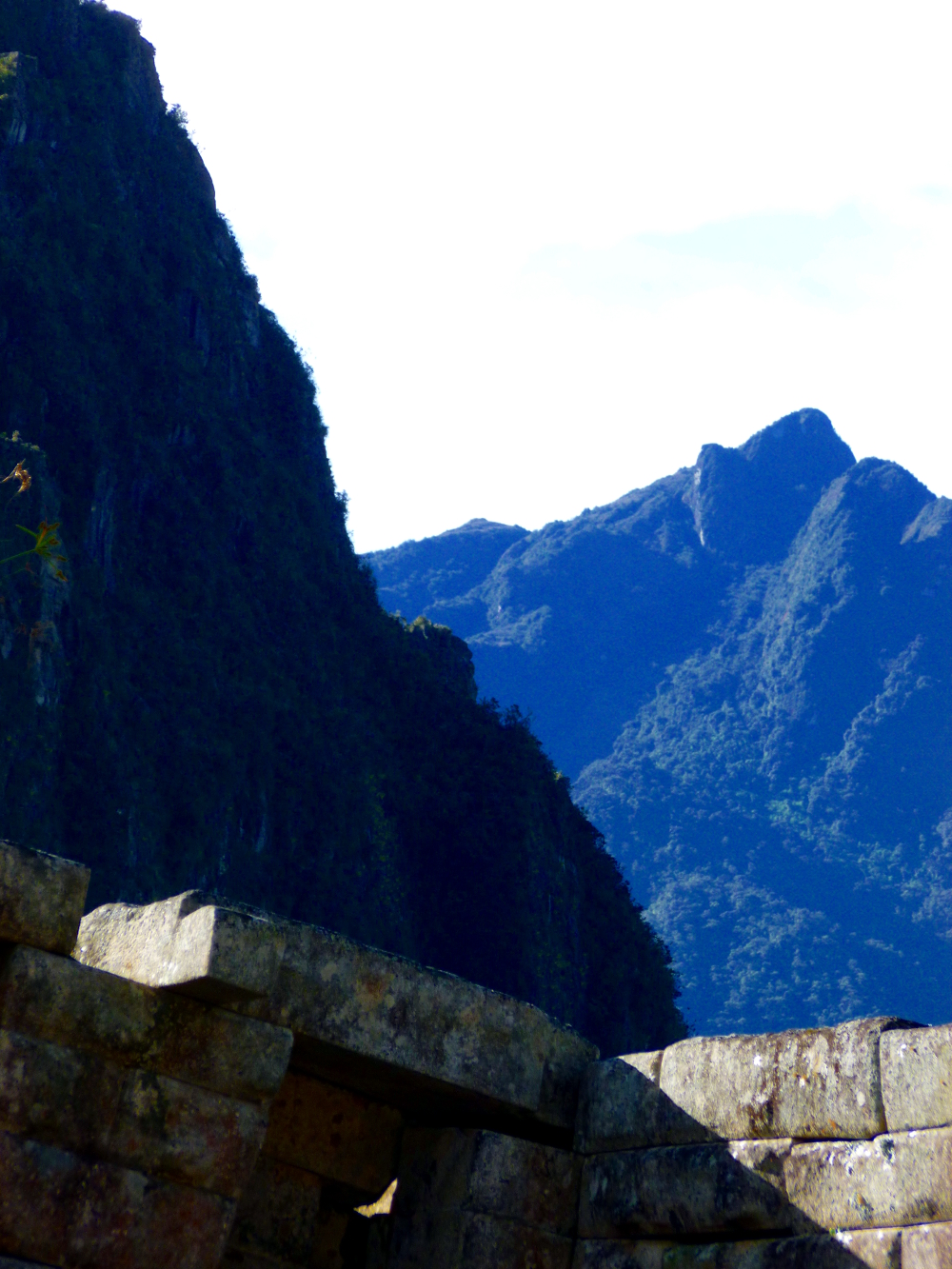
Machu Picchu:

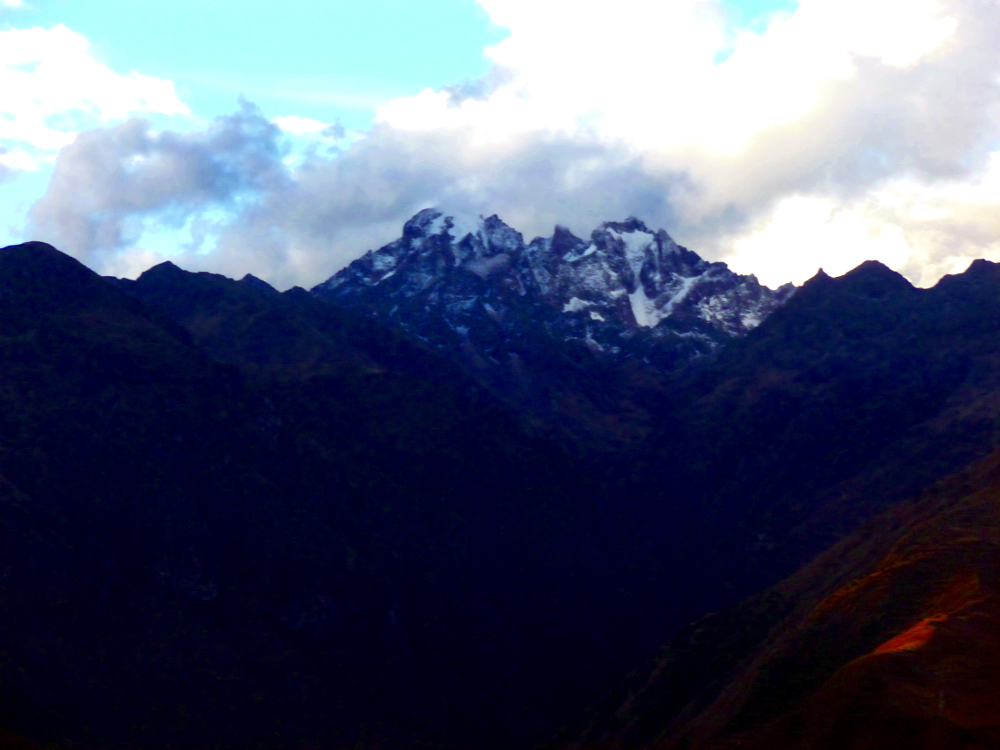
What GIMP makes easy in photo editing, it makes up for by making very basic operations complicated. To scale down the image size for faster loading on the Web, use the Image menu: Image->Scale Image then enter 1000 in the Image Size, Width box. Click Scale.
To save the image as a jpeg, use the File menu and the Export menu. In the bottom left corner of the Export menu, just above the Help button, there is Select File Type (by extension). Expand that menu, scroll down and select JPEG image, then click Export. The first time you export as jpg, set the quality in the Export menu to 100% and click Save default.
Saving: The default save is as a GIMP file. Don’t bother with that unless you’re going to work on it again later and want to save what you did. It is a huge file and you can’t use it for anything except GIMP, so move on. When you close the file, it will warn you that you made changes without saving; it is referring to the GIMP file. From the File menu, select Close, then click Close without saving.
Cropping is also hard to find because it doesn’t have the usual symbol and is buried. Cropping is under the Tools menu. To crop a photo: Tools->Transform Tools->Crop.
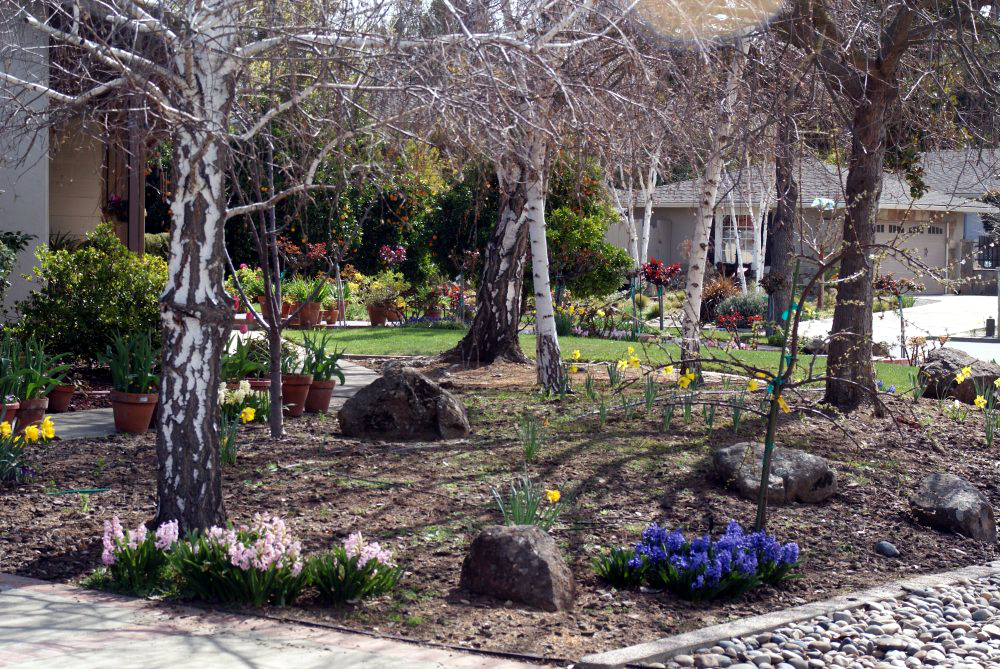
For instructions on easily enhancing your photos with GIMP and on downloading this free, open-source software, go here: What blooms in March, Saratoga.
There is info at the end of this post for any readers not familiar with the tools used to enhance these photos.
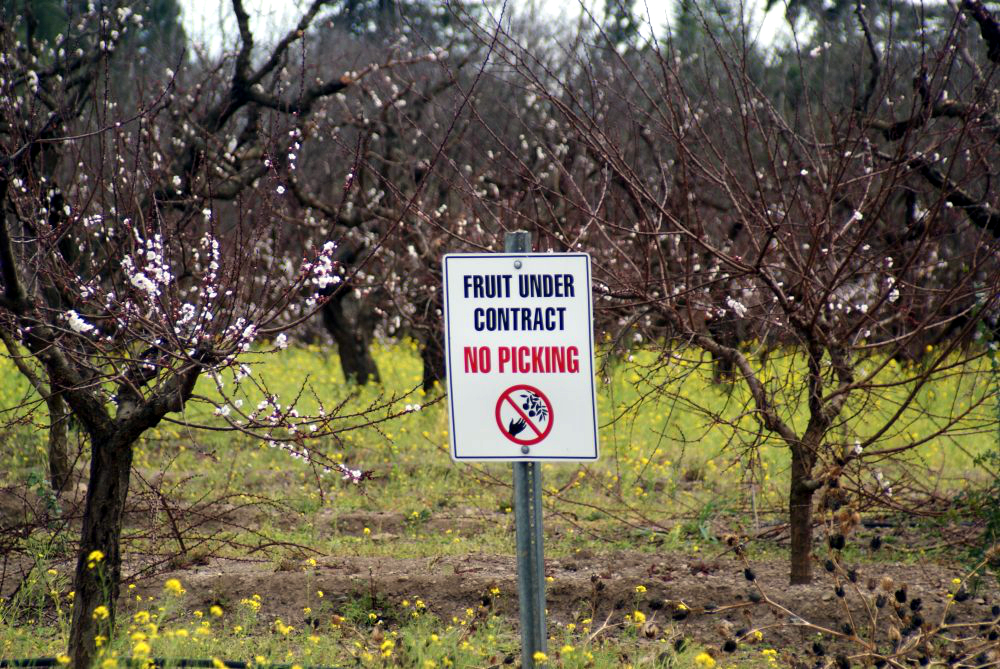

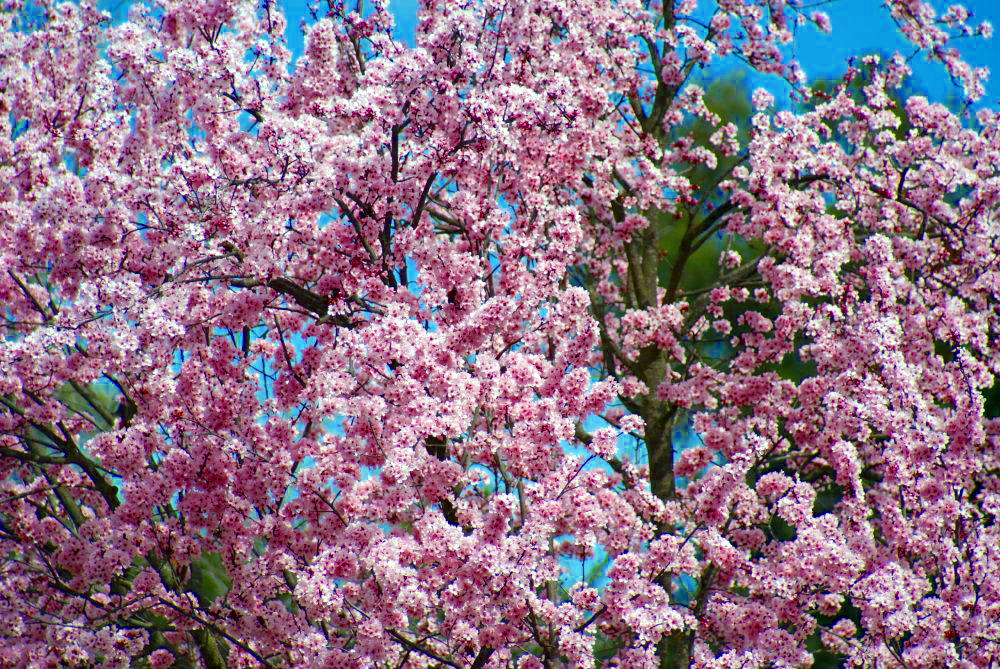
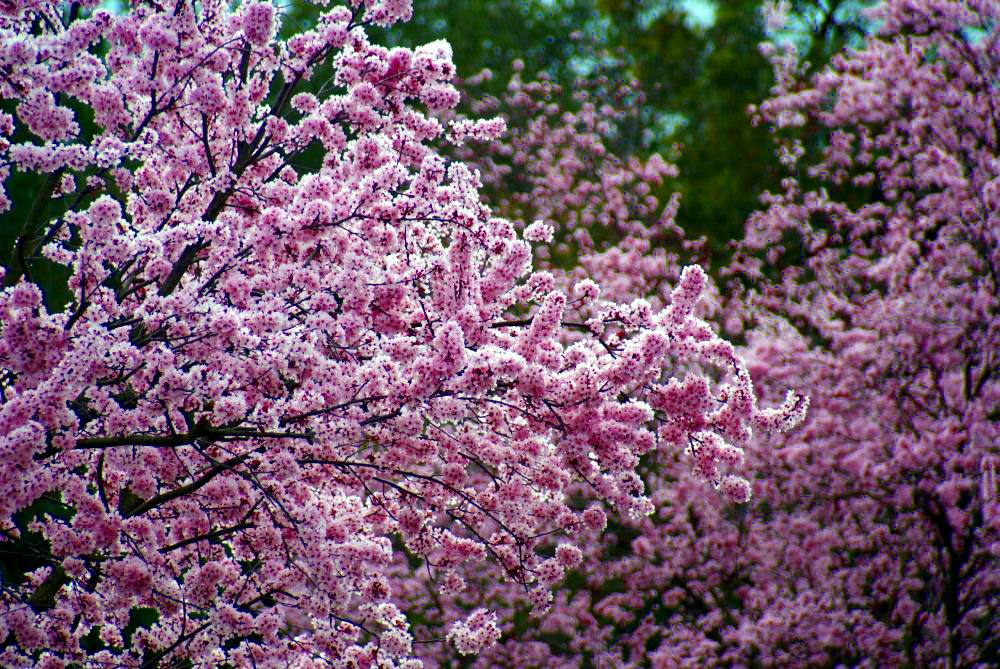
The housing market blooms in March too:
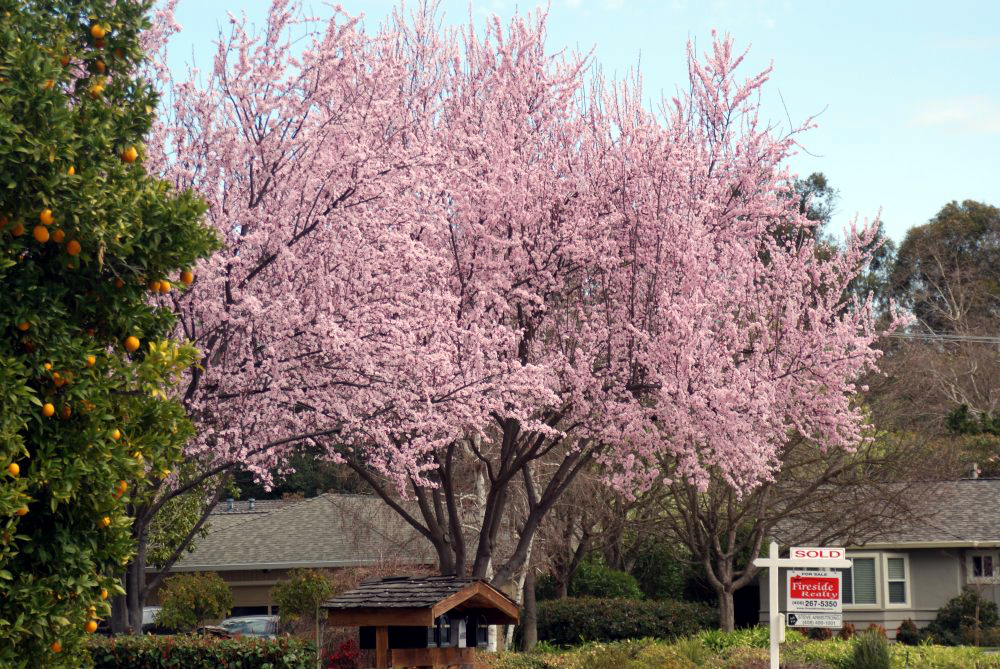

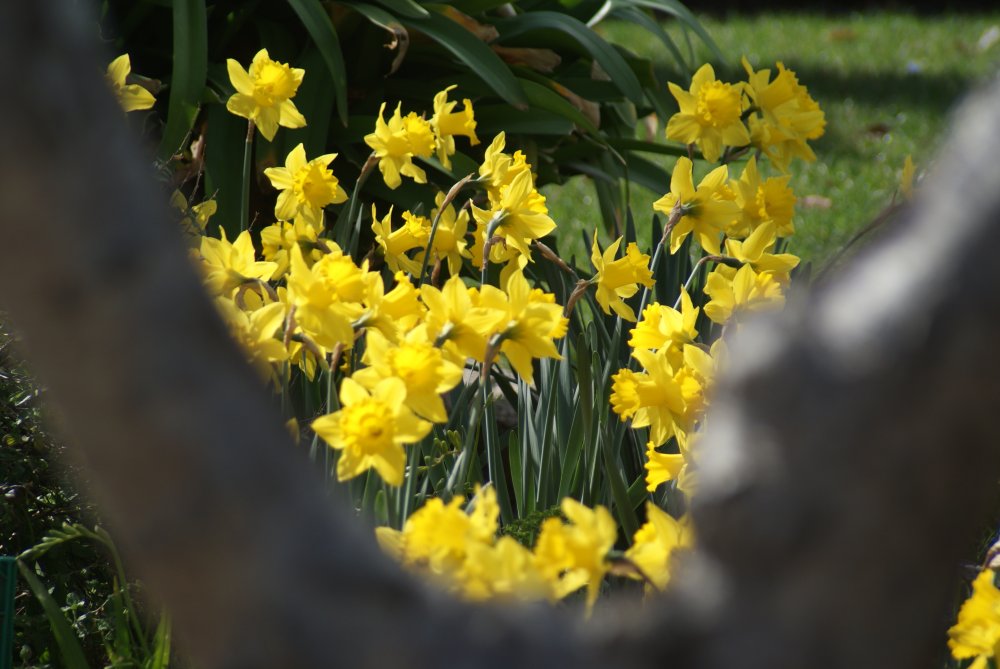
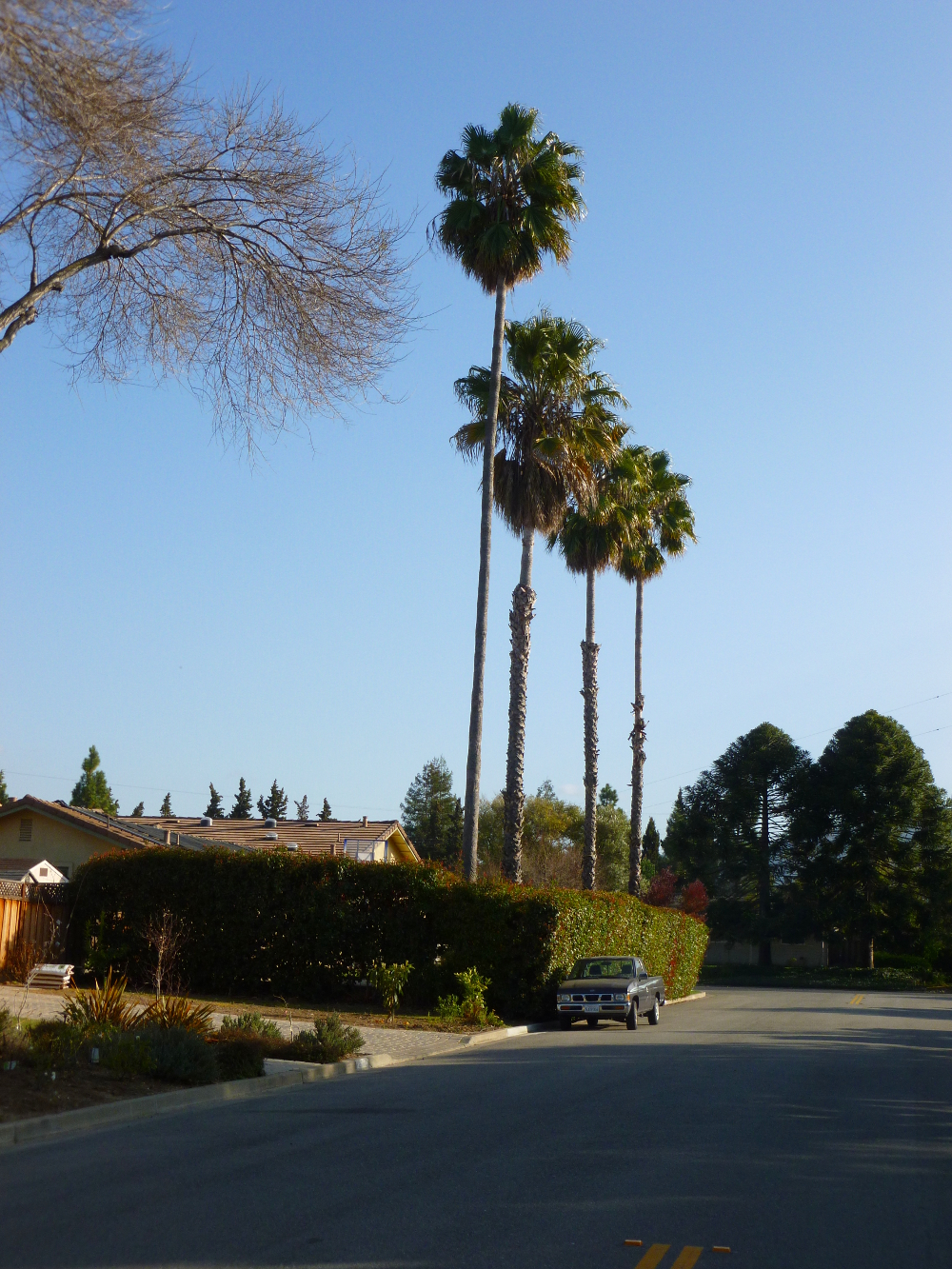
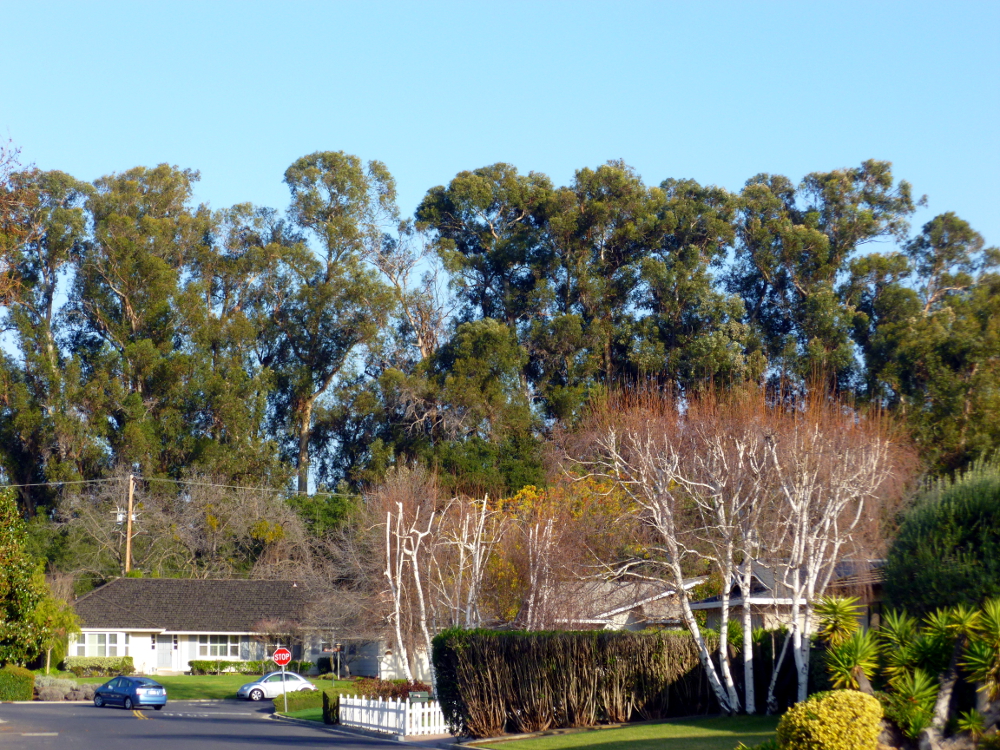
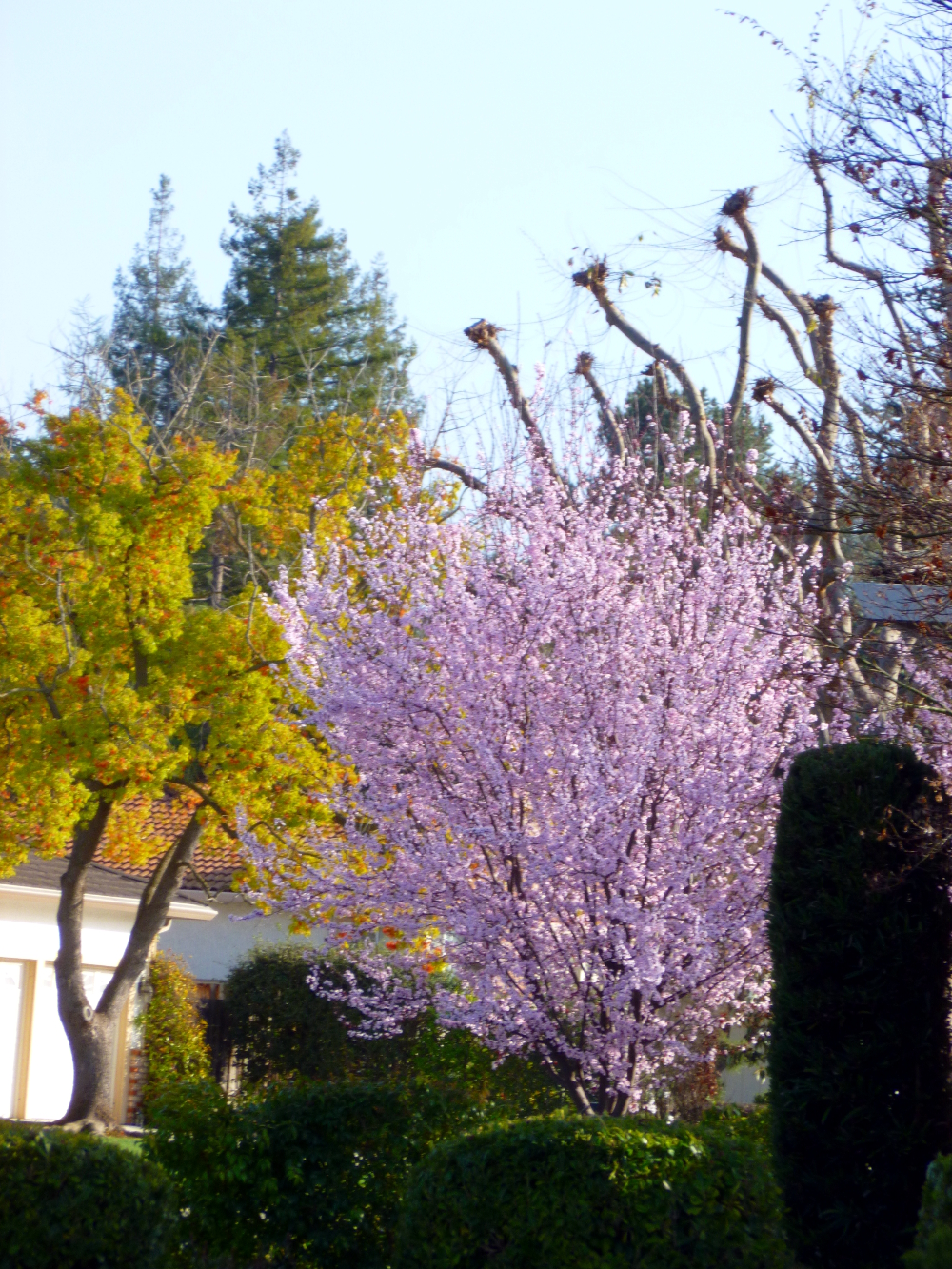
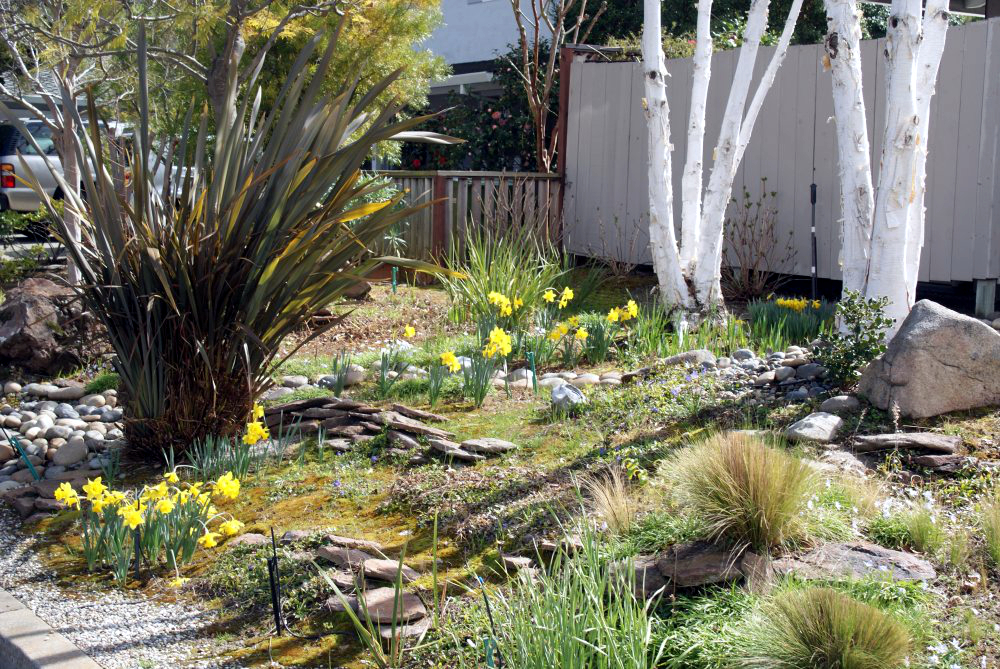
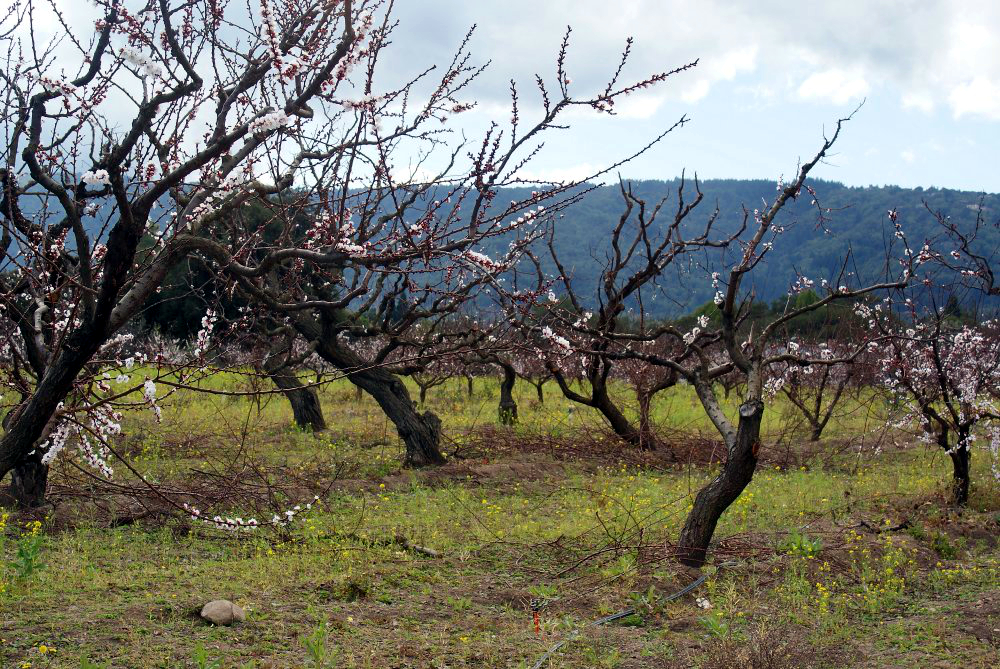
Photos taken with a DSLR camera (main benefit is huge zoom lens) and, the biggest difference, GIMP software: Color->Auto-White Balance and Color->Auto->Color Enhance.
GIMP stands for GNU Image Manipulation Program. It is open source, meaning it’s FREE and GOOD. Make sure you get it from GIMP.org, not the advertisement that shows up at the top of the Google search. That one has a bunch of license agreements up to and including selling your soul to the devil. The real one scorns license agreements and if you bother to read the developer’s statement, is all about freedom. Get that one.
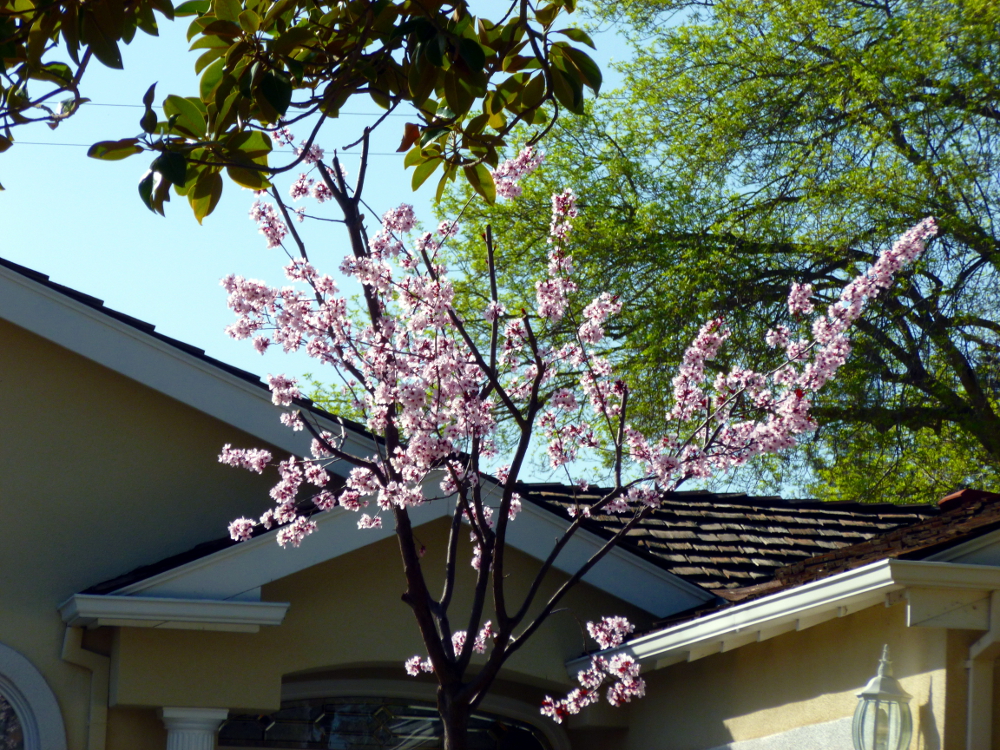
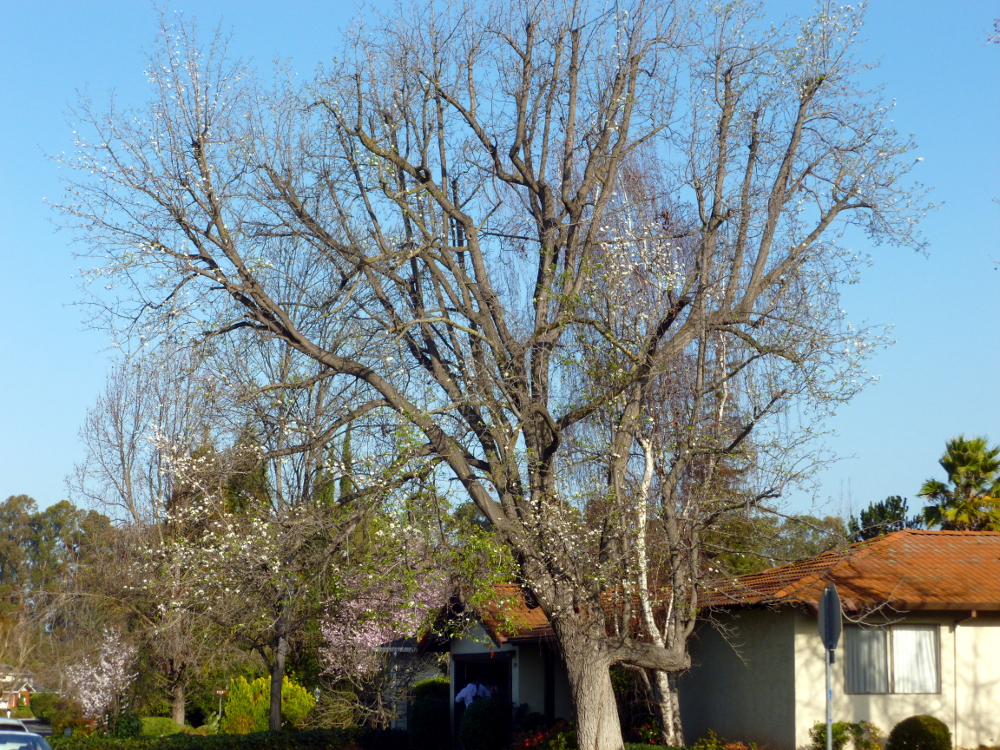
Because enhancing color on the whole photo made the house’s yellow too bright and dominant, the one with the house and the budding tree first has Tools->Selection Tools->By Color Select then the white balance and color enhance from above, applied to the tree trunk colors, the blossom color and the sky (one color group at a time).
The two daffodil close-ups were not enhanced. The camera seemed to make enough saturation on its own, perhaps because it was zoomed in on one primary subject.
Credit to Leanne Cole for educating about GIMP and photo enhancement.
Not much needs to be said here. Enjoy!
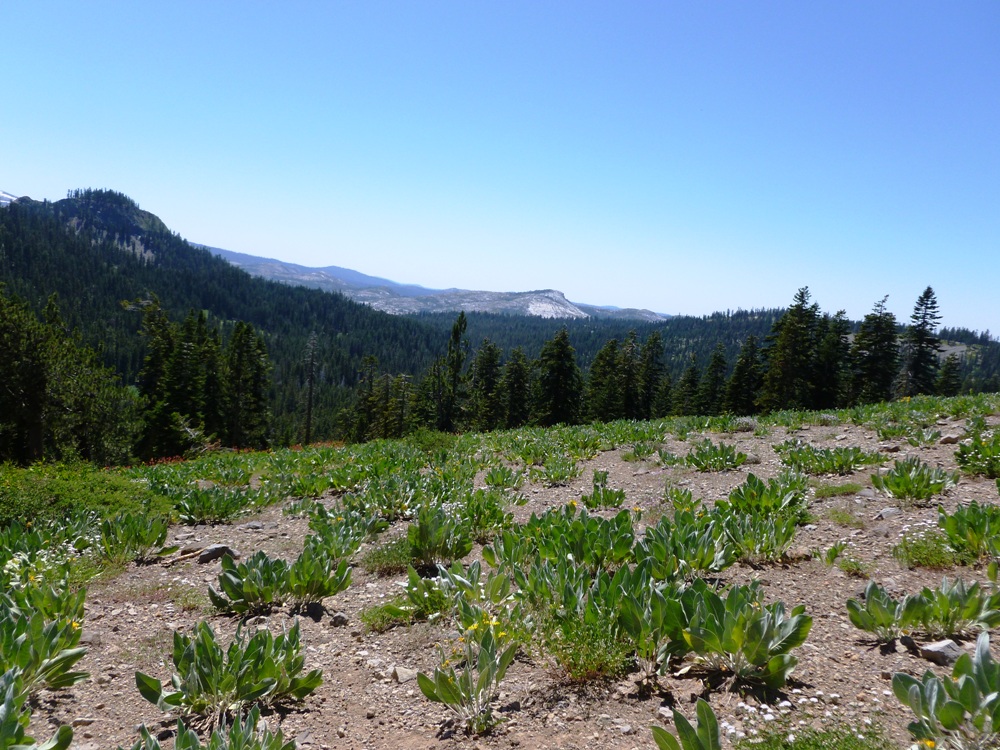

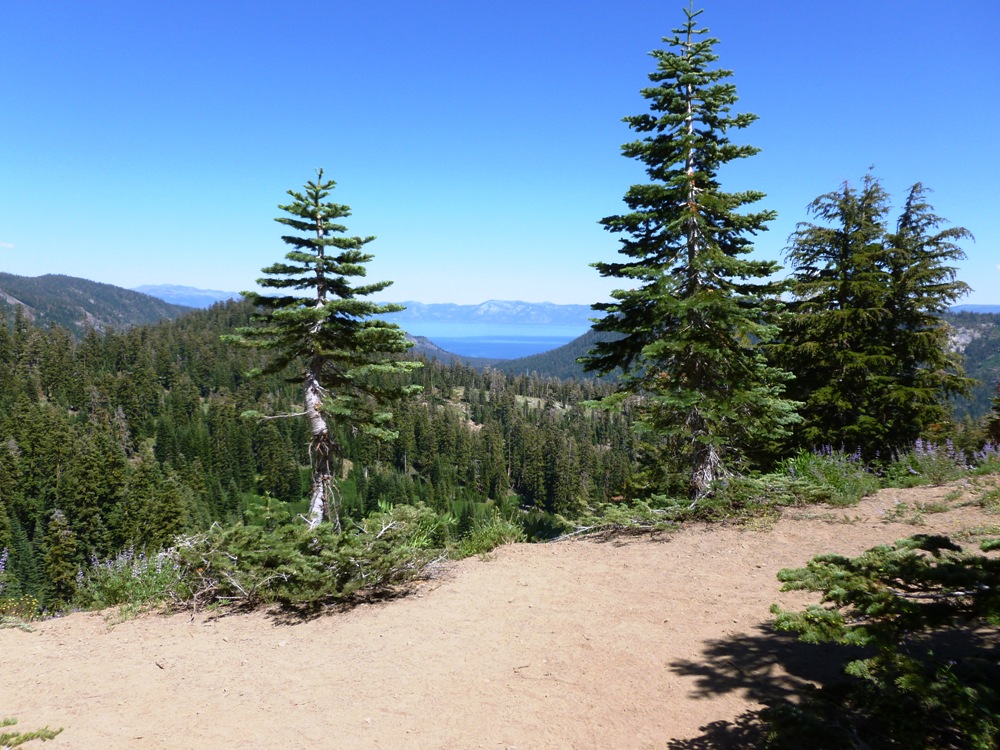
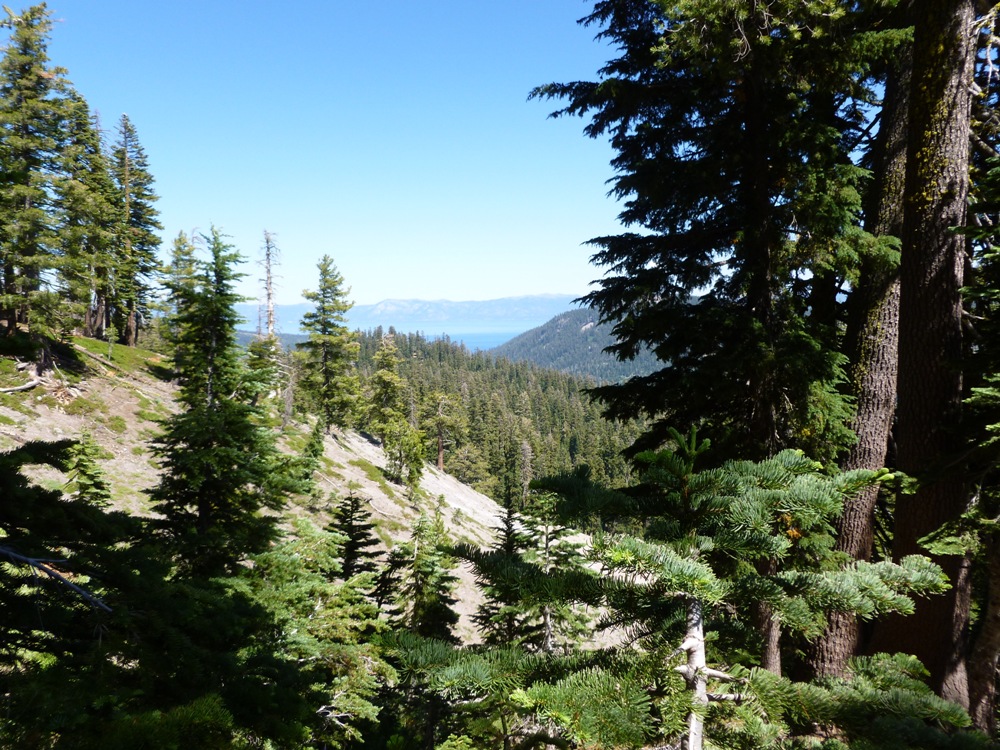

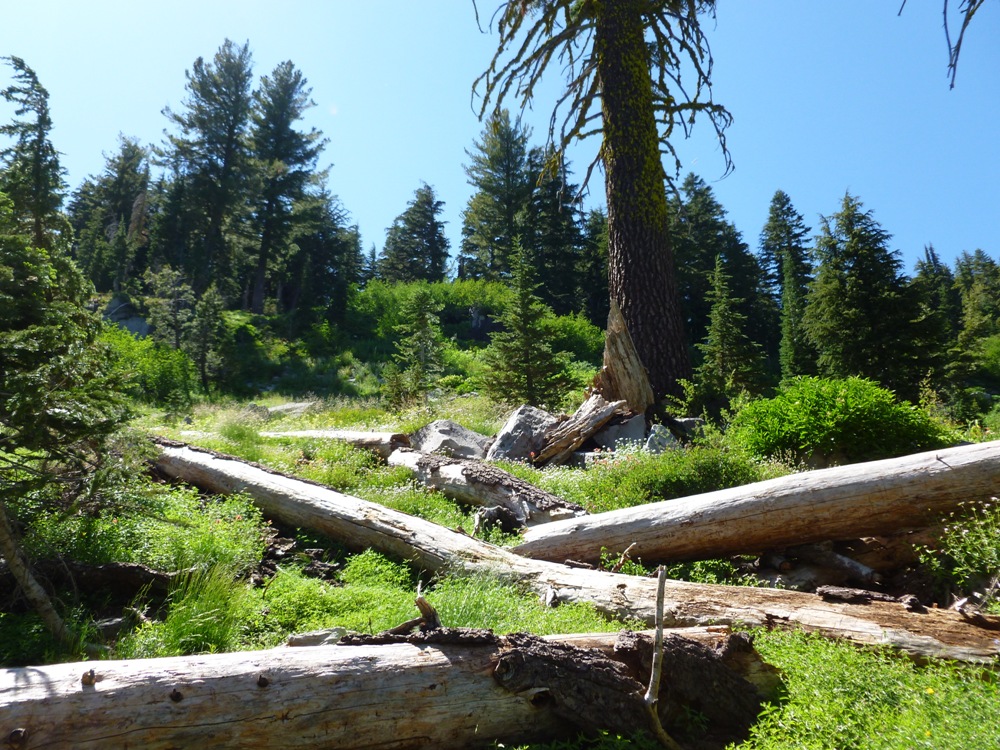


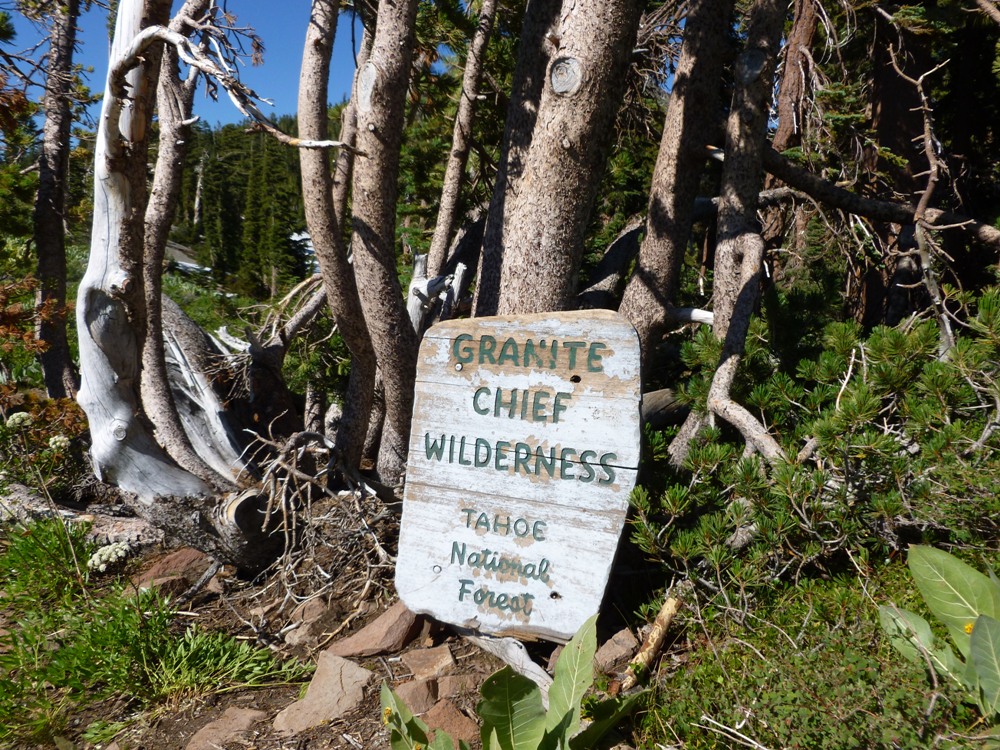

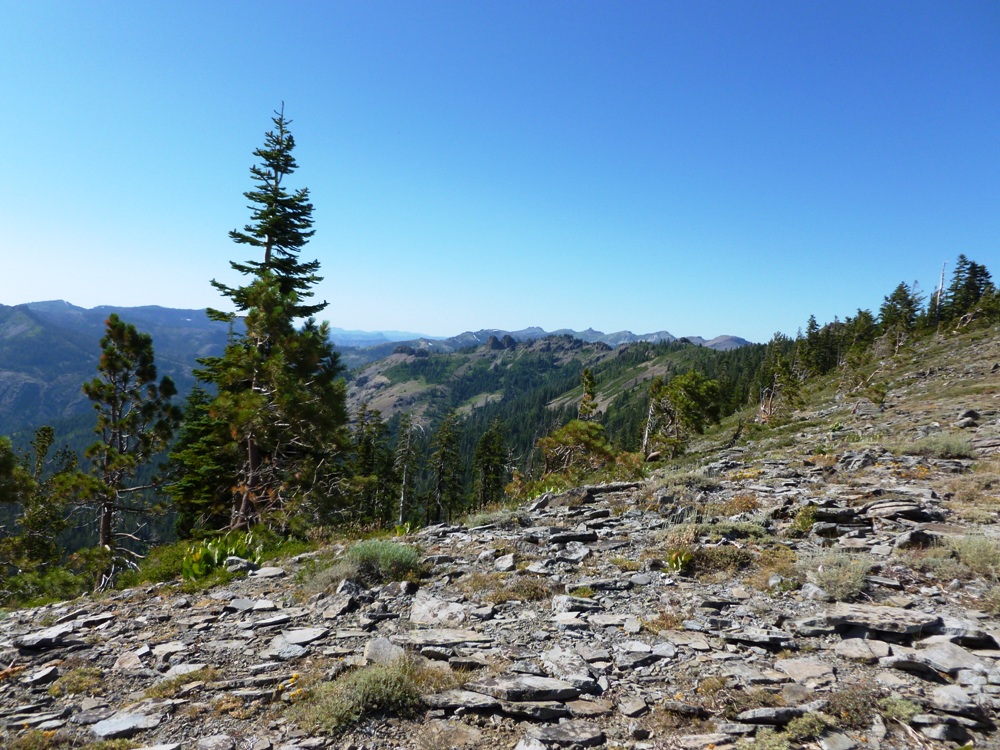

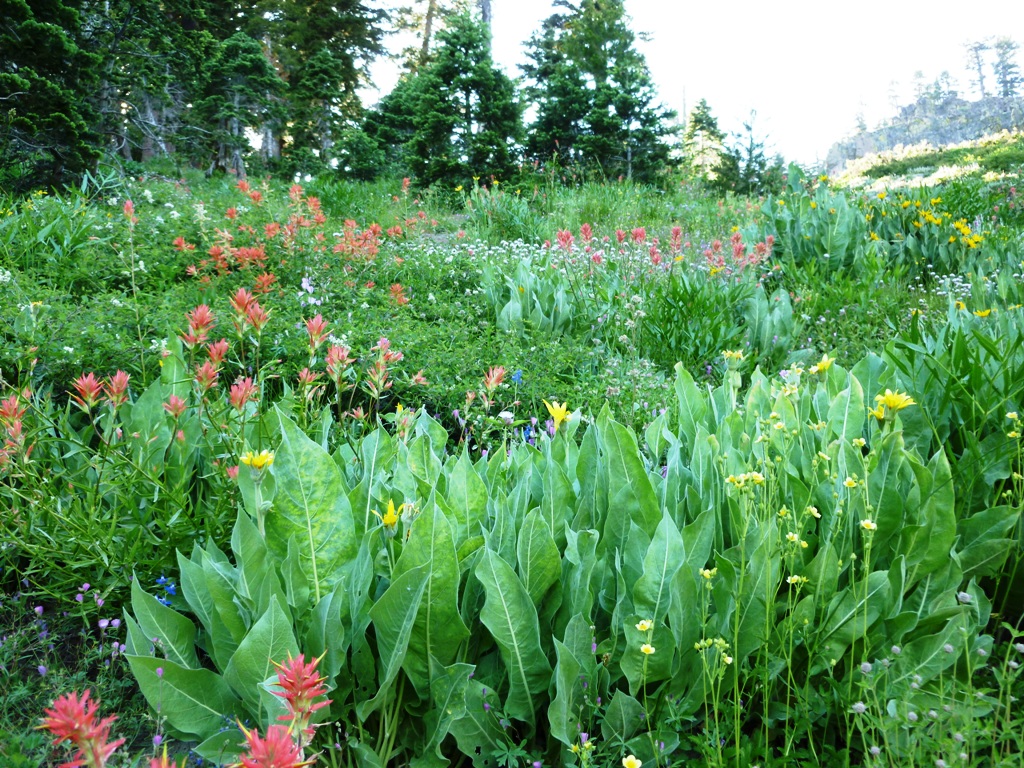
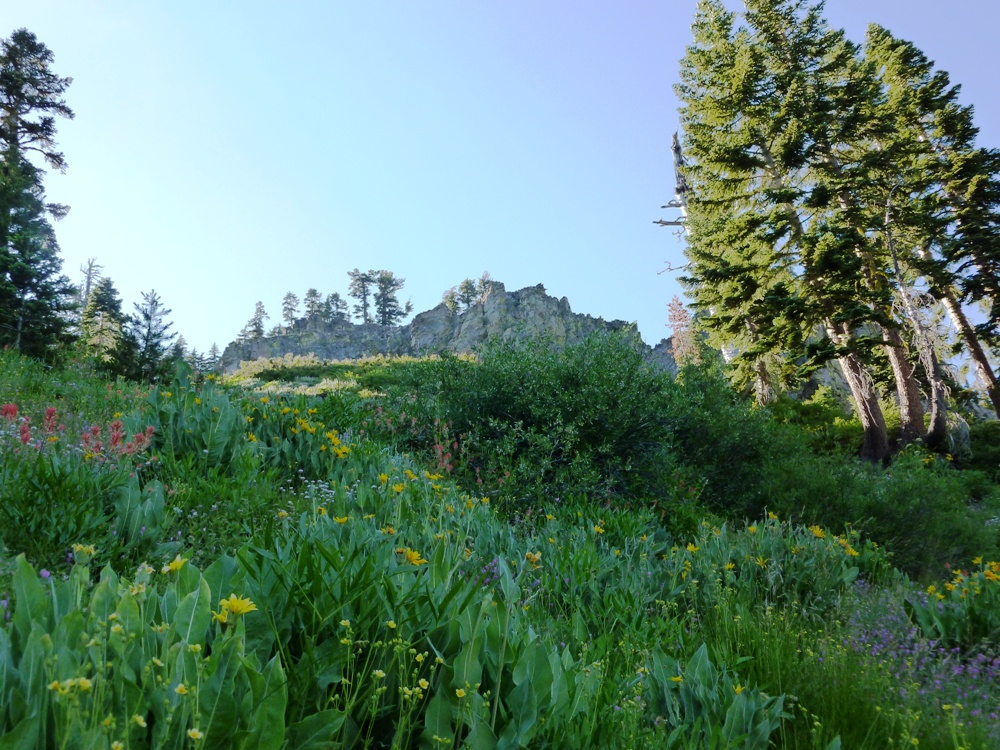
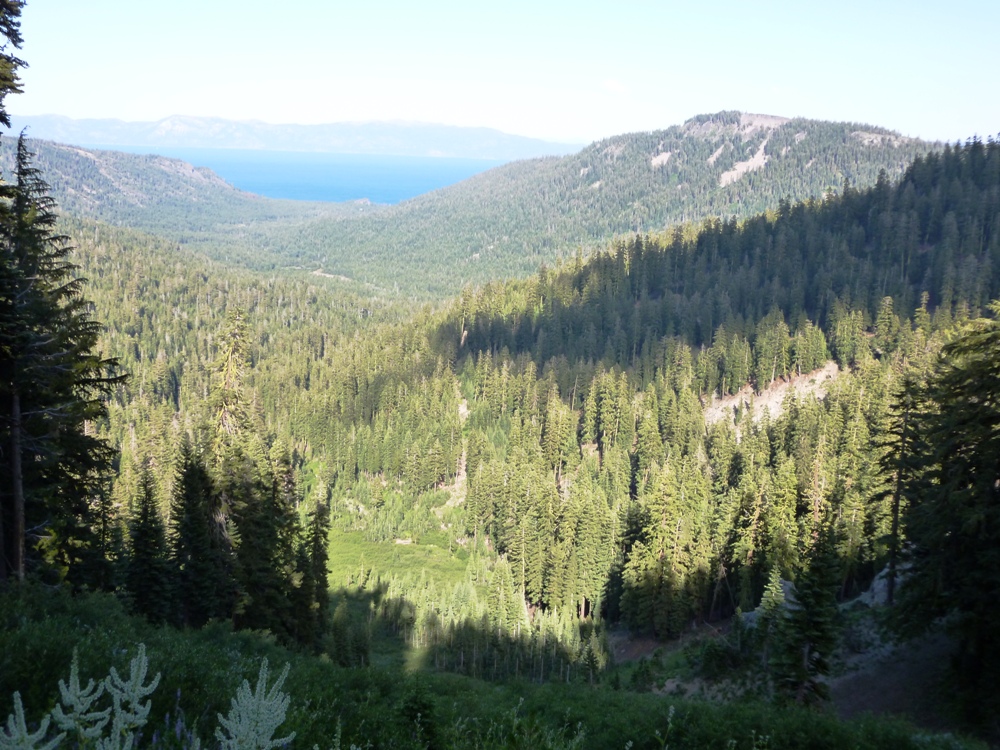
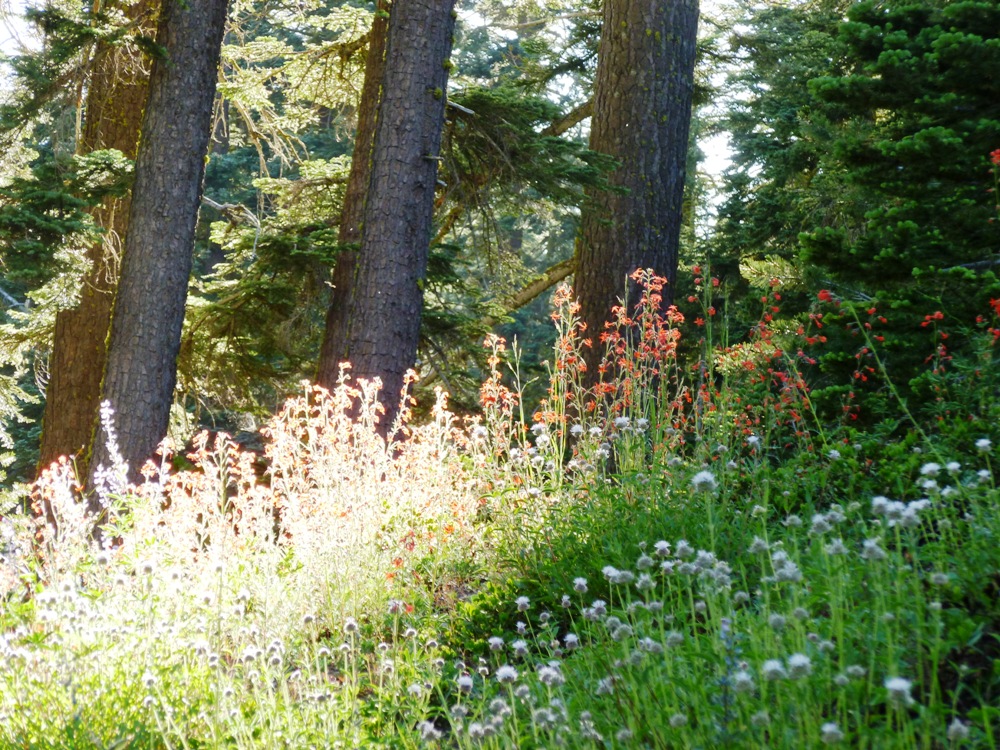
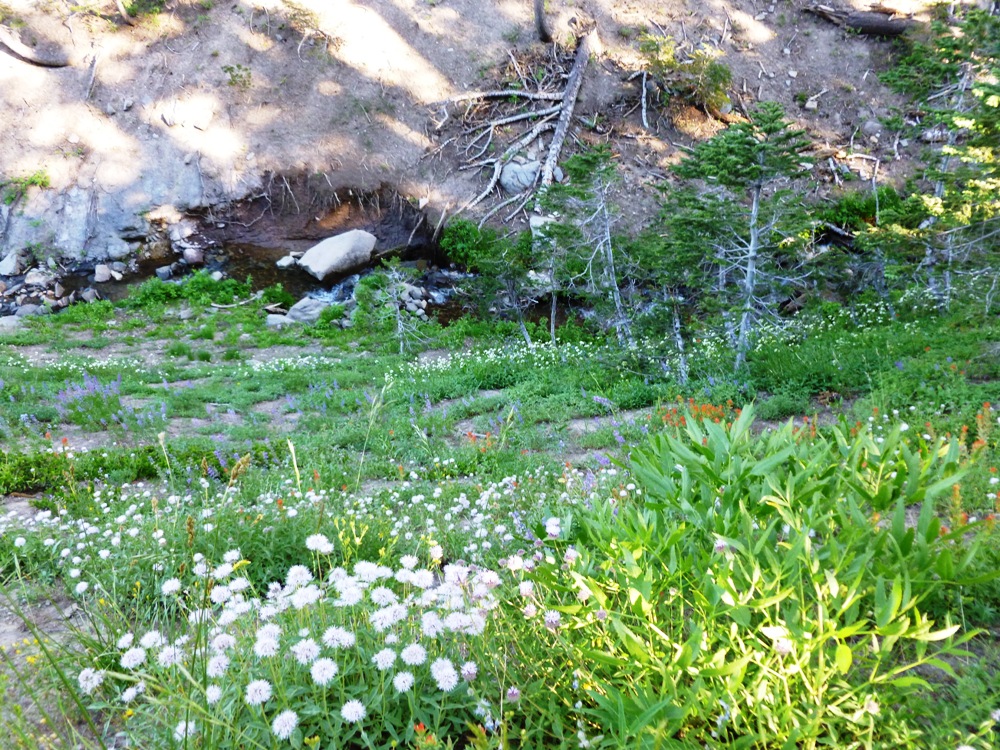

Sweet birds, you land in the tree –
a reminder –
just beyond the window
that separates me
thrives the life
I try to imitate.
©Nicci Carrera, 2/17/13
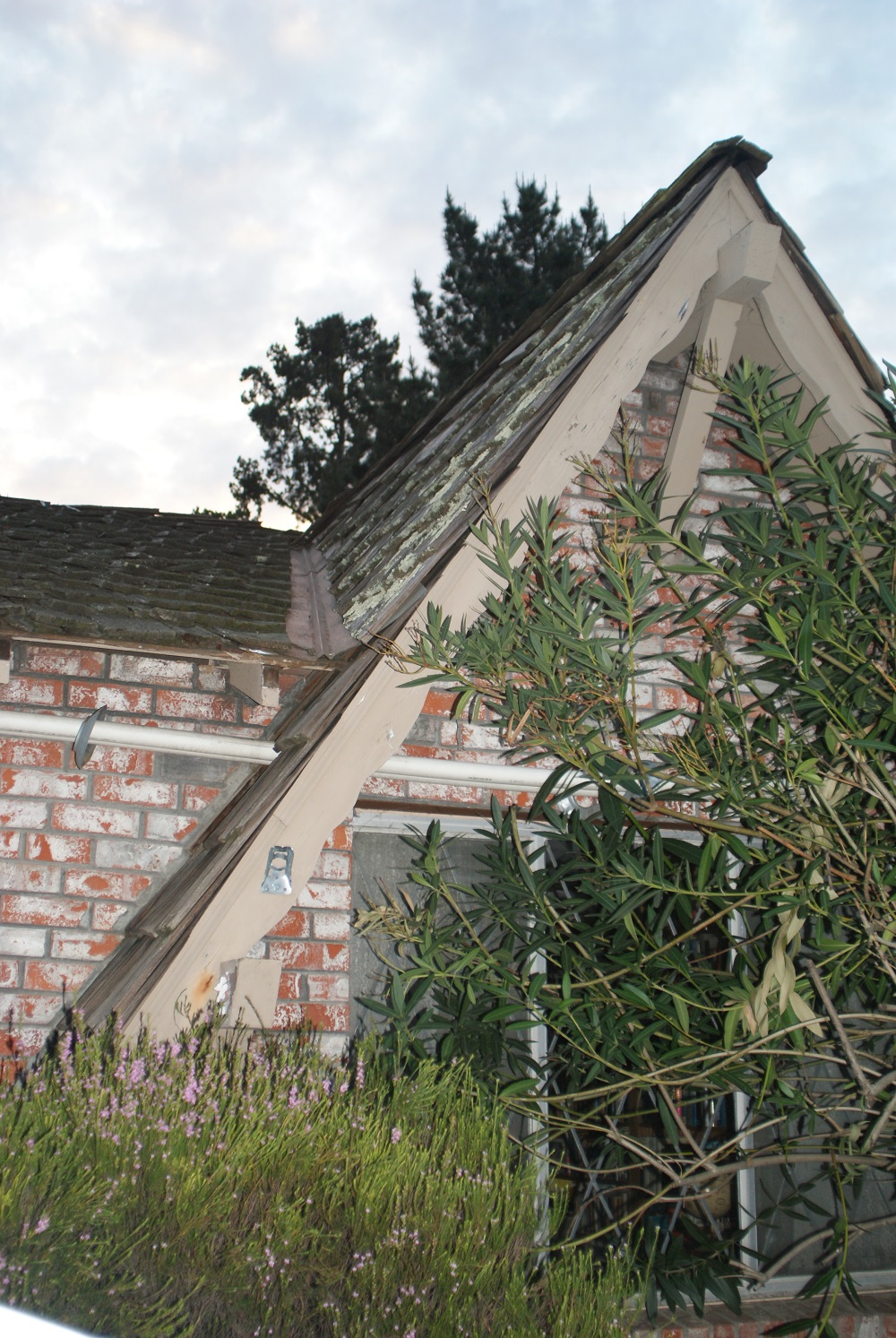

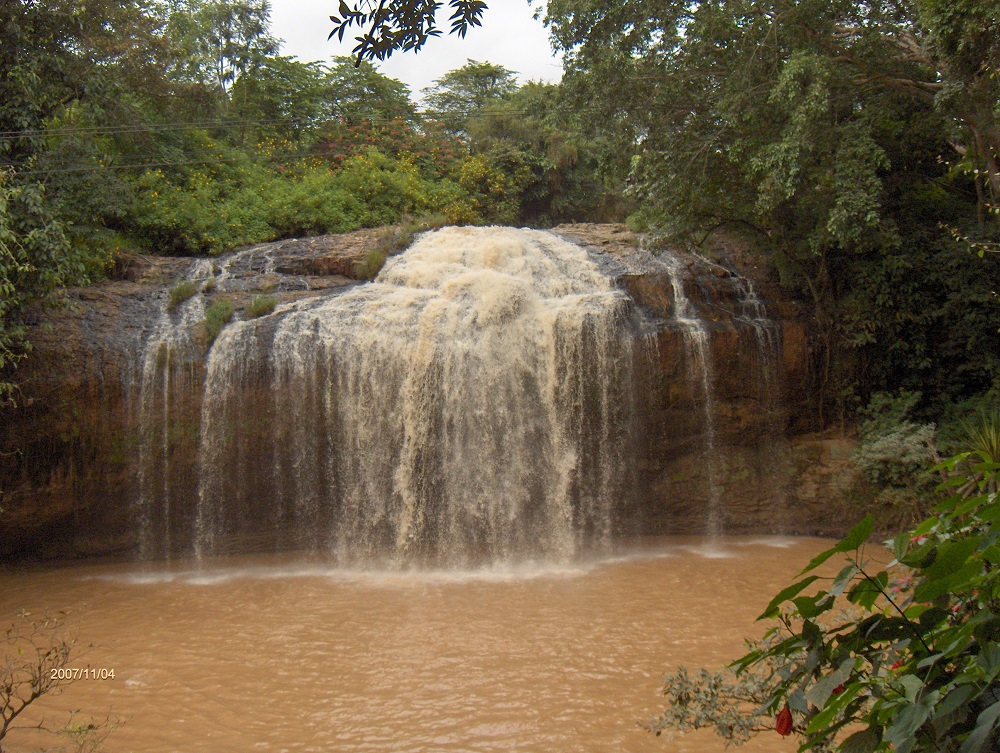
Okay, the water’s not blue but this is still lovely:
Tad afraid of heights? Then hang on tight…


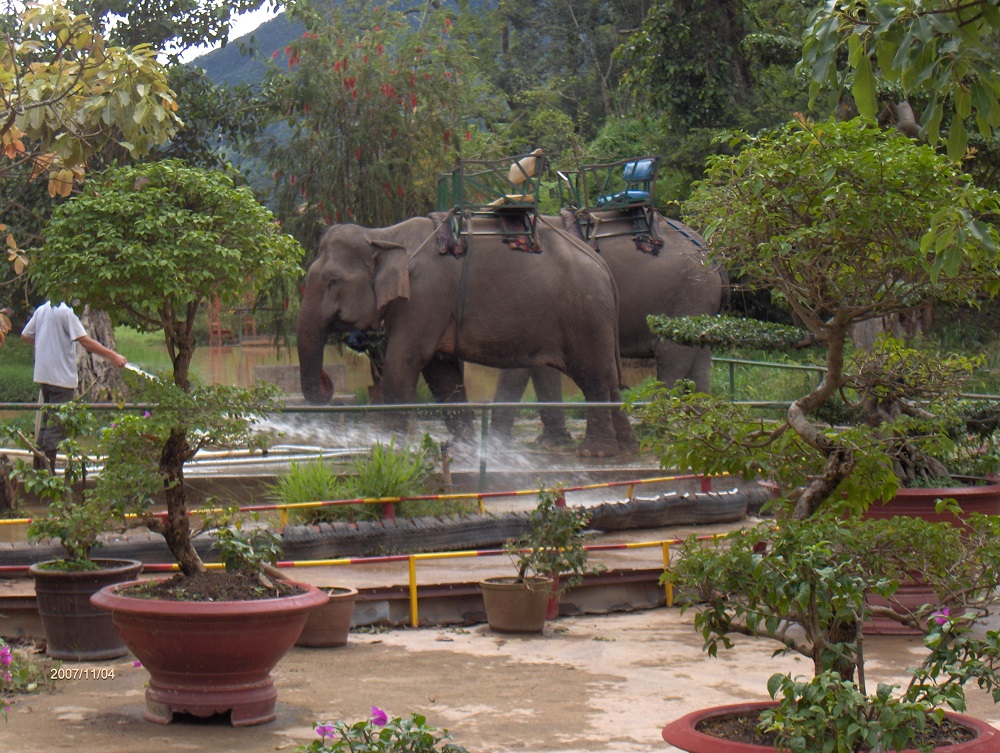
Poor, regal beasts:
Arrive at the limestone caves:

Tour caves so vast even the slightly claustrophobic are comfortable:
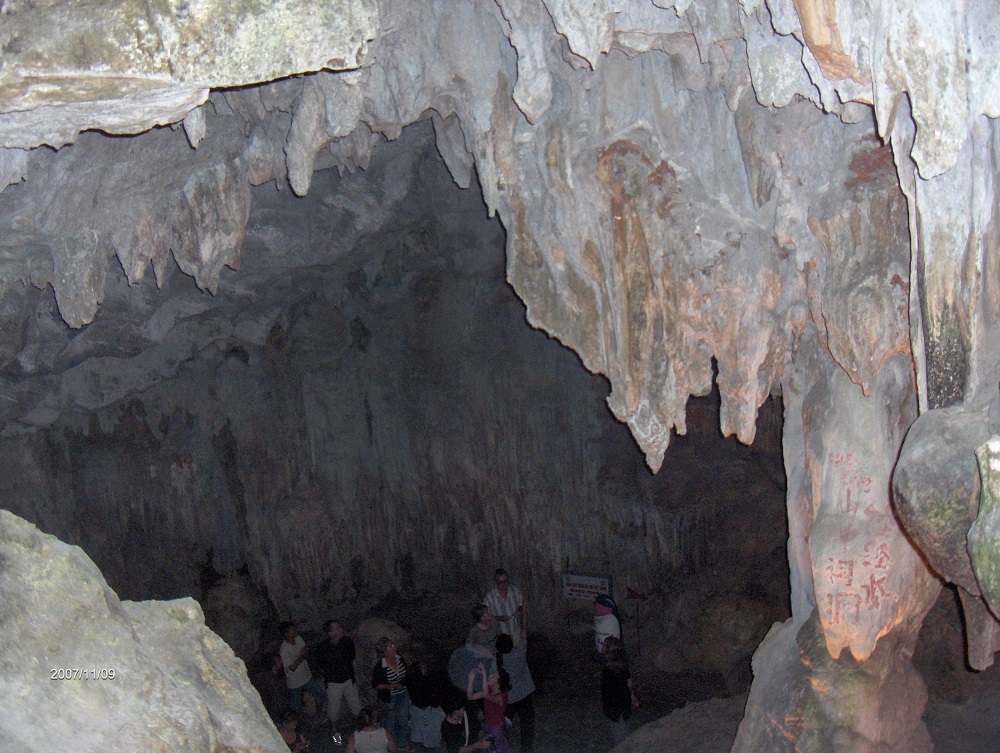
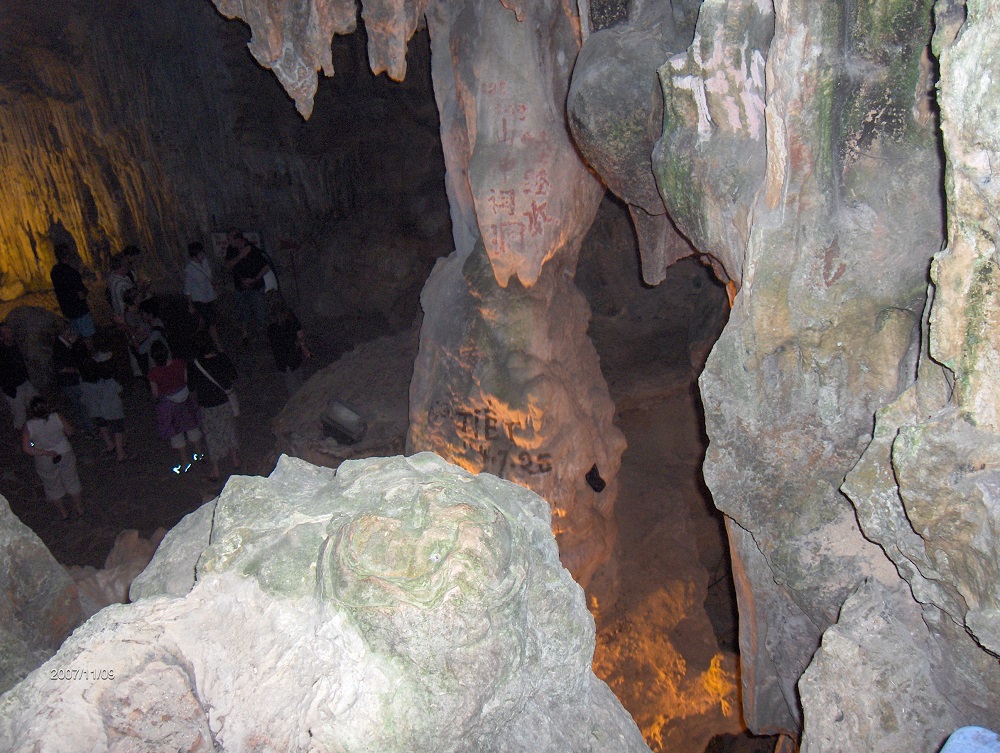

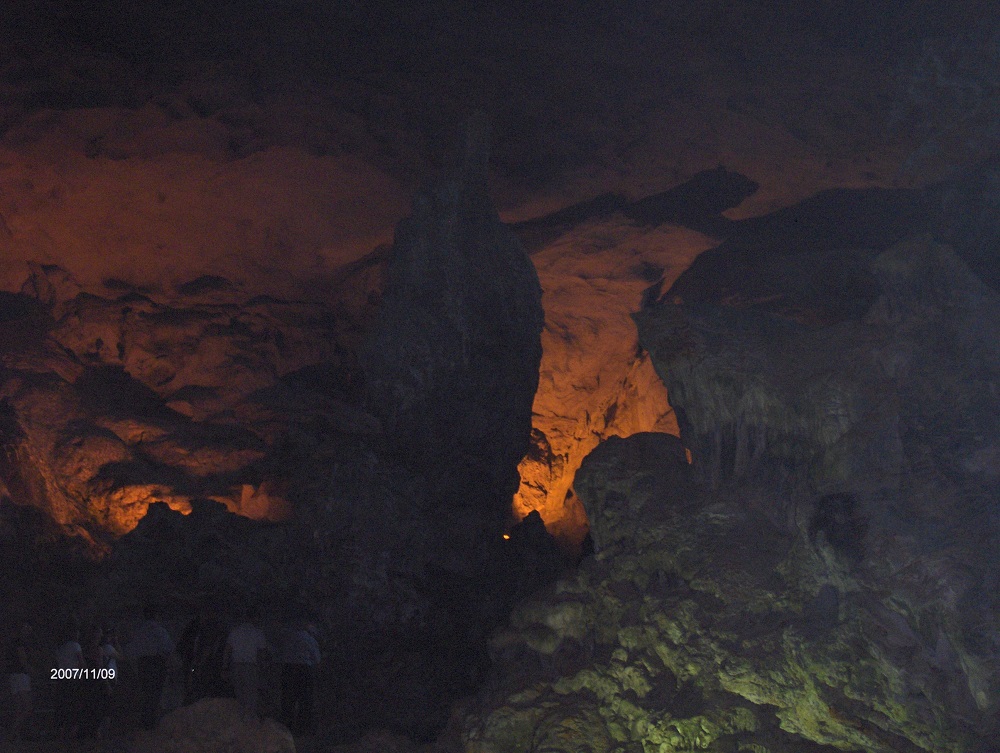
Learn the difference between stalactites (the mineral drippings suspended from the ceiling):
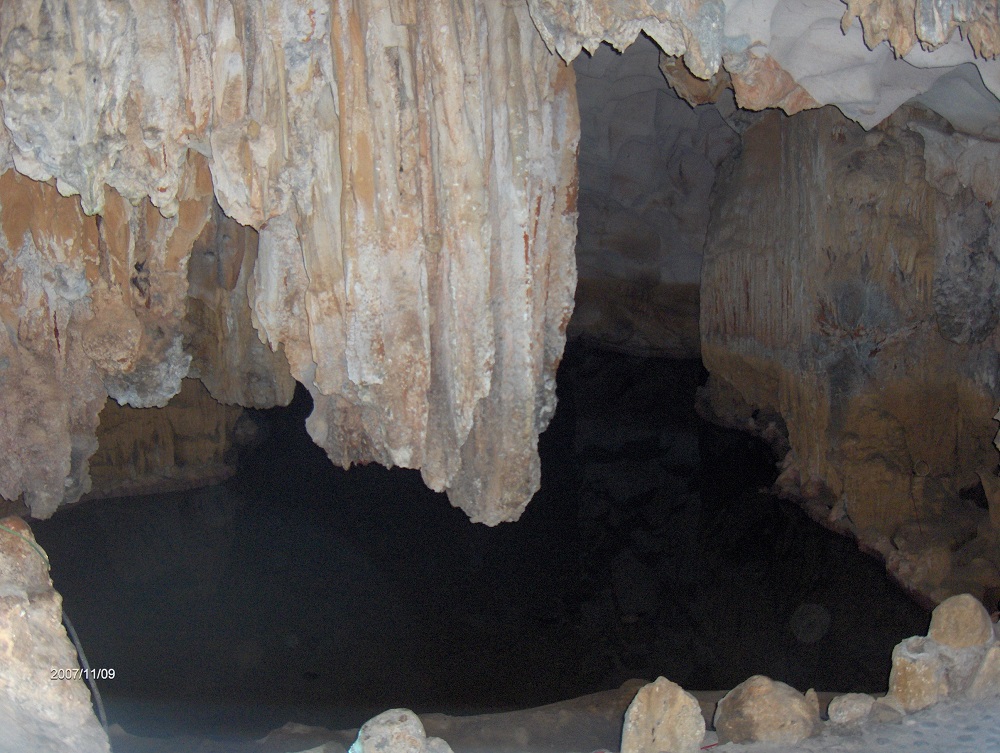
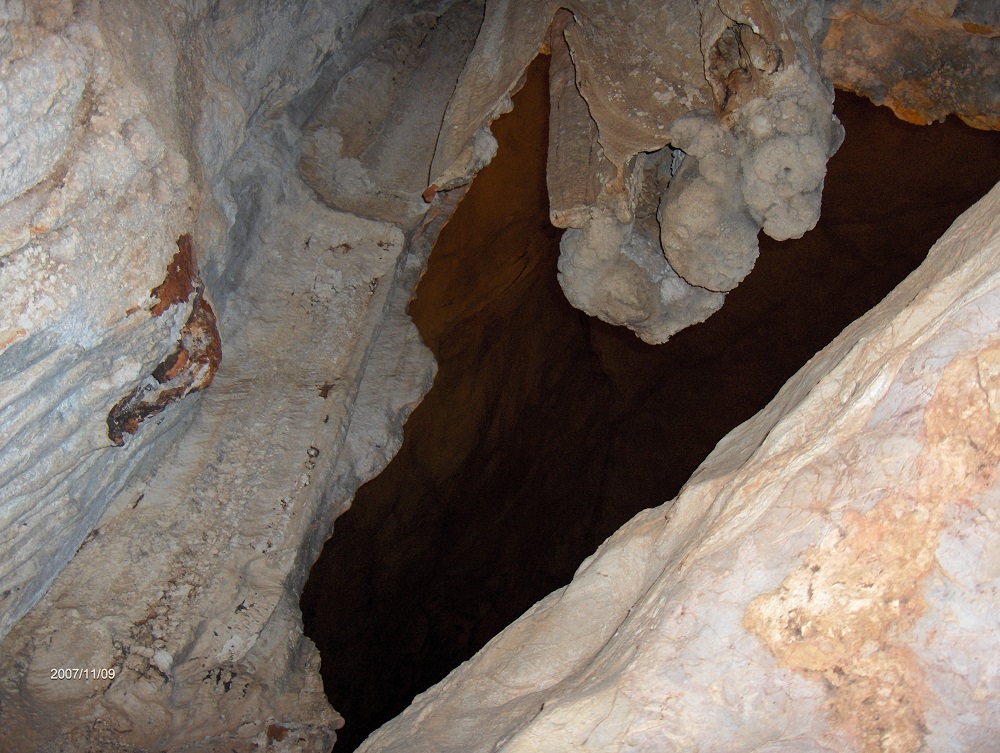
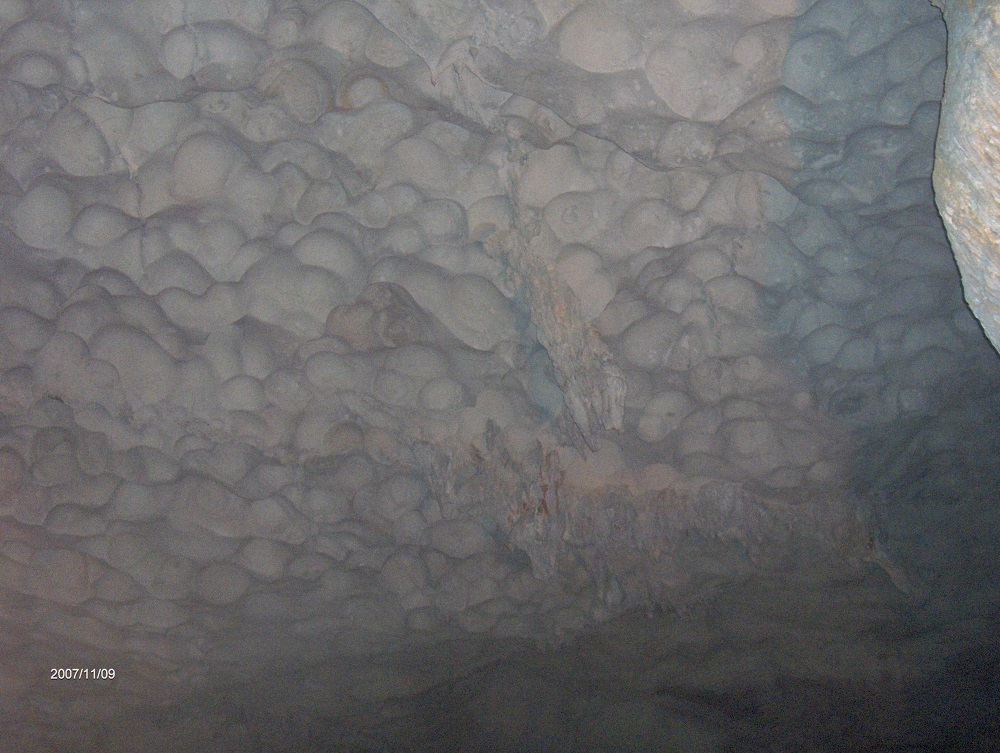
And stalagmites (deposits rising off the floor, built up from ceiling drips):

Tour guides delight in showing things like this stalagmite (not what they call it) to tourists, shining lights on it to be sure no one can miss the reference:
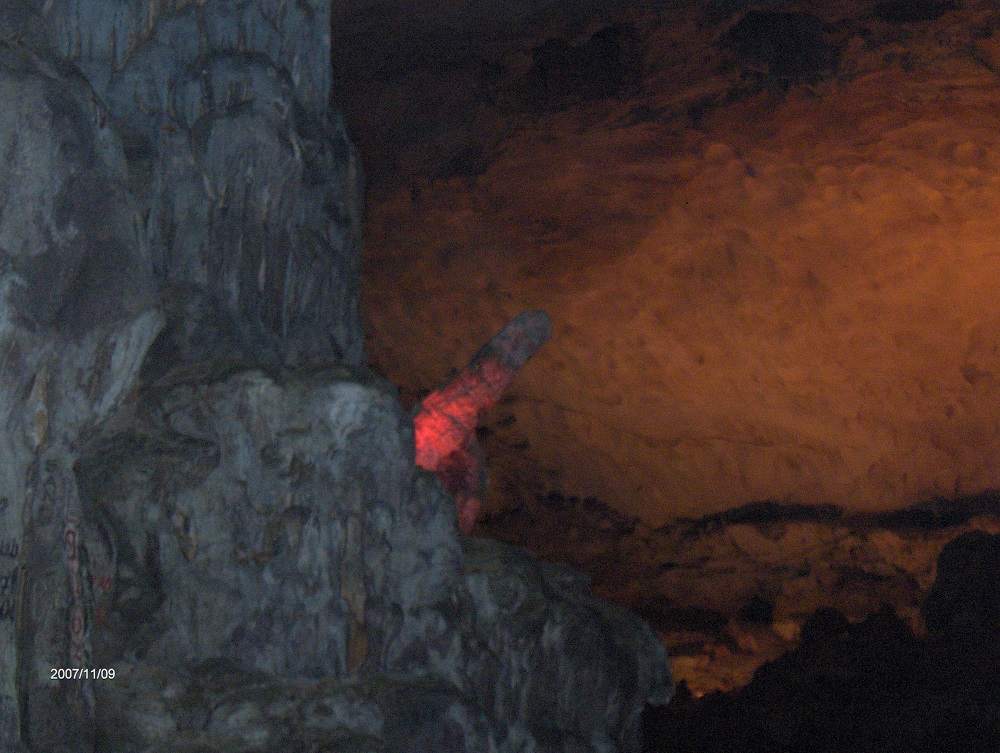
Now see them everywhere:
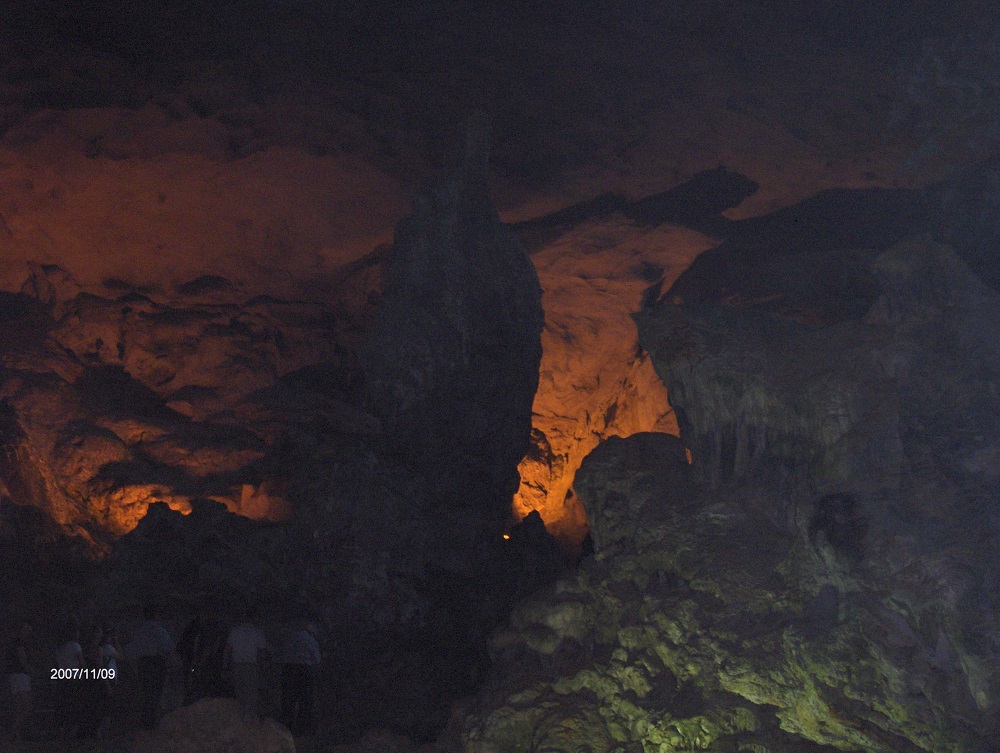
Soldiers hiding here left their mark:

Emerge back into the sunlight high above Halong Bay with all the tourist boats and some locals’ homes:
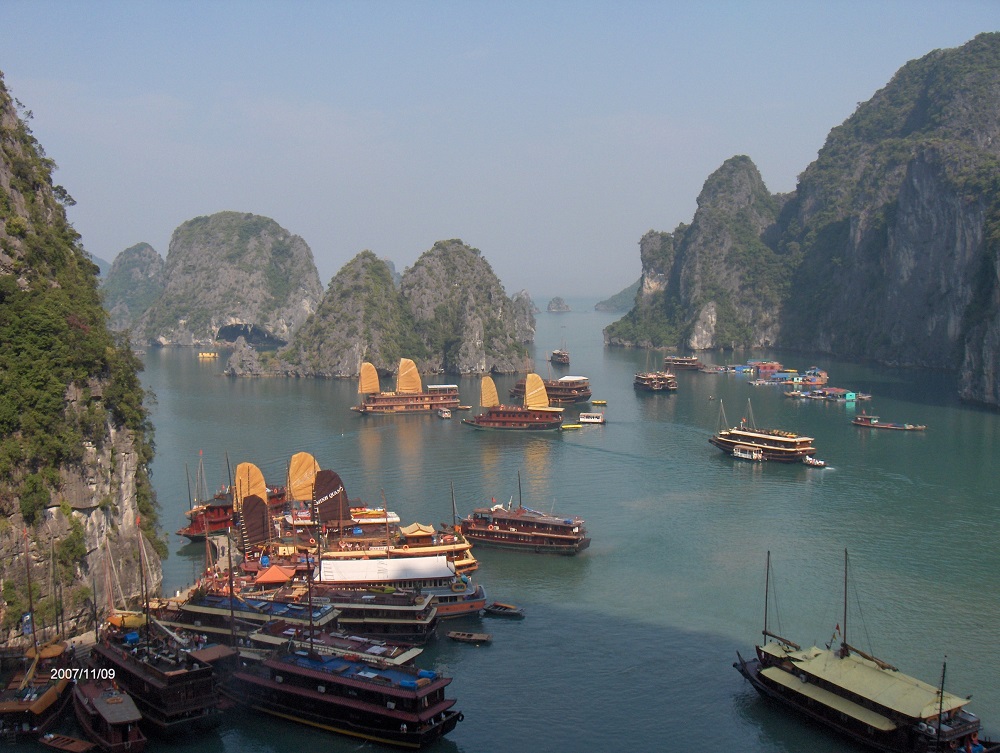
Walk “home” to your boat:

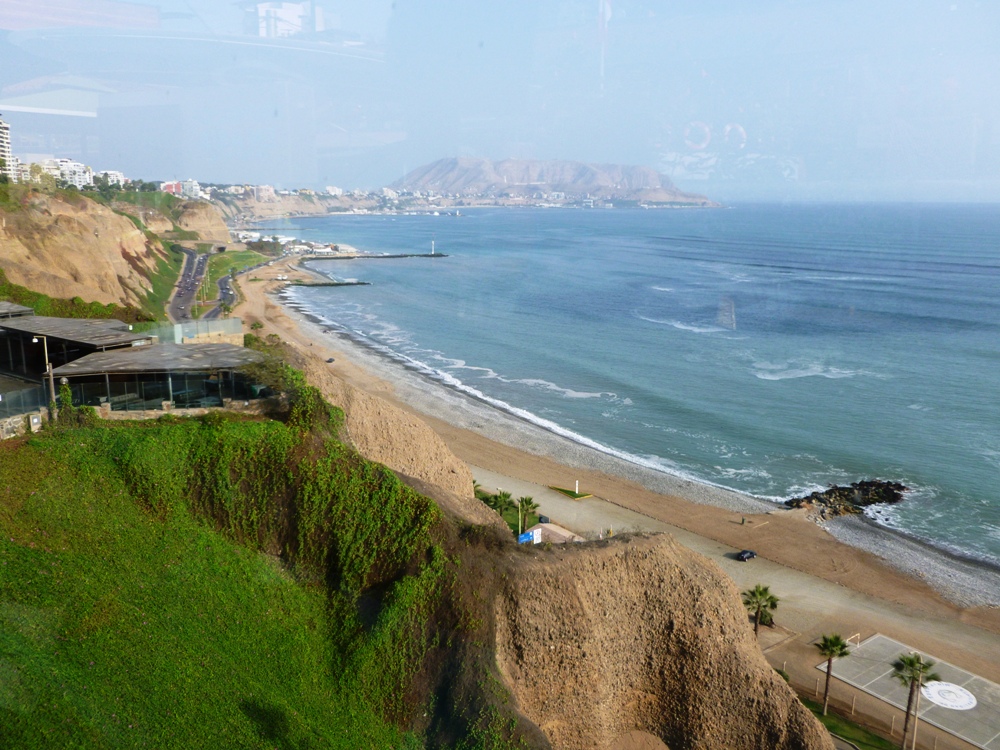
Lima exists under a perpetual cloud, but sometimes you get lucky.
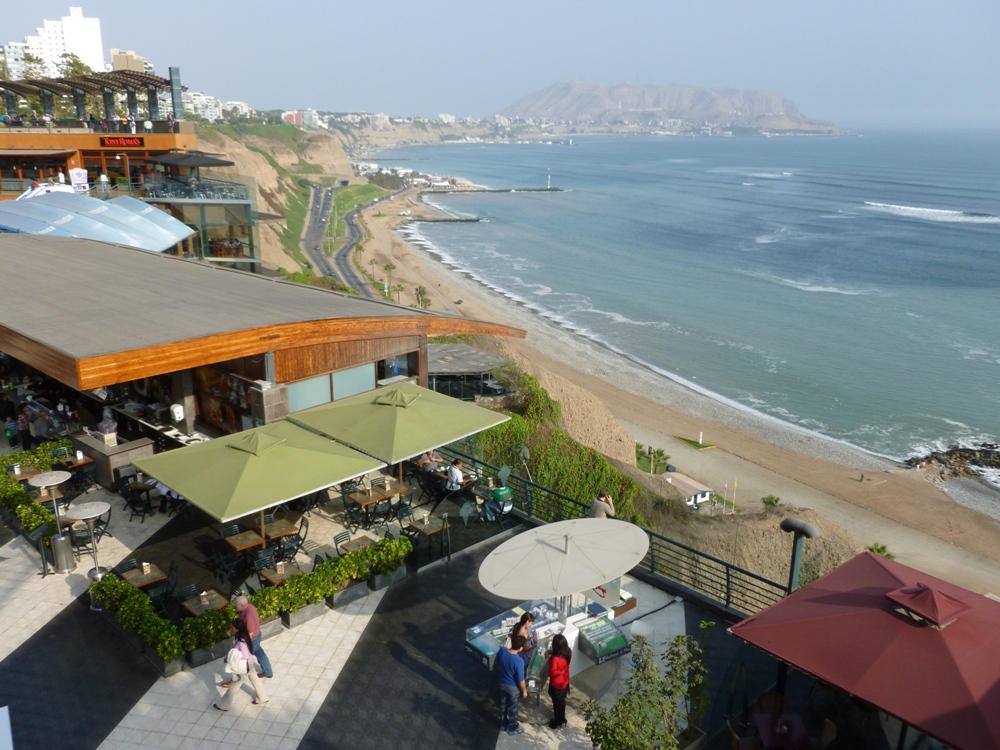
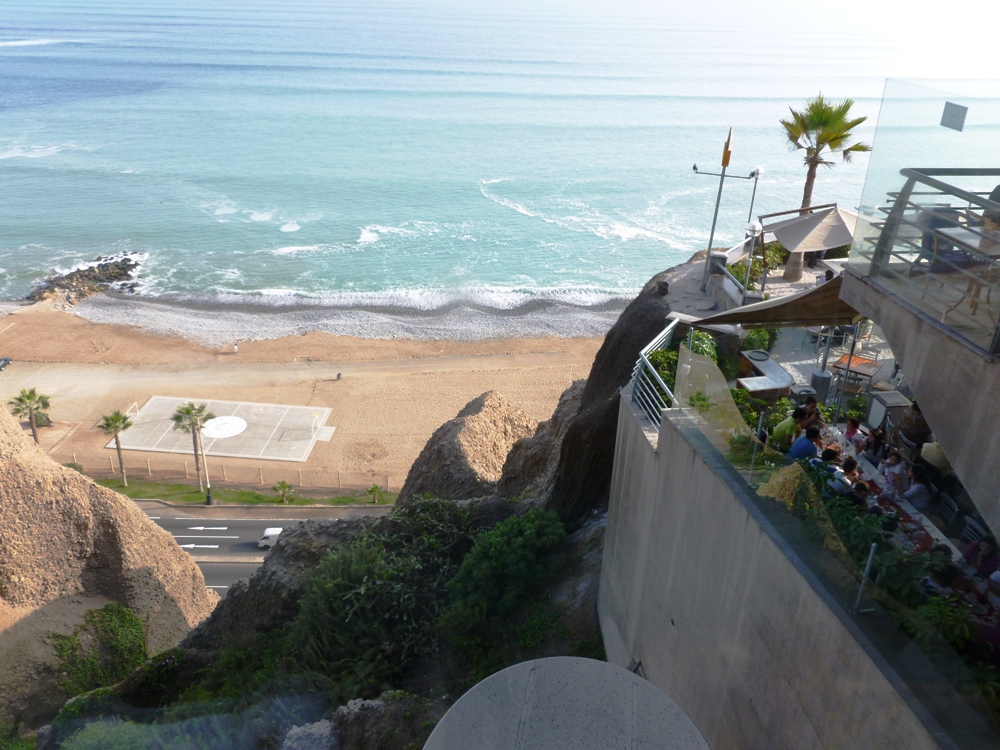
The Miraflores district is on the coast. It has major hotels and a mall built into the side of the cliff:
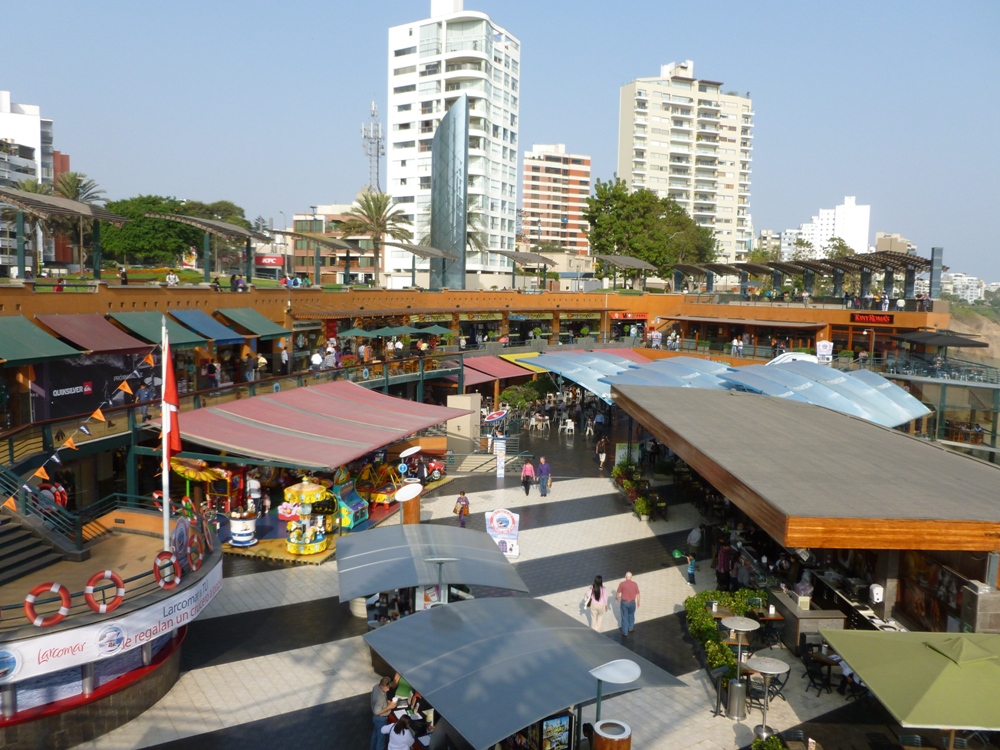
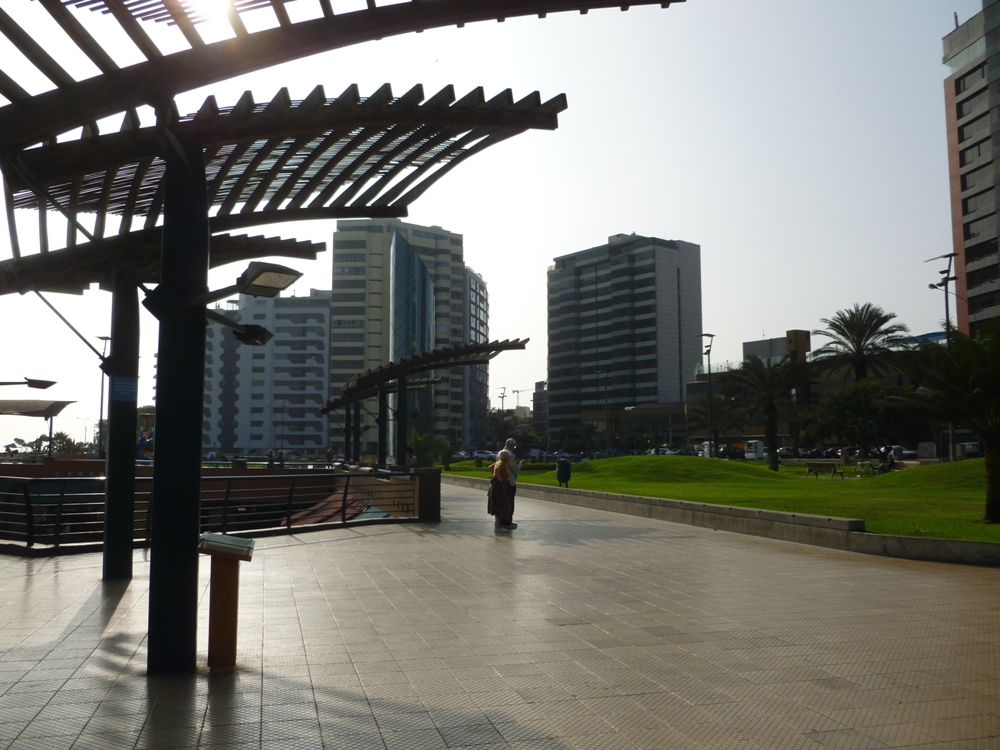
On a sunny day, it’s spectacular:
And not too shabby after sunset:
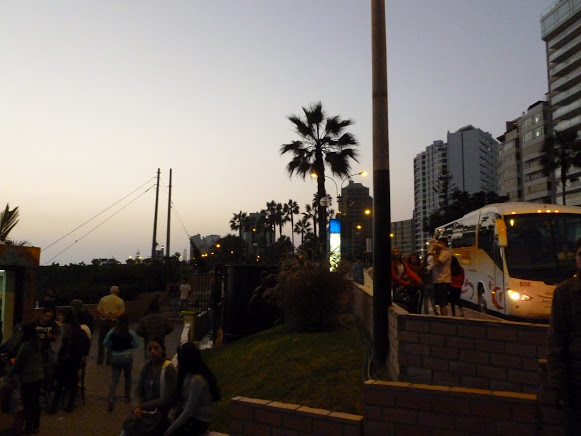
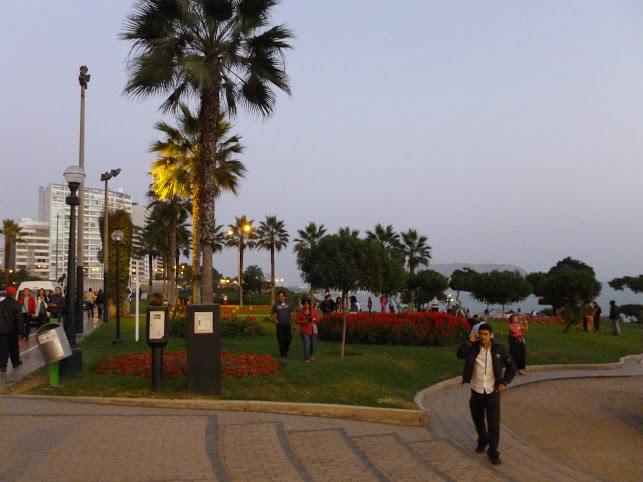
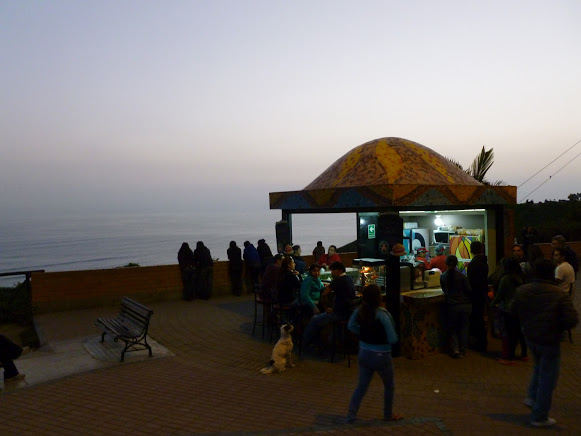
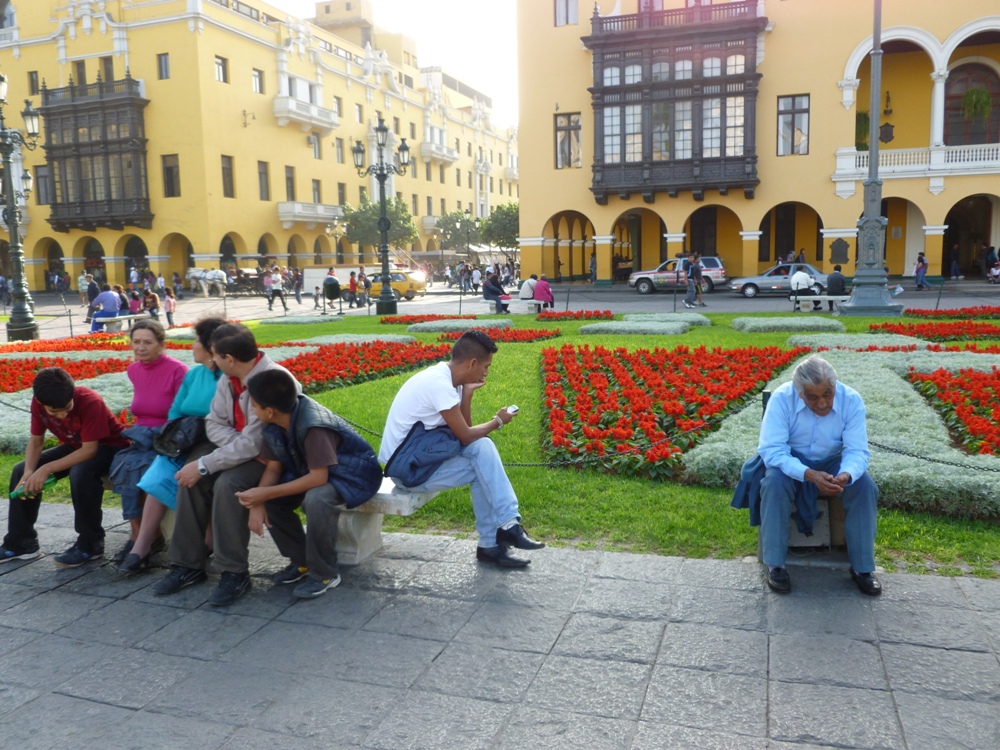
When the sun shines in downtown Lima, people come out and enjoy it. In fact, there’s no room left on the park benches:
 Nicci Carrera